Comparison Between SmartCVS Editions

The following table shows a comparison of features of the different SmartCVS 7.1 editions. New features and improvements since version 7.1 (compared to version 7) are highlighted. The complete list of changes for version 7.1 can be found in the Change Log.

Supported Platforms Foundation Professional Enterprise
Windows NT/2000/XP/2003/Vista/7 + + +
Linux, Unix and derivates + + +
Mac OS X + + +
Other platforms that support Java 1.4.1 or newer (e.g. OS/2) + + +
Supported Authentication Methods Foundation Professional Enterprise
Password Authentication (pserver) + + +
Secure Password Authentication (sserver) + + +
Built-In SSH-1 + + +
Built-In SSH-2 + + +
Proxy support + + +
Supported CVS Commands Foundation Professional Enterprise
import (to create a module), checkout, update, commit, add, remove, log, tag, rtag + + +
import (to track third-party changes), annotate, edit, unedit, editors, lock, unlock, watch, watchers, release - + +
Nearly all commands operate on nested modules and even nested projects (from different repositories!) + + +
Keyword Substitution Support Foundation Professional Enterprise
Basic support (add, update commands) + + +
Advanced support (changing) - + +
Smart Extensions Foundation Professional Enterprise
Graphical Log with chronological ordering + + +
Built-In Repository Browser to select the files to check out (instead of typing their path) + + +
Change Sets: organize changed files in task-related groups to prepare the next commit - + +
Ability to list all transactions (commits) and see which files were added, removed or changed, possibility to filter by branch or author, save transaction information to XML file - + +
Ability to search for commits by log message - + +
Ability to list all (even removed) repository files or those which have a specified tag - + +
Ability to compare repository files by tags - + +
Change Report: shows detailed changes (locally, repository) for multiple files at once - + +
Ability to mark unchanged files with modified timestamp as unchanged - + +
Smart Commit (add, remove and commit files with one click) - + +
(Smart) Commit optionally changes touched, but unmodified files, so their state returns to 'unchanged' - + +
View Remote State beside the file; see changes in the repository, even for files that don't exist locally - + +
View Editors beside the file - + +
View last author beside the file - + +
Tag Browser, showing the tag order and branch structure + + +
Ignore Files/Directories (explicitly/by pattern, globally/locally) - + +
Export Snapshot (to directory or zip file) - + +
Simple Revision Pinning (to prevent accidental committing of temporary changes) - + +
Ability to create patches - + +
Ability to apply patches - + +
Display/Navigation Foundation Professional Enterprise
Flat File view (in order to also see all files from subdirectories) + + +
Display of what directories contain uncommitted files + + +
Display sticky branch behind directory name + + +
Filtering by file state (show/hide ignored, non-CVS or unmodified files) + + +
Filtering by file name supported on all file tables + + +
Individual File Table sorting, also by multiple columns simultaneously + + +
Search files by typing the name (includes wildcard support) + + +
Copying the path or name of the selected file to the clipboard - + +
Administration Foundation Professional Enterprise
Create and edit user accounts within the repository - + +
Key-pair generator for public key authentication - + +
Built-in Tools Foundation Professional Enterprise
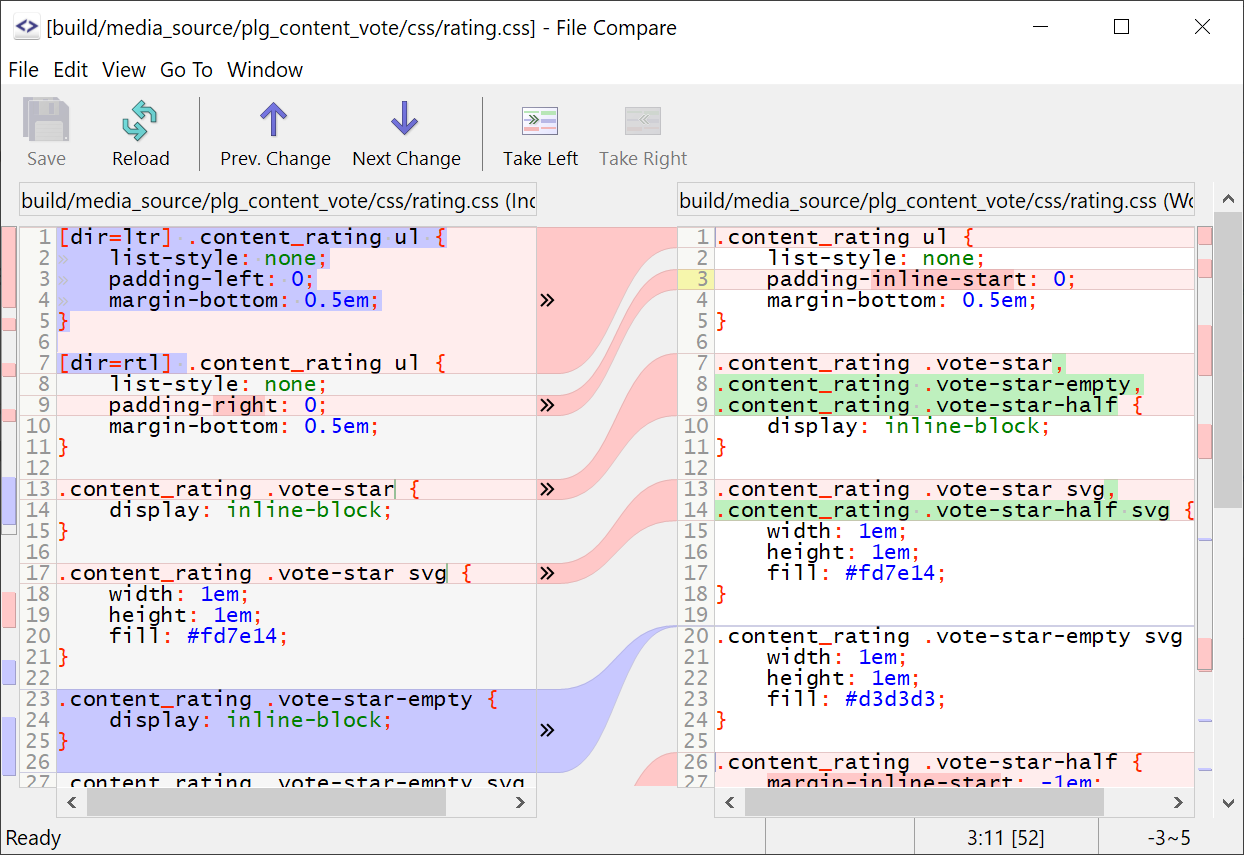
File Compare with detection of within-line changes and the possibility to edit files, ability to export the file changes as colored (printable) HTML file + + +
Conflict Solver (3-Way-Merge) - + +
External Tools Foundation Professional Enterprise
Ability to use different external file compare tools (even for binary files); file viewers (e.g. for graphics) also can be used (two instances are launched, one for each file) + + +
Ability to define different file editors/viewers by file pattern + + +
Ability to use external tool for solving conflicts + + +
Miscellaneous Features Foundation Professional Enterprise
Customize accelerators (keyboard shortcuts) and popup menus (context menus) + + +
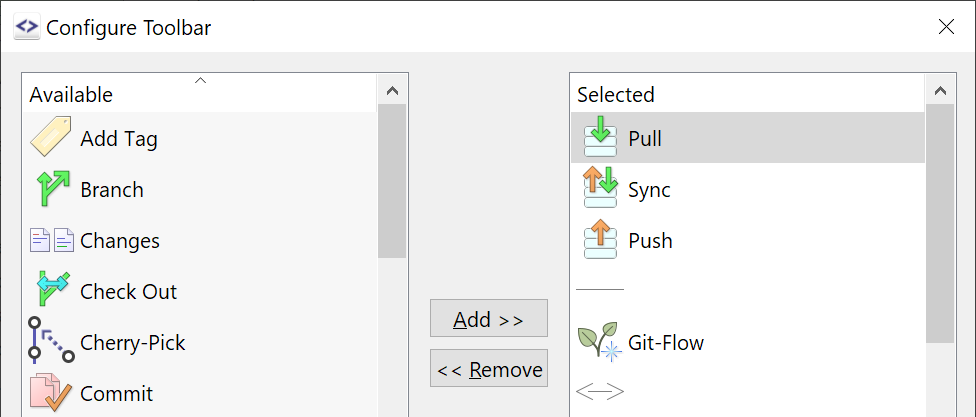
Customize displayed toolbar buttons for the project window + + +
Check for new SmartCVS versions + + +
Easy to use wizards assist in non-trivial or rarely used operations + + +
Automatic detection of UTF-16 encoded text files for Built-in File Compare and Conflict solver + + +
Ability to convert (within-line) tabs to spaces while committing - + +
Implicit Login + + +
Smart daylight saving solution + + +
Can be iconified to system tray + + +
Save password store for server passwords and certificate passphrases protected by a master password + + +
Licensing Model Foundation Professional Enterprise
Licensing model Free User-based Company-wide
  Download Evaluate Evaluate
    Purchase Purchase

Keys: new, improved