What's New in SmartGit 24.1
For SmartGit 24.1, we have mainly focused on optimizing common workflows like setting up hosting providers or cloning a repository.
Standard Window improvements
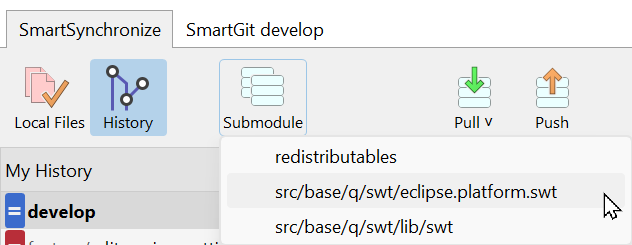
Easier Switching to Submodule
For repositories with submodules it became much easier to open such a submodule.
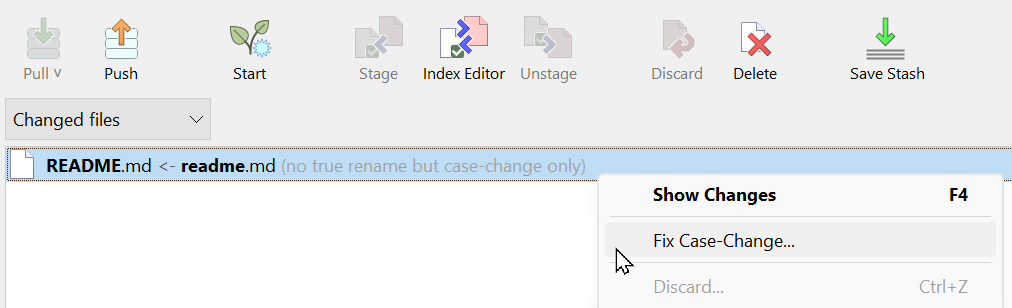
Fix Case-Changed Files
Case-changed files are highlighted and two options are offered to fix it: either rename the working tree file back to the repository case, or rename the file in the repository.
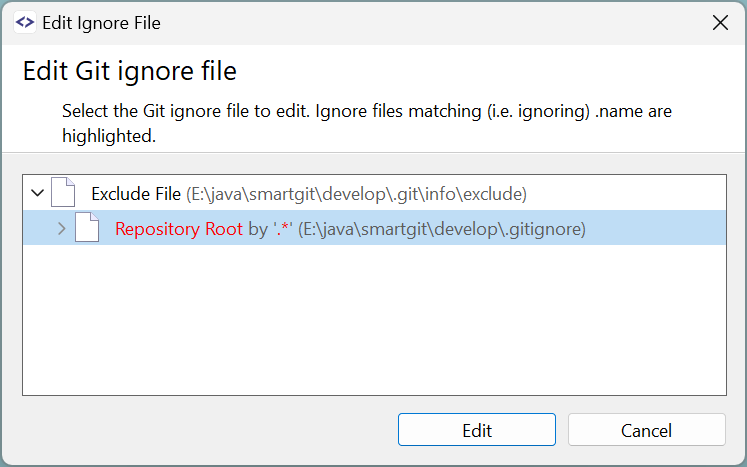
Edit Git Ignore File
This feature (which already exists in the Working Tree and Log window) helps in identifying which Git ignore file causes a file to be ignored, or to simply edit one of the multiple Git ignore files.
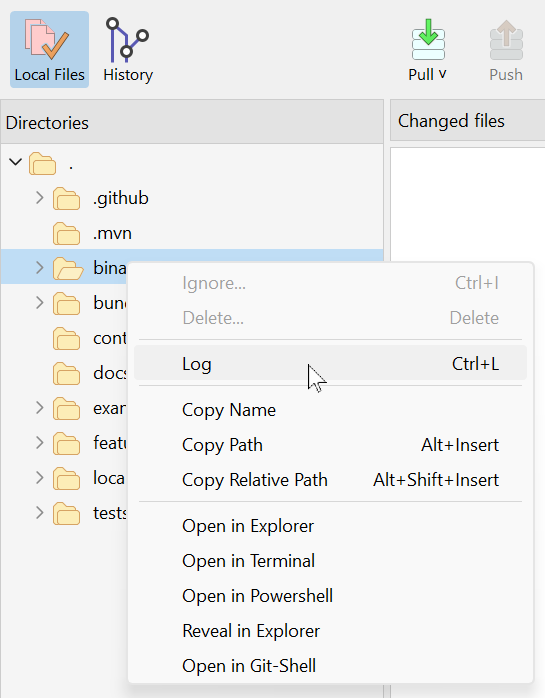
Subdirectory Log
You also can invoke a subdirectory log to limit the amount of shown commits to those which contain modifications inside this subdirectory.
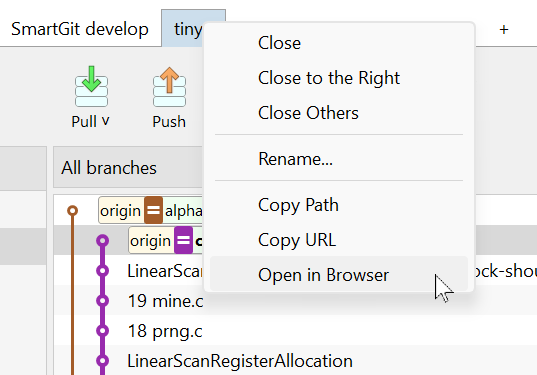
Open at Hosting Provider
For repositories of a hosting provider, e.g. GitHub, it became easier to open the commit or repository in the browser.
General improvements
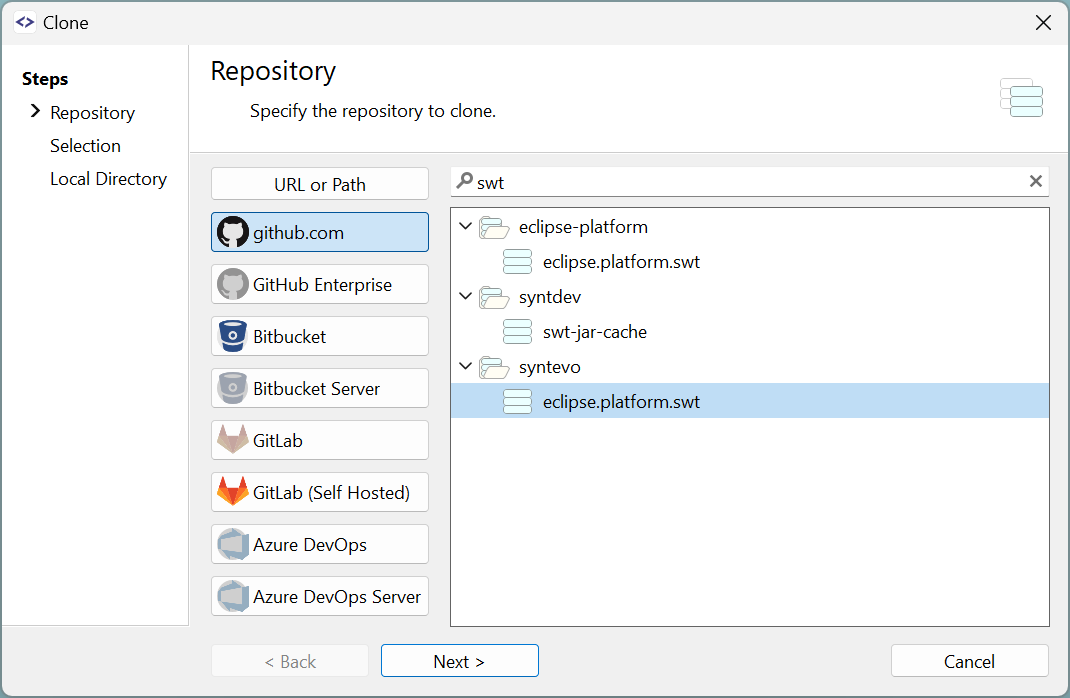
Cloning from Hosting Provider
The Cloning from a Hosting Provider has been significantly improved, making it not just more obvious, but also visually attractive.
For GitHub, you can specify which repositories will be listed (e.g. own or starred repositories). Organizations that are inaccessible via OAuth no longer disrupt the listing process; instead, a warning will be shown. Additionally, query performance has been significantly improved.
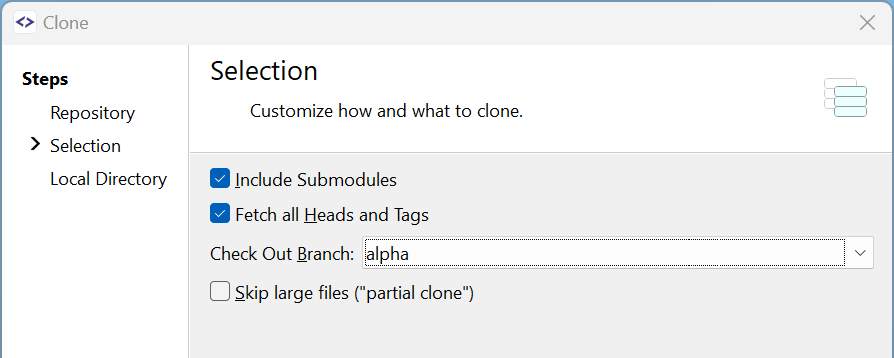
Clone: Active Branch
The administrator of a repository can configure which is the active (main) branch of a repository. SmartGit now preselects this branch for cloning.
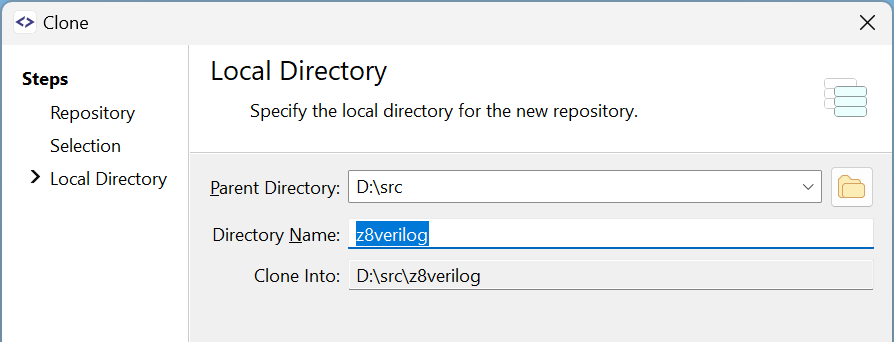
Clone: easier directory selection
If you store your repositories in multiple topic-specific directories, the improved directory selection makes it easier to select the location and/or change the name of the directory.
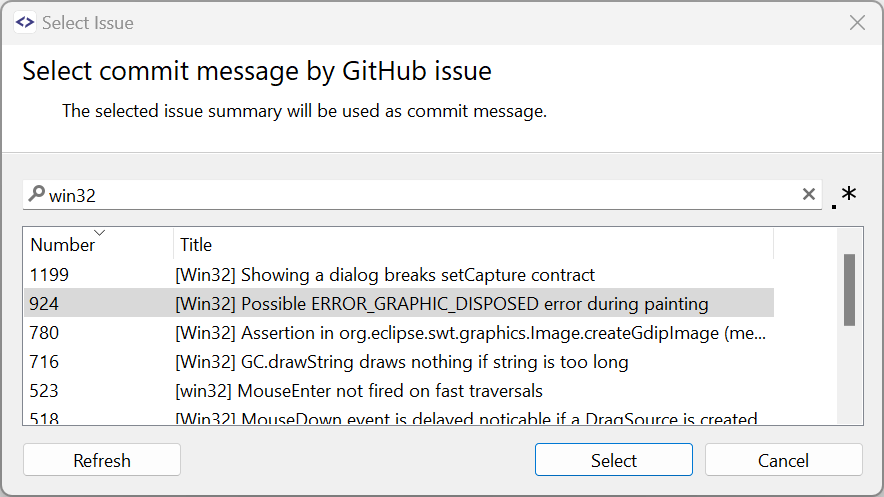
Select Issue from GitHub
Like for the JIRA integration you now can select a ticket from GitHub for a commit message.
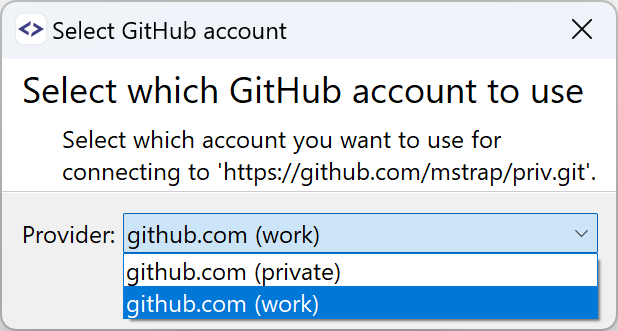
Work with Multiple Accounts at same Hosting Provider
When having multiple accounts at one hosting provider, such as GitHub, SmartGit allows you to select which account to use. This choice is remembered as URL-to-account mapping and will be automatically applied to new clones.
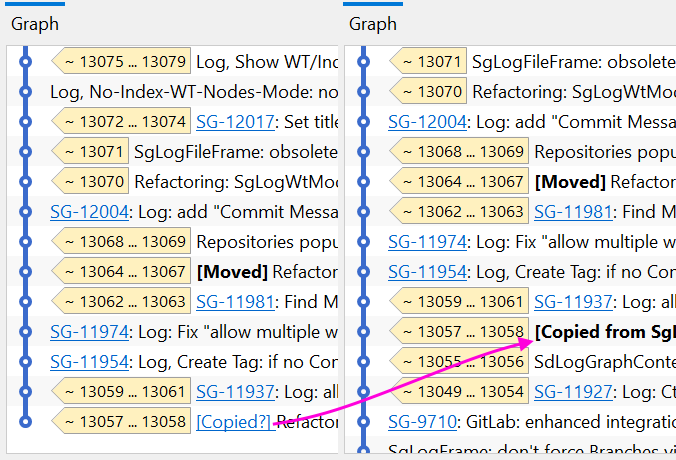
File Log, Blame, Investigate: Follow copies
Sometimes, added files are not created from scratch but are instead modifications of existing files. The File Log, Blame, and Investigate commands can now optionally detect these copies and proceed with the operation for these copy-sources.
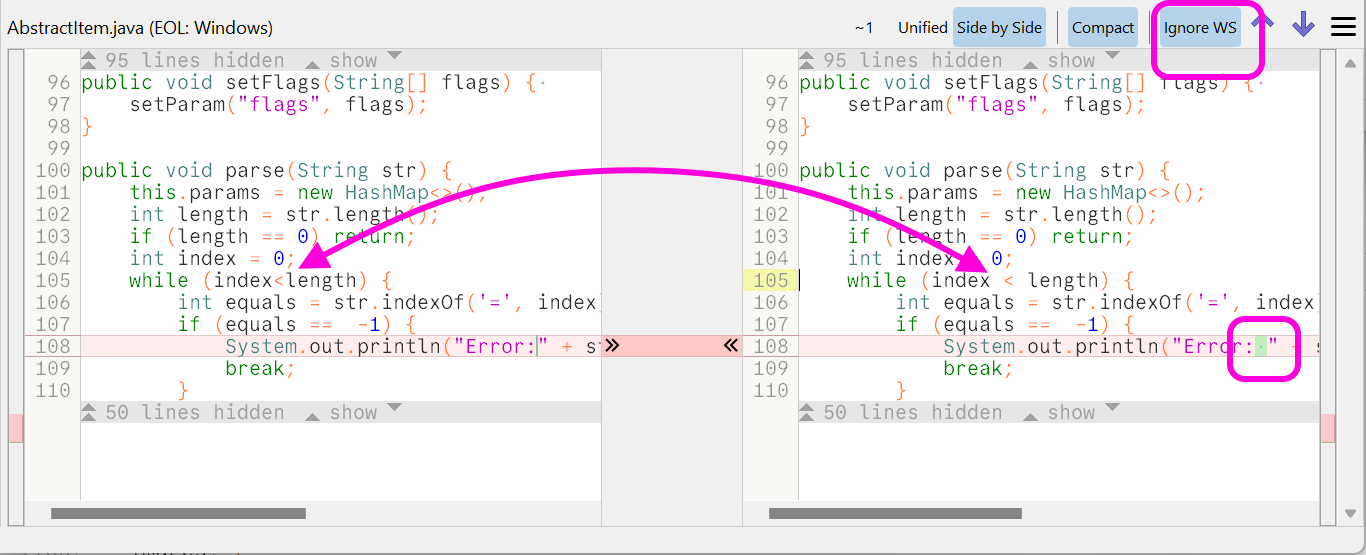
Changes view: Ignore Irrelevant Whitespace
Sometimes, e.g. after a source code file has been reformatted, it is helpful to ignore irrelevant whitespaces. Together with the new syntax-based coloring, the new toolbar button quickly allows to hide all whitespace changes that don't change the meaning of the code.
To avoid accidentally committing unnoticed whitespace changes, this option is automatically reset for local files if the selection is changed. For viewing committed files, it is preserved.
Rollback-To
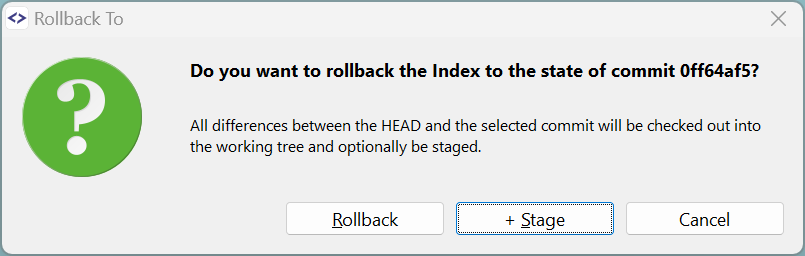
Rollback-To is a new power-user command that will set the working tree or index to the state of the selected commit. It can be executed on an entire commit (affecting all files) or on specific files within a commit.
This feature is very helpful for rebuilding a small feature branch where the last commit should contain all the remaining changes of the previous feature branch.
SmartGit as Credential Helper
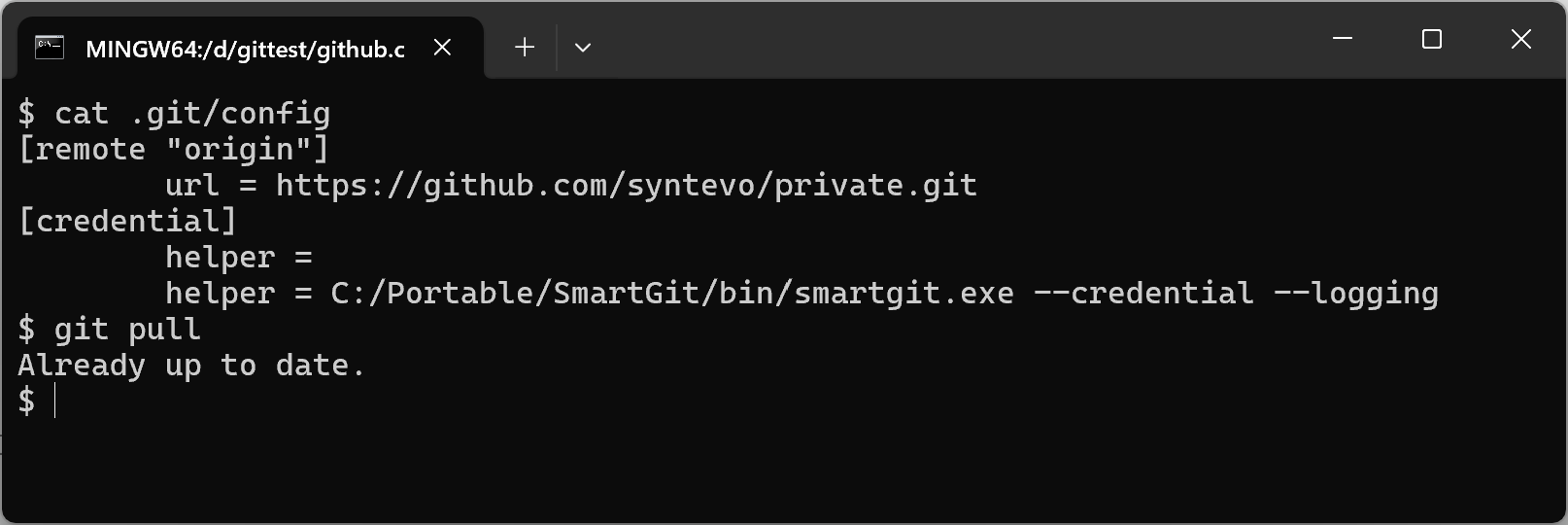
When cloning a repository using SmartGit, it can optionally configure the repository so that when using the command line for Git commands, SmartGit will handle authentication.
This can be very helpful if you primarily use SmartGit but also need to run scripts for your company's specific workflows. By doing so, you can ensure that your credentials are stored in one central location.
Add Upstream Remote
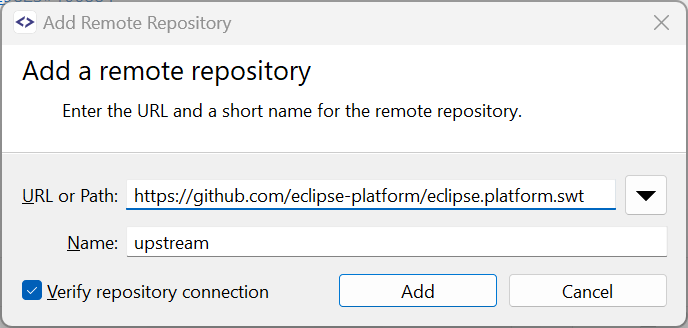
If you've cloned your fork of a GitHub repository without creating the upstream remote, you can add that later just by invoking Remote | Add. The input fields will be prefilled with the upstream data.
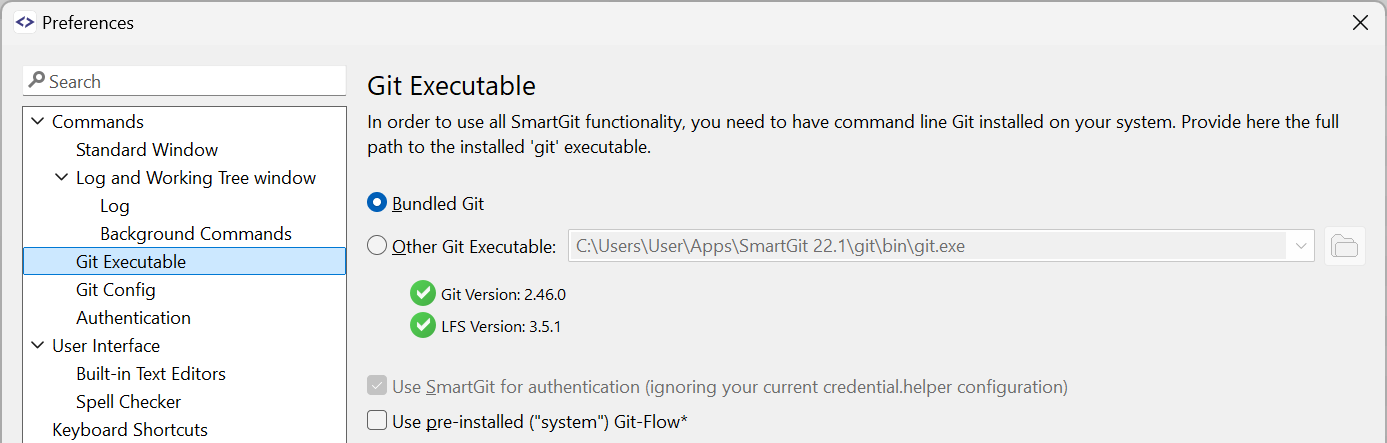
Easier selection of bundled Git
It is now easier to select the bundled Git or another Git executable.
The detected Git and Git-LFS versions are shown.
Compare: better selection color
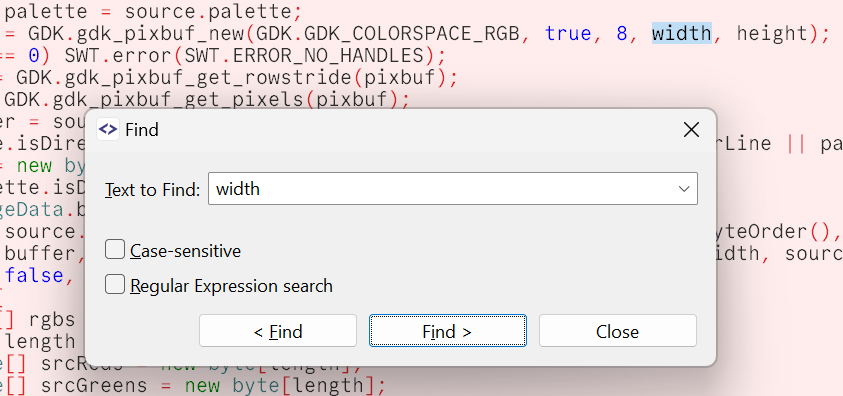
The selection color is now kept even if the control actually is not focused (which happened for showing a Find dialog or a context menu).
Fixed Control Alignment on Mac OS
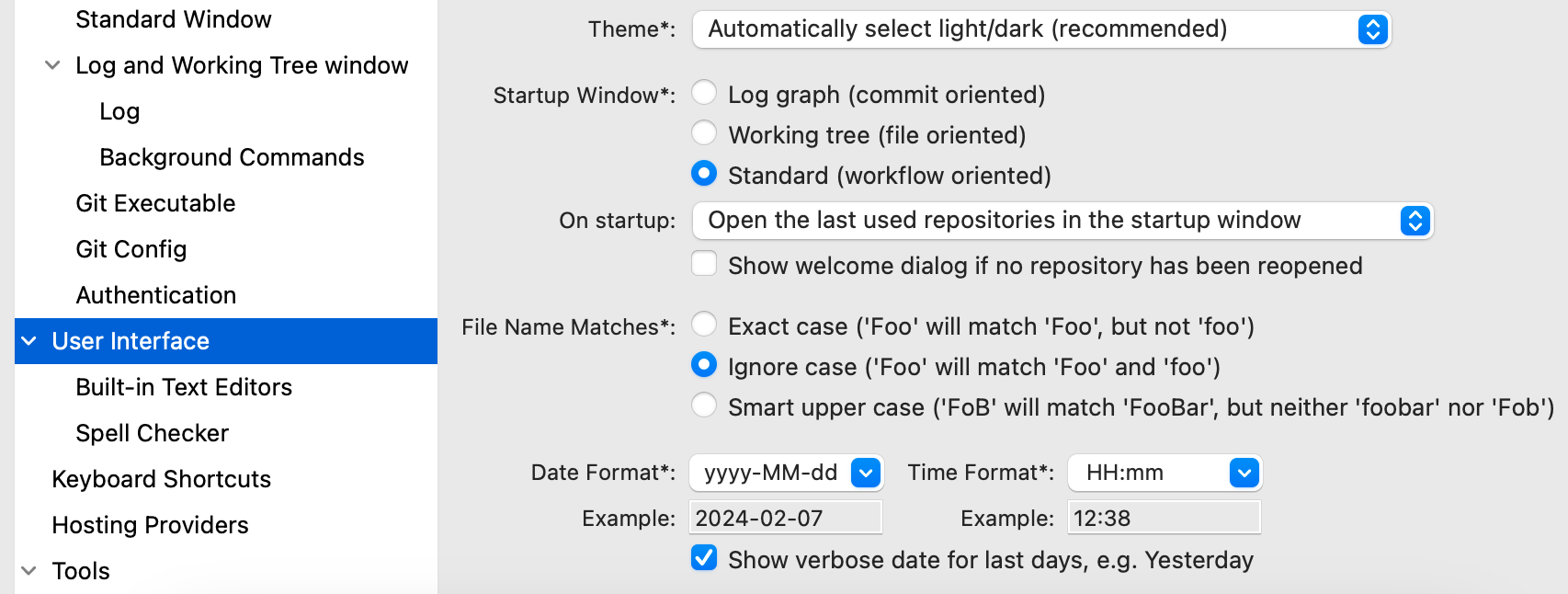
On Mac OS the controls, especially labels, checkboxes and radio buttons, were vertically not aligned on the font's base line. This has been fixed now.
Stream-Lined Setup
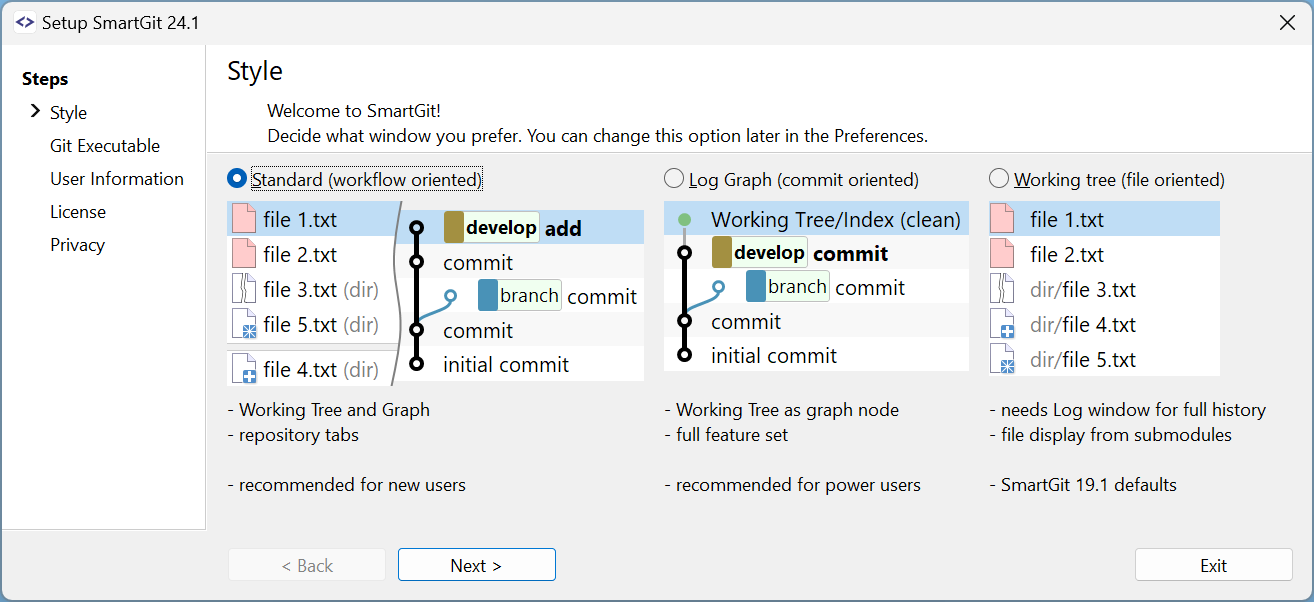
The setup of SmartGit has been stream-lined by removing non-essential parts (the SSH client can be configured in the preferences, anyway) and reordering the pages.
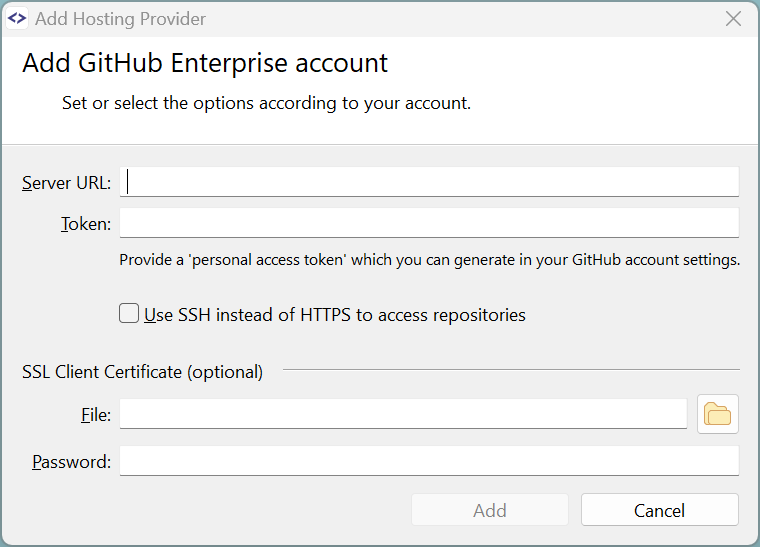
Split Cloud/Enterprise Hosting Providers
The Hosting Providers have been split into cloud and enterprise which simplified the configurations.
What's New in SmartGit 23.1
Standard Window improvements
My History Improvements
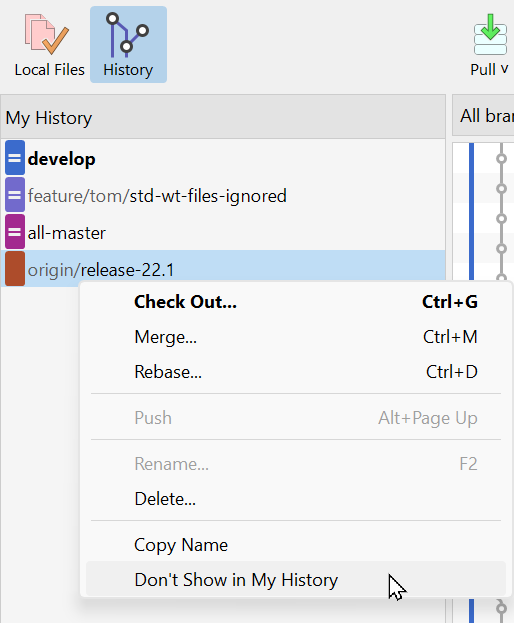
The My History view is the main view of your repository's log.
By default, it only shows local branches, the main branch (e.g. develop), and pull requests.
Using the new "favorite" branches feature, you can add additional remote branches that are relevant to you:
- either if you merge from them regularly or
- if there is other important work going on in these branches
- ...
It's up to you, as they're your favorites.
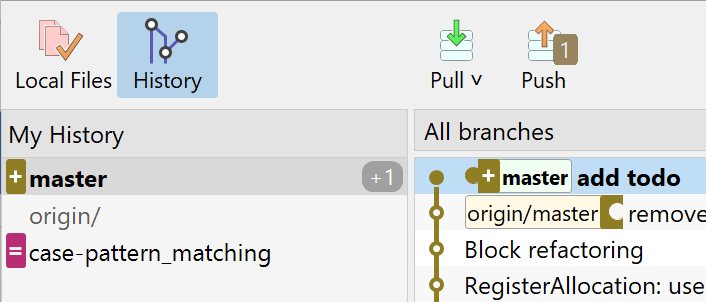
If a local branch has diverged from its remote branch, the remote branch appears below the local branch in the My History view. This makes selecting the remote branch more intuitive.
Reorder Tabs
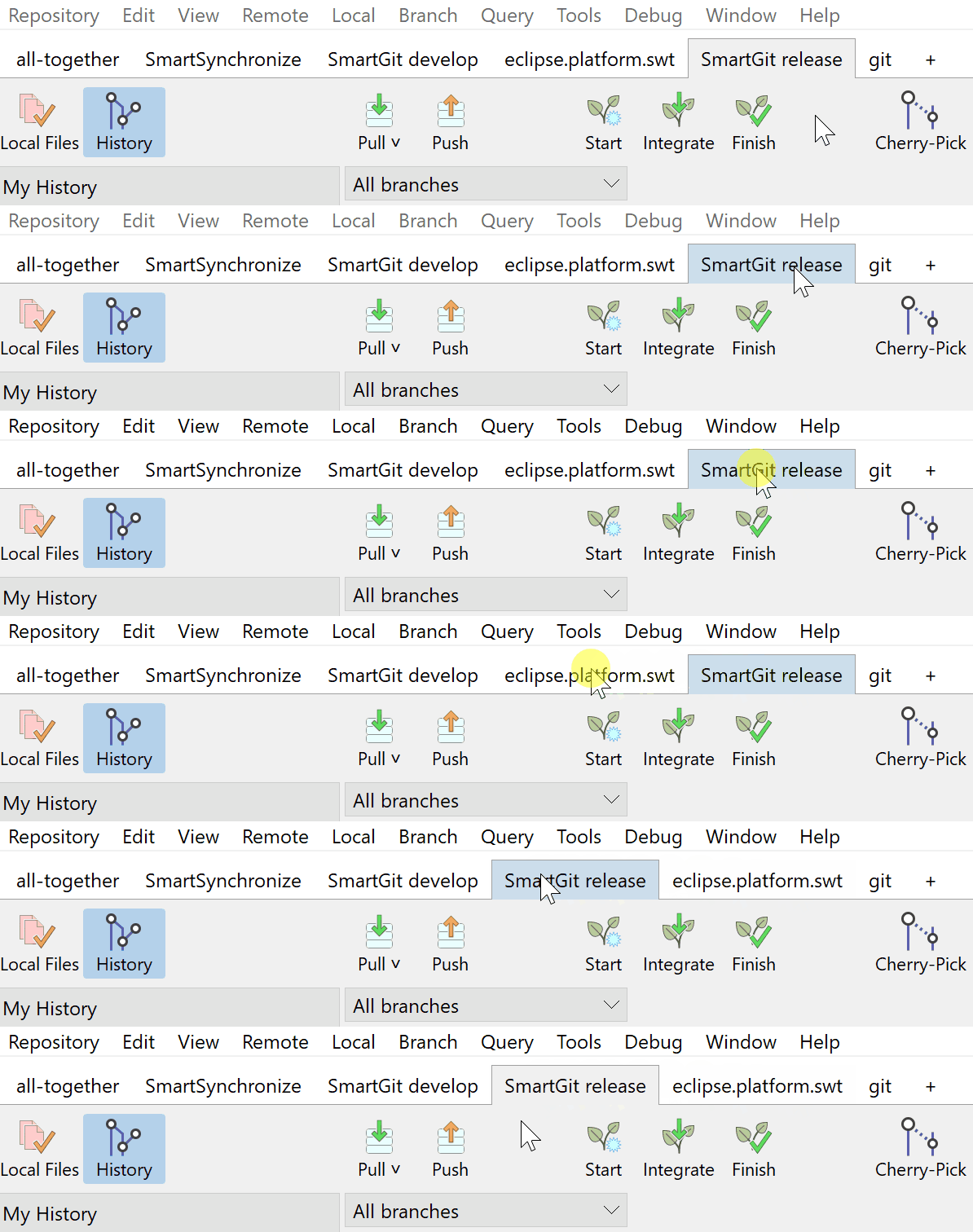
Use drag and drop to reorder repository tabs.
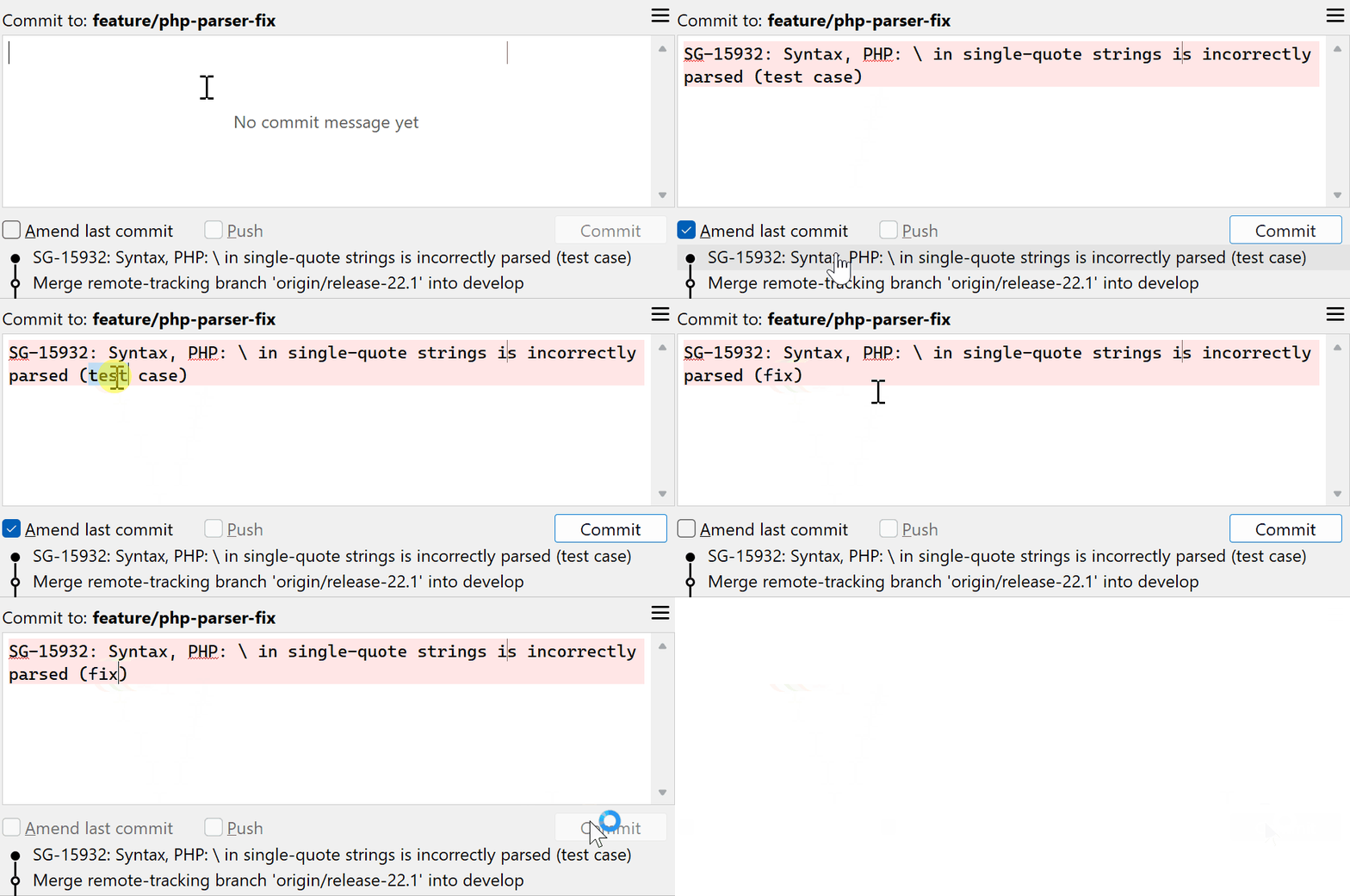
Smart Amend Logic
To re-use a previous commit message (maybe slightly modified), you can click on the previous commit in the Recent Commits area. If you have clicked on the unpushed HEAD commit, the Amend checkbox will be set automatically. However, when starting to change the message, it was unset automatically.
Now, if you have set the Amend checkbox manually, it will not be unset when editing the commit message.
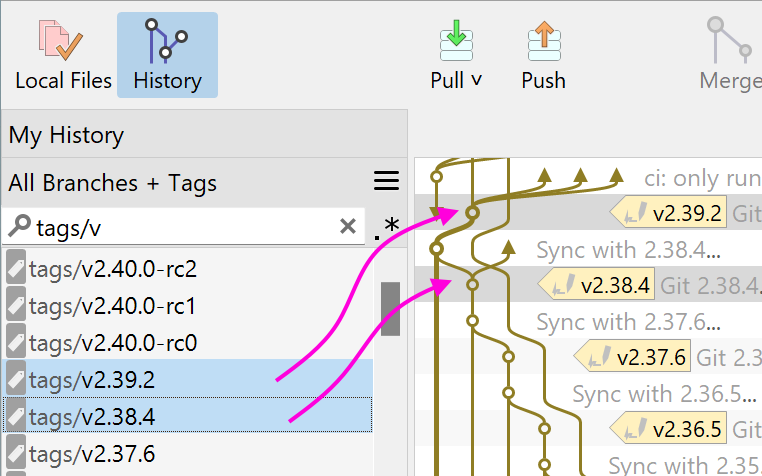
Intuitive Branch/Tag Compare
Comparing two repository states defined by their branches (or tags) is as easy as selecting both of them in the All Branches+Tags list.
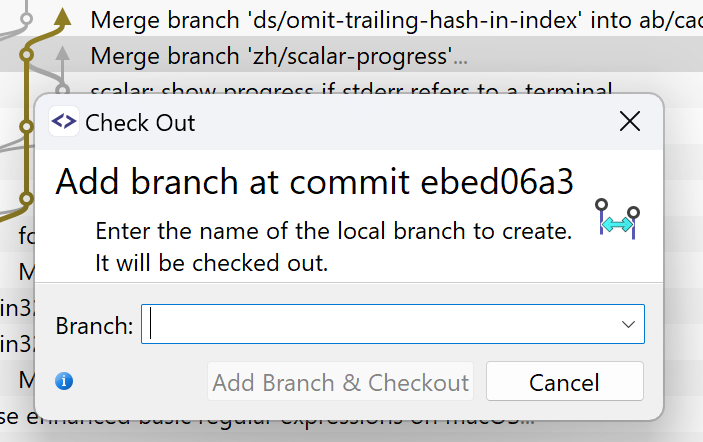
Checking Out a Commit
Checking out a commit usually leaves the user in a state where further (new) commits can easily be lost. To avoid that, when checking out a commit in the Standard window, a (temporary) branch is created.
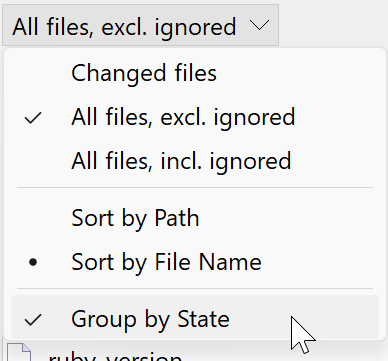
Group Files by State
If you prefer to see all files instead of just the changed files, you can now select "Group by State" to view the modified states at the top of the file list.
Support for Multiple Main-Branches
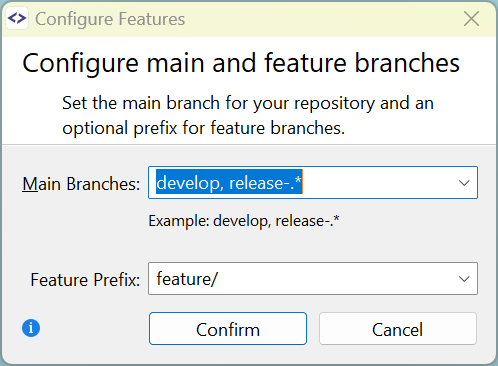
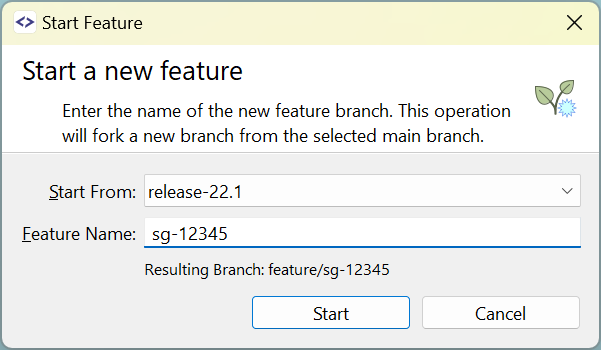
The Feature workflow now supports multiple main branches, in addition to the main development branch (e.g. develop). For example, you can now configure release-... branches as additional main branches, to easily start Bugfix features for such branches.
For this purpose, if multiple main branches have been configured, the Start Feature dialog contains an additional Start From selector.
Better Multi-Remote Support
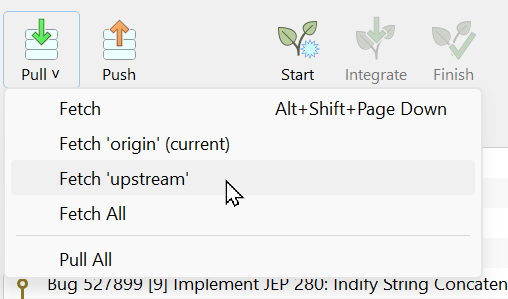
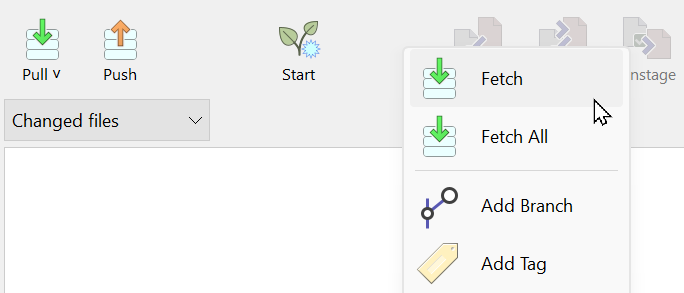
For multi-remote repositories, it is now easier to fetch from all or specific remotes, or to pull from all.
Path Support in Filter
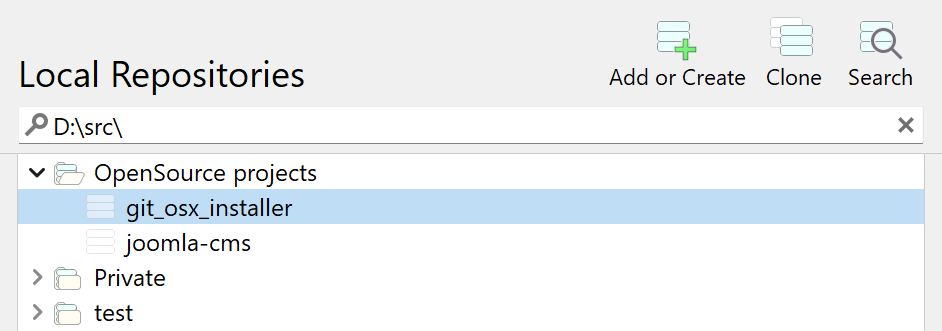
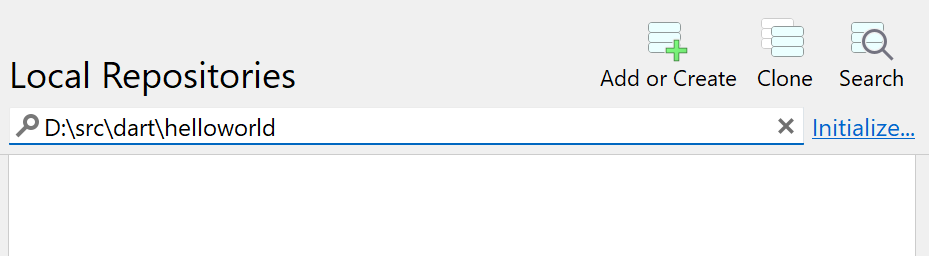
On the Repositories tab, you can filter repositories by path, add existing ones, or initialize new repositories.
Add more Commands to the Toolbar
Different views of the Standard window show different toolbars. It is now possible to add further commands to these toolbars using the context menu.
General improvements
Commit What You See
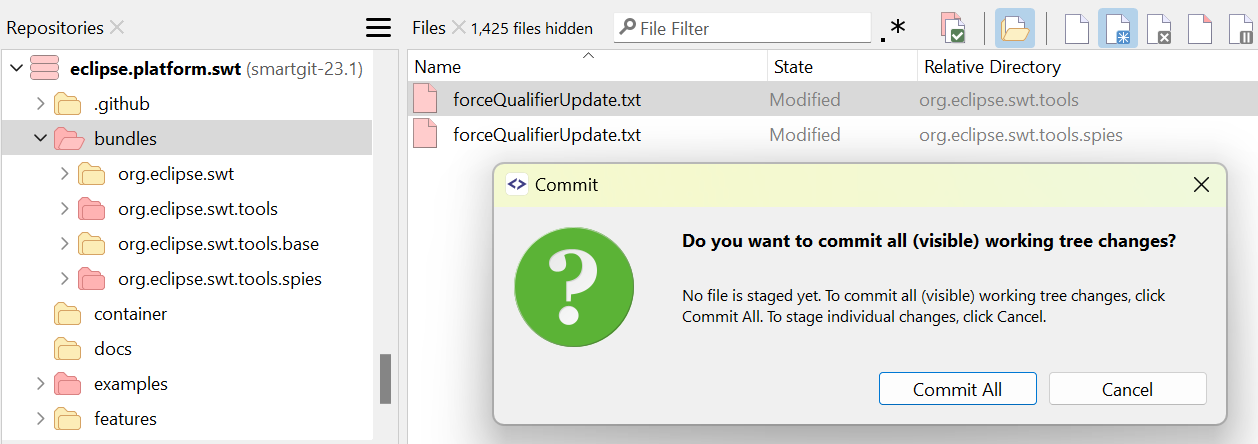
If nothing is staged, committing all files from the Commit view has become more intuitive and safe. Now, it allows committing all visible files, even if the displayed files are limited to a subdirectory or filtered by name or type.
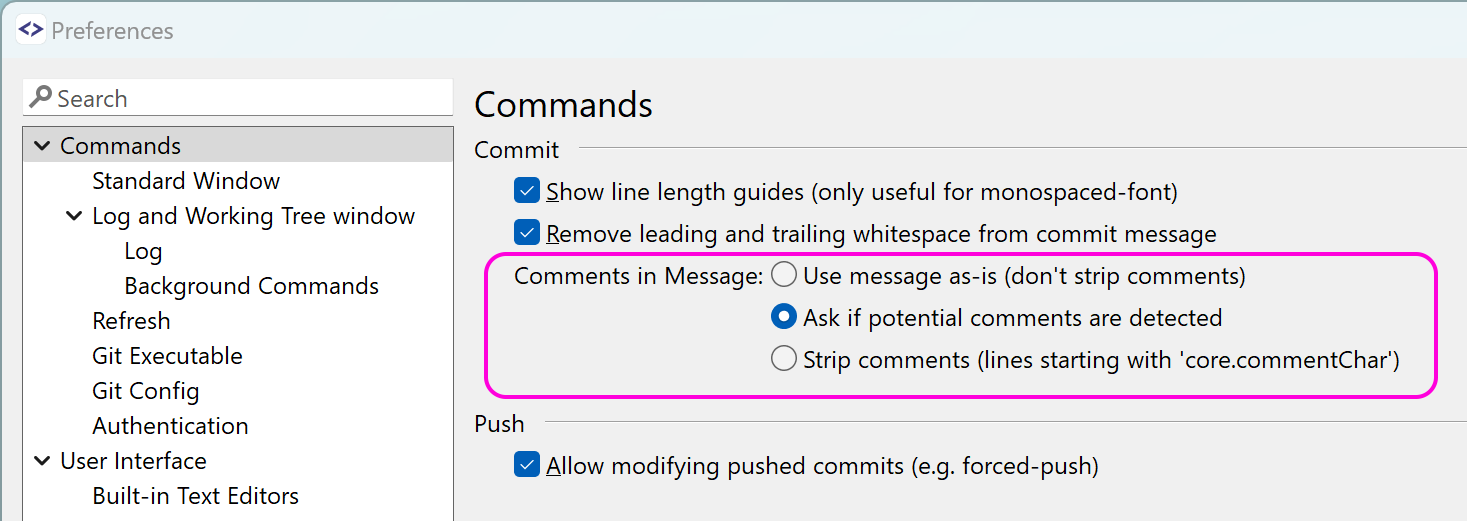
Comment Lines in Commit Messages
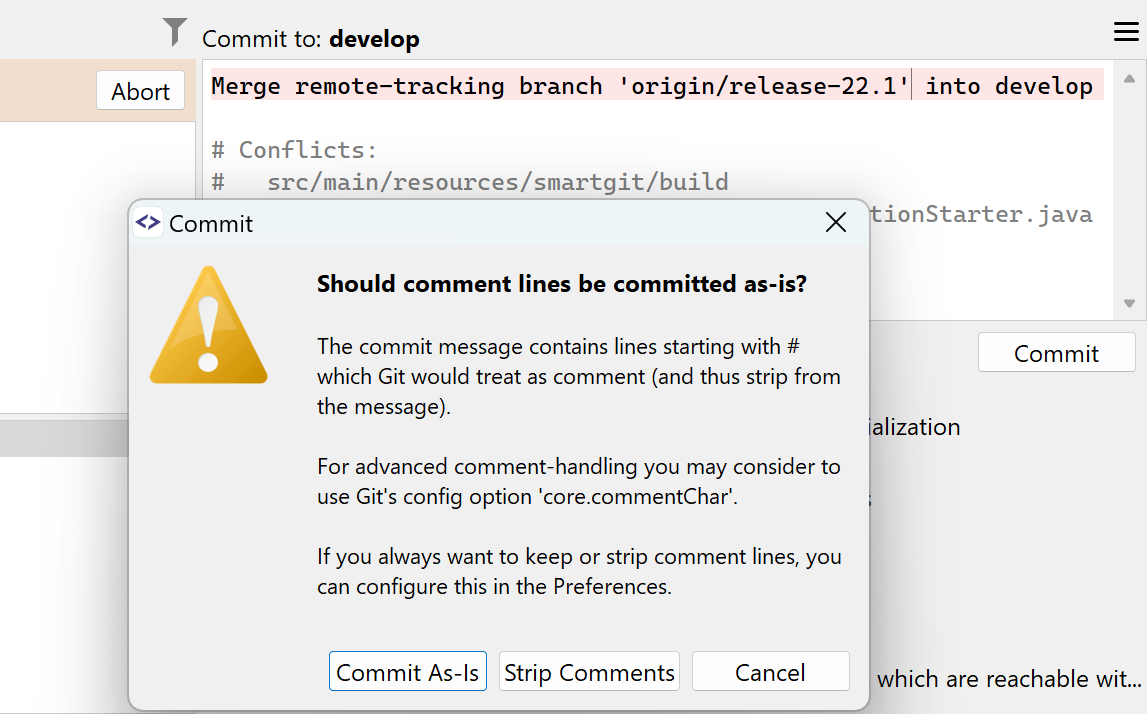
If the commit message contains comment lines, by default SmartGit asks how to handle them. In the preferences, you can configure to always keep or remove comment lines.
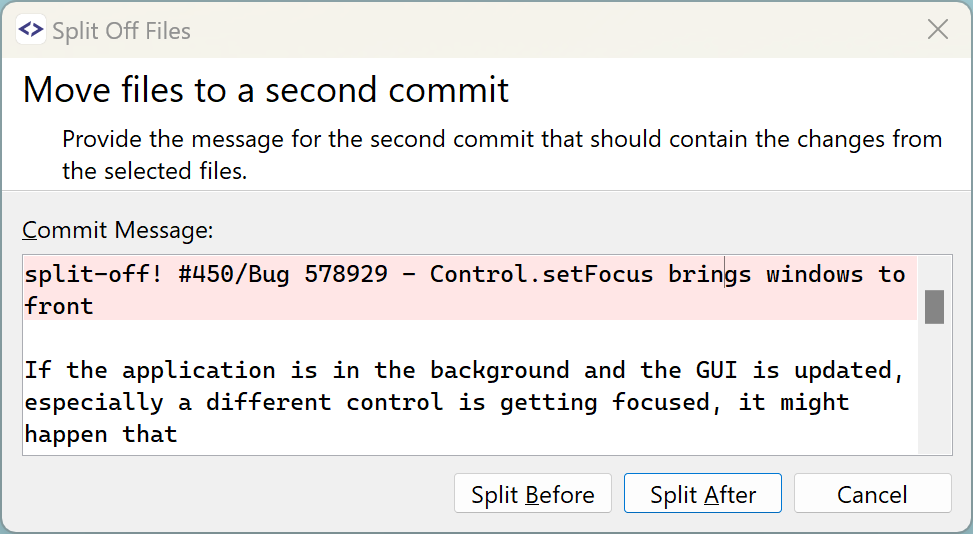
Split Off Files
The Split Off Files feature allows you to move certain changed files of a commit to a second commit. Now, you can specify whether the new commit will be created before or after the other one.
GitHub, GitLab and BitBucket accounts
The setup of GitHub, GitLab and BitBucket accounts has now become easier with OAuth 2.0 - there is no longer a need to copy a password.
File Compare, Changes view: Display of Whitespaces
If the option Trailing, in selection and changed blocks is selected, it becomes easier to quickly find out whether tabs or spaces were used - just select the text.

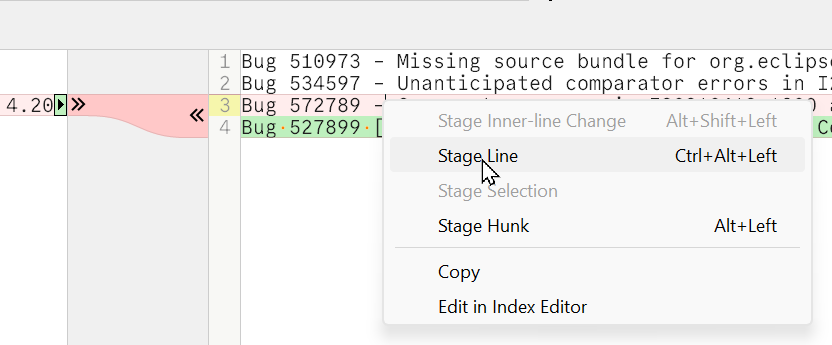
Changes View: Apply Line
For changed blocks, applying lines at the beginning or end of the block is supported.
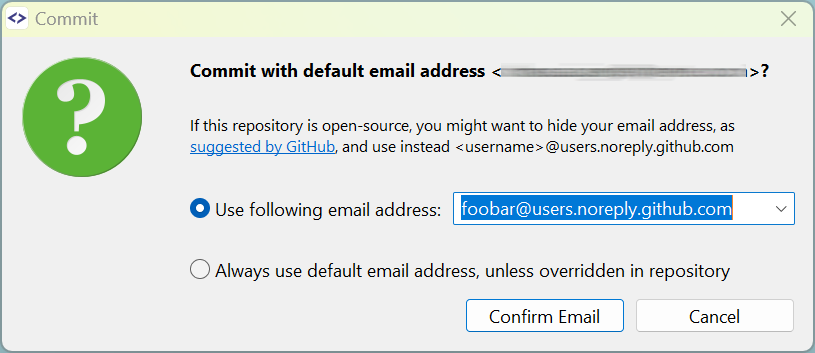
Use GitHub No-reply Emails
When committing to GitHub repositories, SmartGit will ask you to confirm the email address used to avoid publicly exposing your standard email address. Your no-reply email address will be remembered, so you won't have to type it in for each of your repositories.
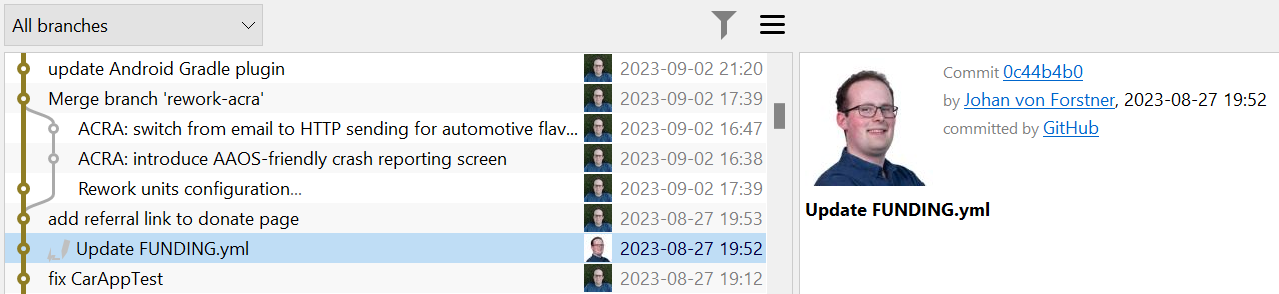
Support for GitHub-Avatars
When committing to GitHub repositories using <account>@users.noreply.github.com email addresses, the account avatar is used.
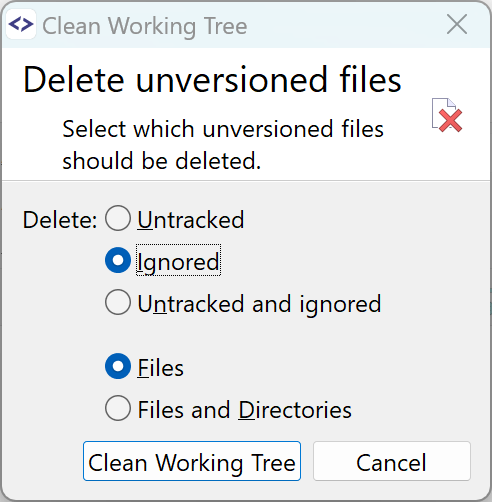
Improved Clean Working Tree
The options for the Clean Working Tree command are now easier to understand.
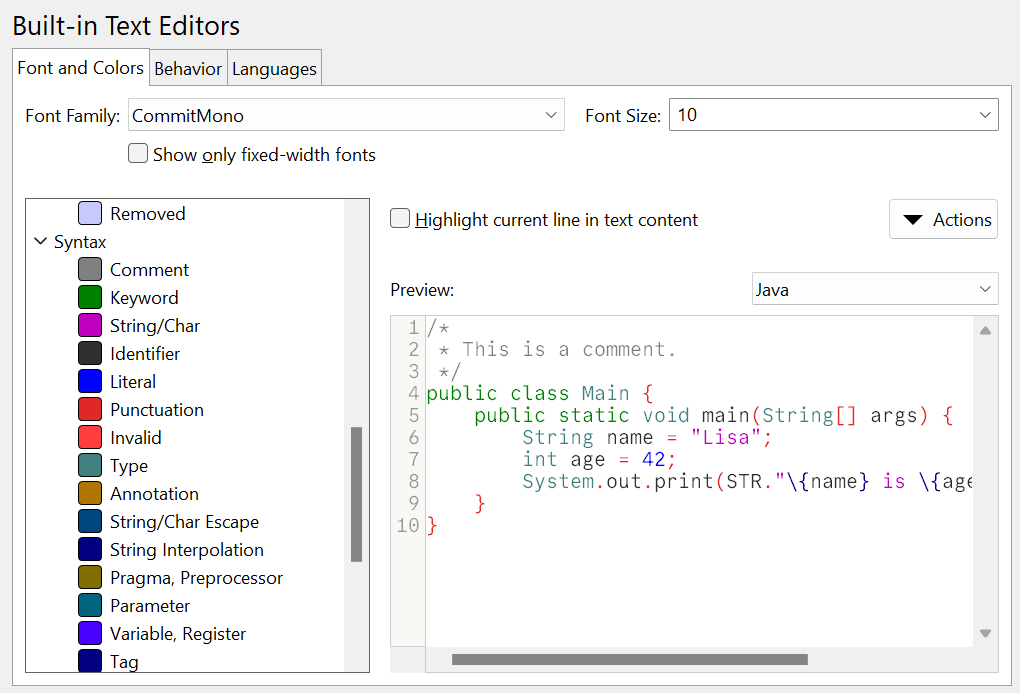
Reworked Font and Colors Configuration
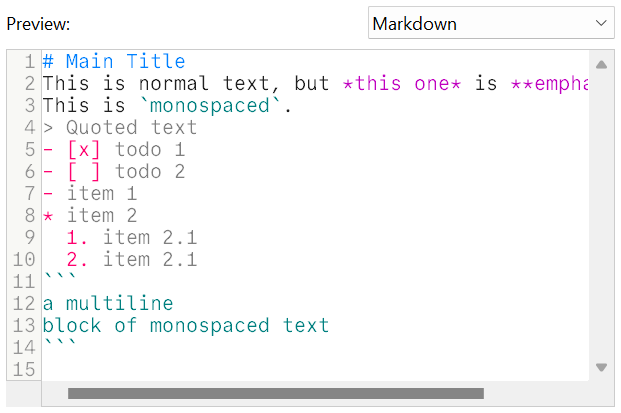
The preferences page for configuring fonts and colors has been reworked. Especially, configuring syntax colors benefits from the preview feature. Exporting and importing color configurations simplifies sharing them.
New Syntax Colorings
Syntax colorings for following languages have been added:
- Markdown
- TOML
- Verilog
- X86 Assembler
- Lua/Nelua
- Odin
- Forth
On-Premise License Server
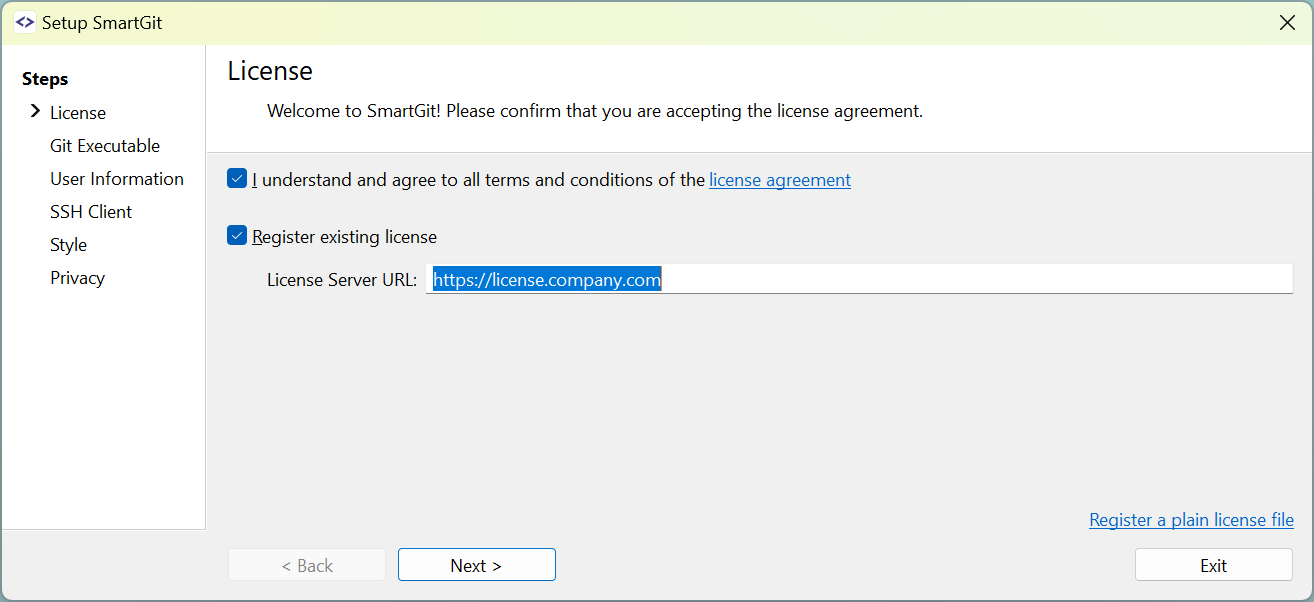
With an on-premise license server distribution of the SmartGit license becomes easier. Instead of sharing a license file with every employee, it is now sufficient to share the URL of the (company internal) license server.
Note: we offer on-premise license servers only to our Enterprise customers.
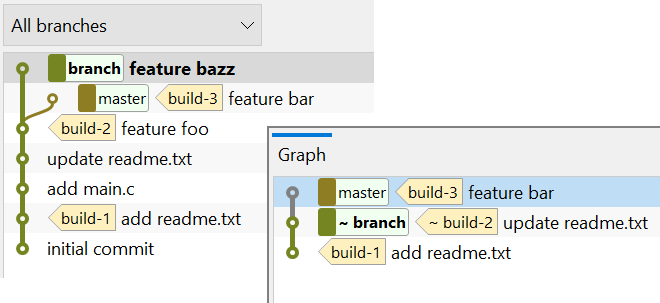
File Log: Branch and Tag Display
The File Log contains only a subset of all repository commits and refs are mapped to these commits. The display for each ref now distinguishes whether the ref is exactly pointing to that very commit or whether it has just been mapped to that commit (˜).
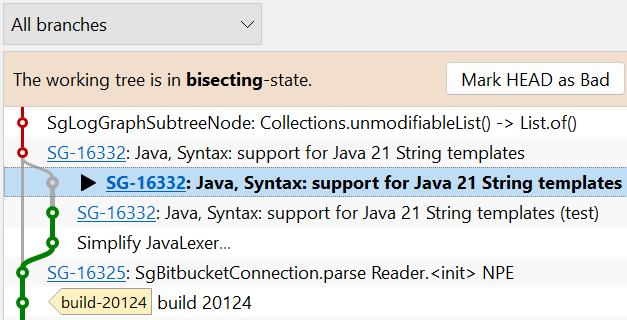
Bisect: Improved Display of Good/Bad Commits
The display of good and bad commits now also honors commits from merged branches as well.
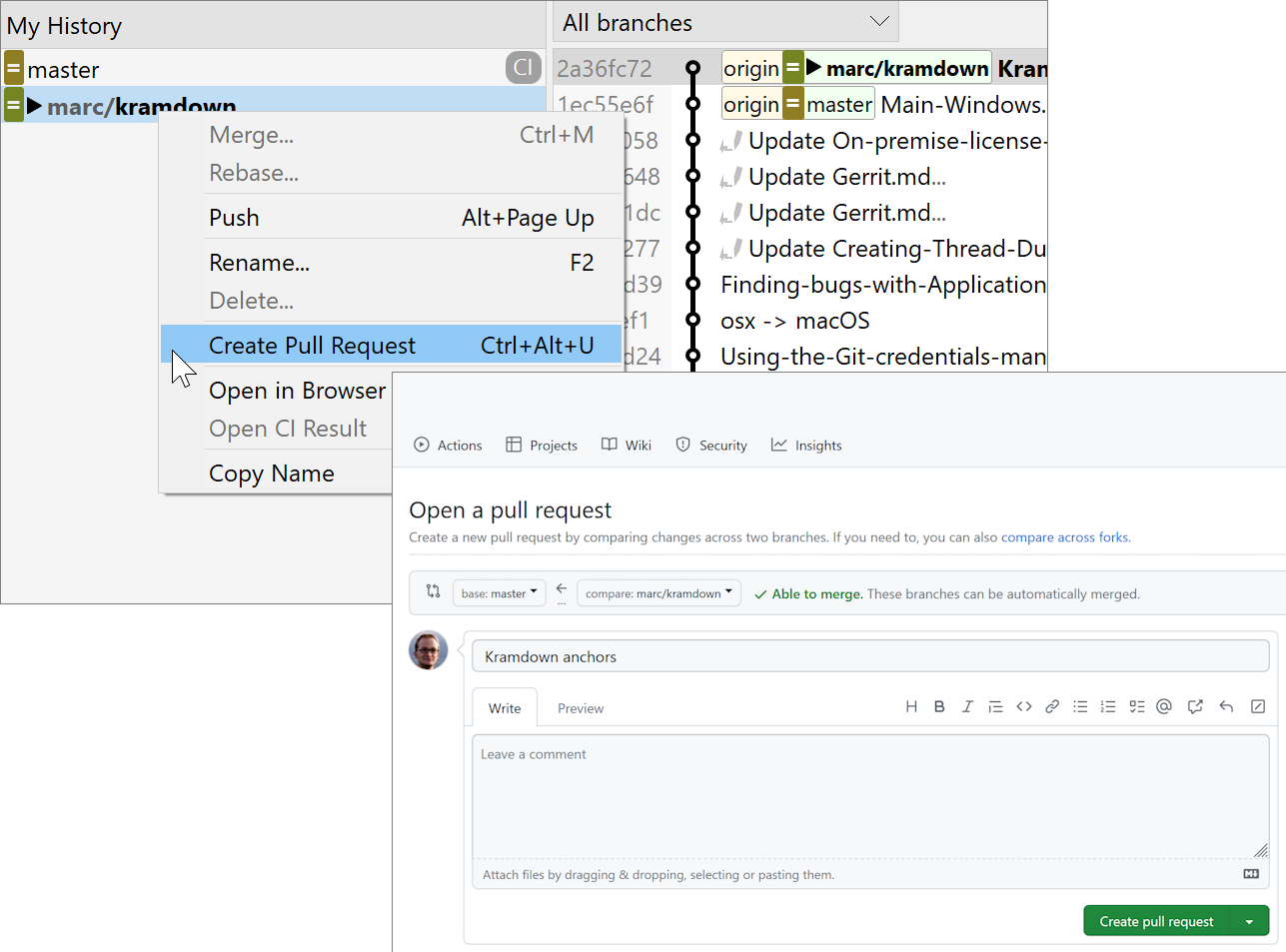
GitHub and others: Creating Pull Request redirects to the web browser
The built-in Create Pull Request dialogs for GitHub, GitLab, Bitbucket, and Azure DevOps have been replaced by redirecting the user directly to the web browser.
Redirecting has the main advantage that all available options and checks for the specific platform are present, without SmartGit lacking in functionality.
Additionally, SmartGit generates appropriate URLs to pre-fill the pull request forms. This leads to workflows that are nearly as seamless as with the old dialogs.
What's New in SmartGit 22.1
New Standard Window
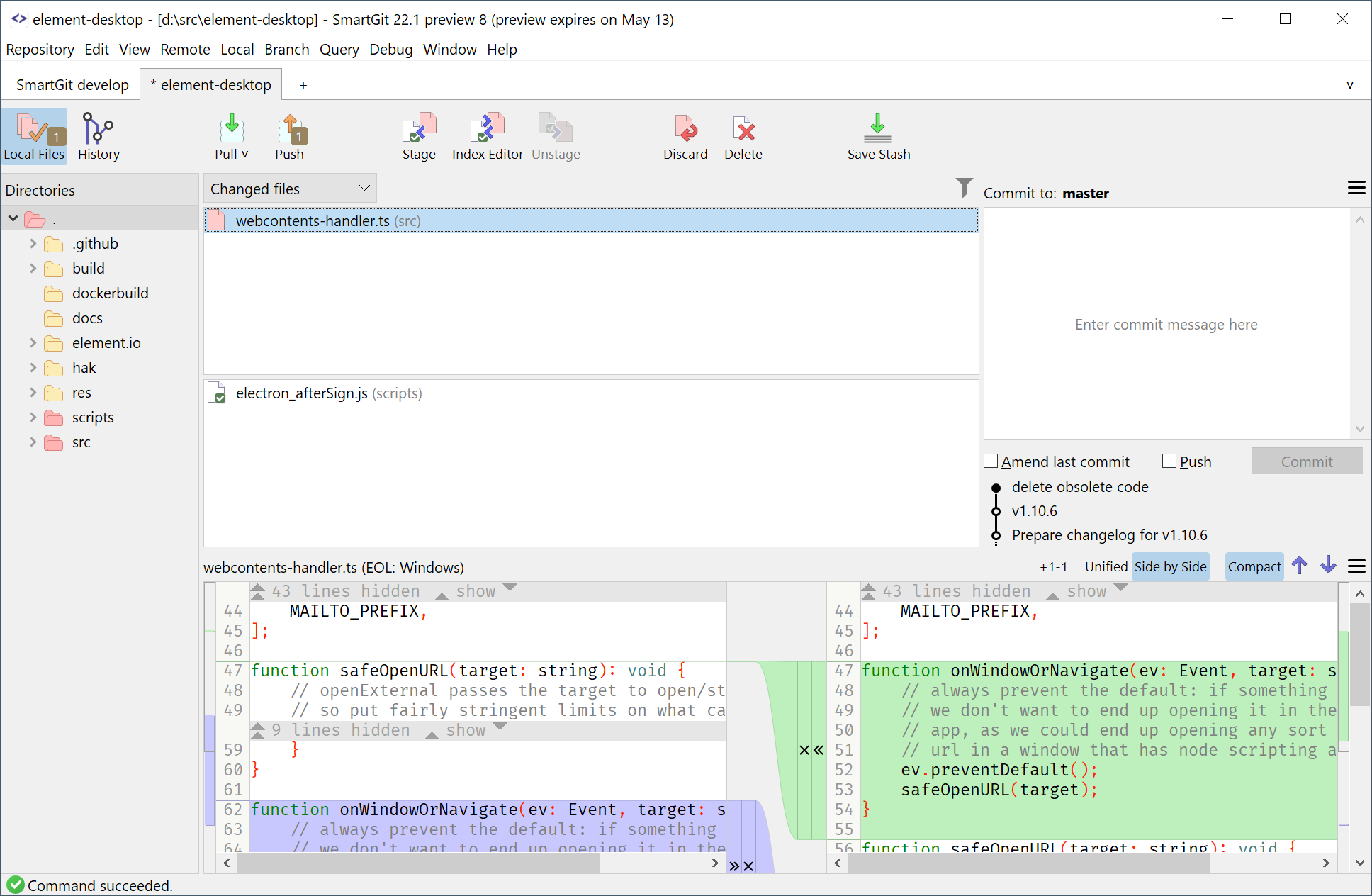
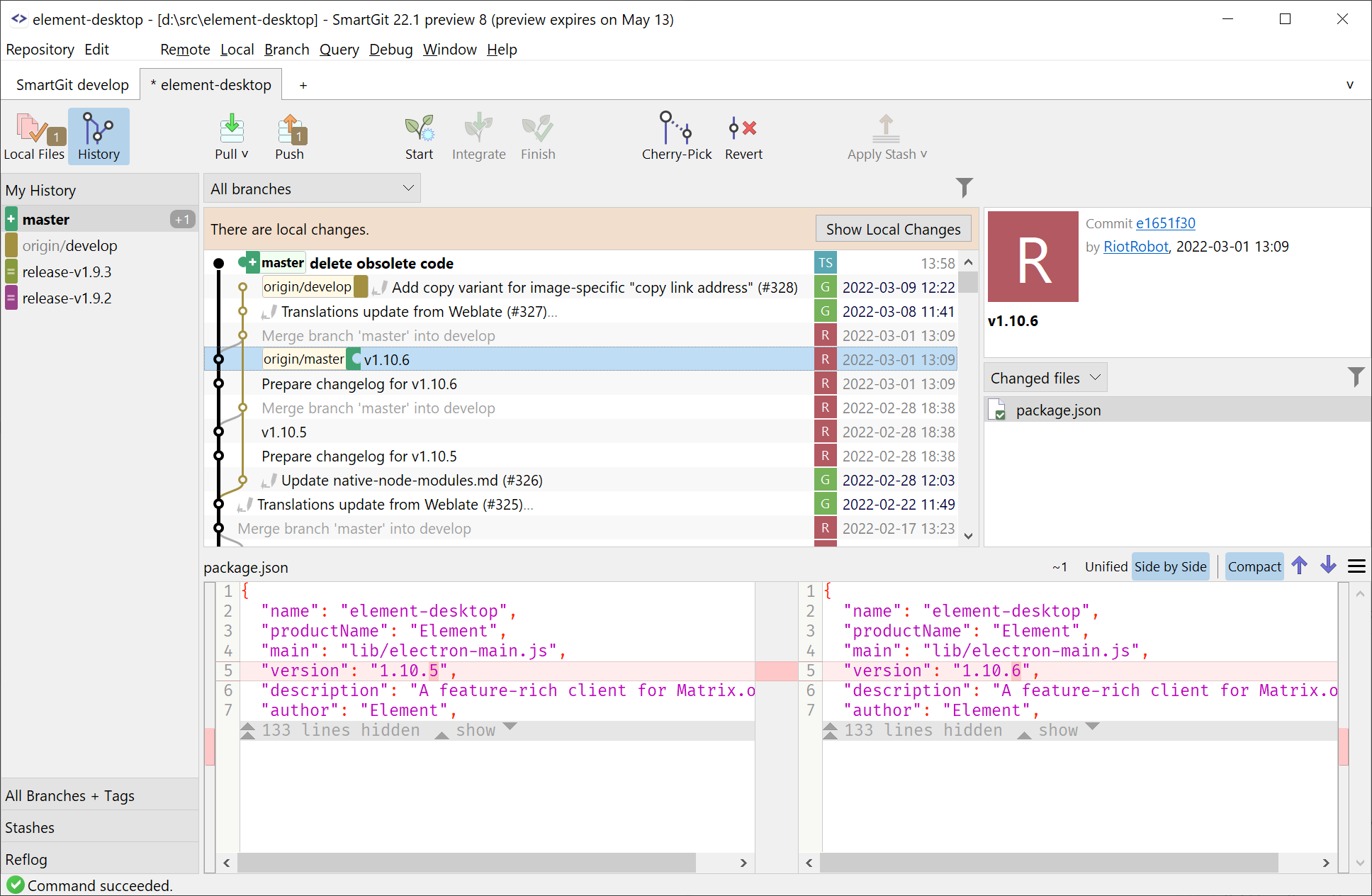
The Standard Window is a new window of SmartGit that focuses on keeping things simple, but still powerful.
Why?
Git is very powerful and offers plenty of commands. SmartGit's Log and Working Tree windows both offer access to this full command set. This is what our power users appreciate about SmartGit.
However, in combination with the many possibly repository states, this makes it hard to understand which operation will be the most appropriate in which situation.
How?
In the Standard Window, we clearly distinguish between Local state (working tree) and History (Log) and adjust the GUI, according to the current repository state. Furthermore, we limit the Git features to those which are most appropriate for this state.
Thus, the options for the user are more limited and this makes Git easier to learn.
For more information, refer to the dedicated Standard Window page.
Log Graph Improvements
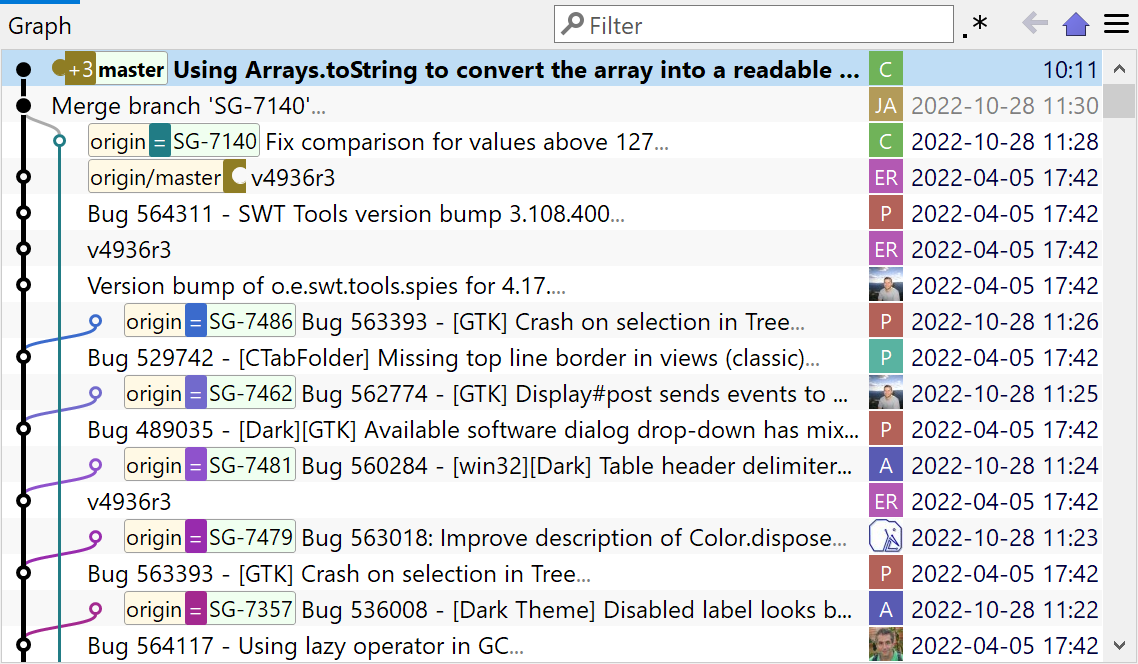
The branch colors are now determined by their name, so the same branch will get the same color on each machine. Local and remote branches will use the same color, too.
Pushable commits are shown as filled dots, the first-parent history is shown bolder than merged branches, the branch labels now use the same color as their commit lines.
New Git implementation
Git's database design is robust and simple which makes it easy and safe to read. Hence, we have now switched from JGit (a general purposes Git library for read and write access), to our own, read-only Git implementation which has been optimized for SmartGit's needs.
The new implementation comes with improved performance, greater flexibility (with respect to on-going and future Git changes) and it resolves a couple of long-standing problems:
- git config: support for includeif
- .mailmap support
- git replace support
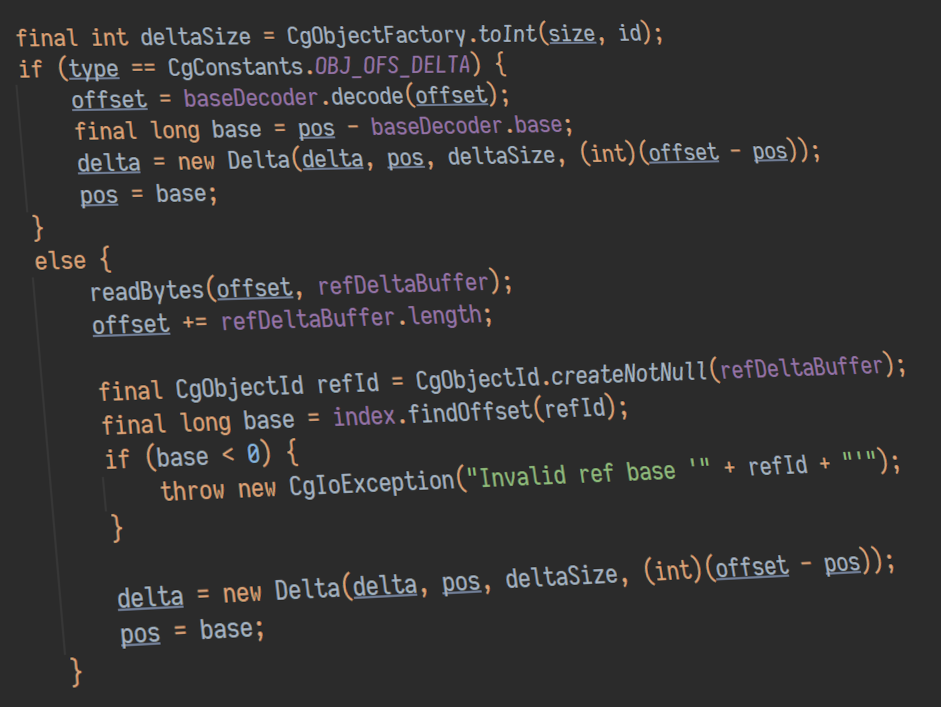
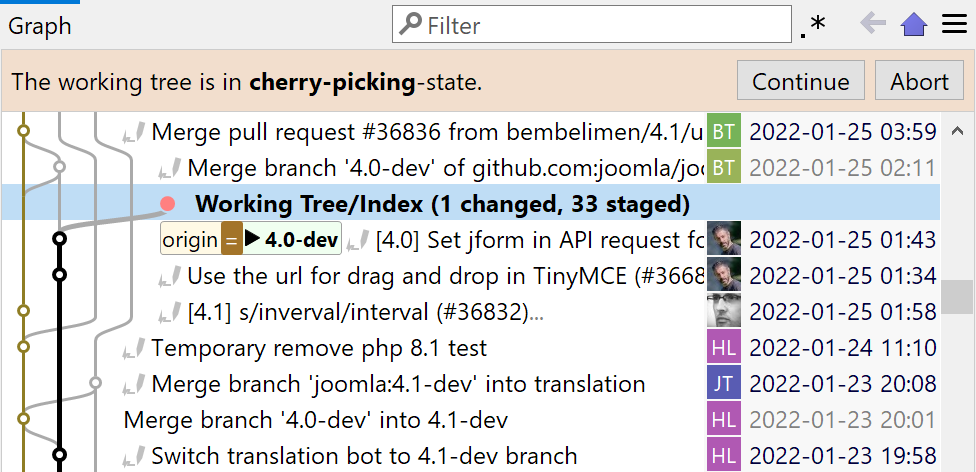
Cherry-Pick and Revert Can Continue After Conflict
If during a Cherry-Pick of multiple commits a conflict occurs, it now is possible to continue the Cherry-Pick after resolving the conflict. The same is true for Revert.
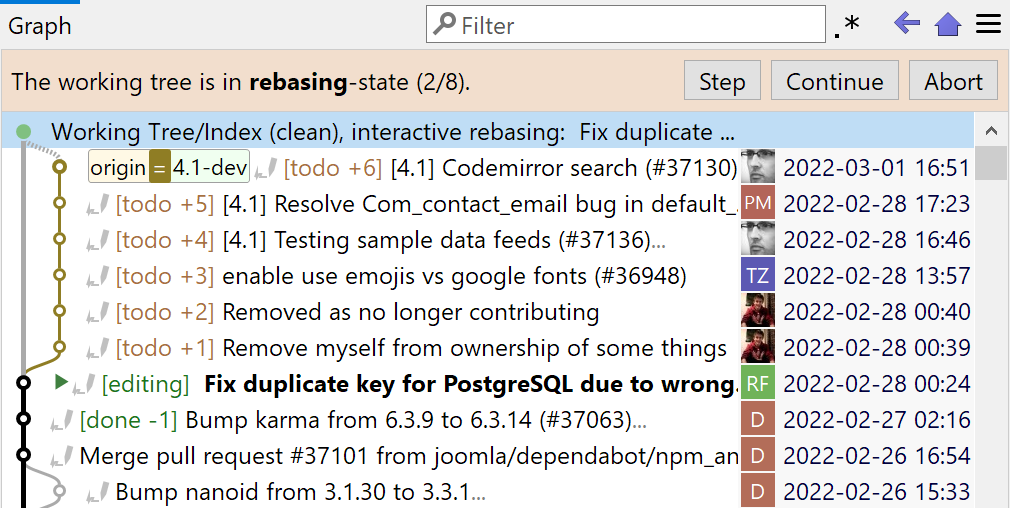
Graph: Improved Rebasing Display
During any kind of Rebase the number of already rebased and total number of commits is shown.
For the Modify and Split Commit commands, the display of the "current" commit has now a more explicit label: either "editing" or "splitting".
For other kinds of Rebases, the "current" commit is labeled using "in-progress", if appropriate.
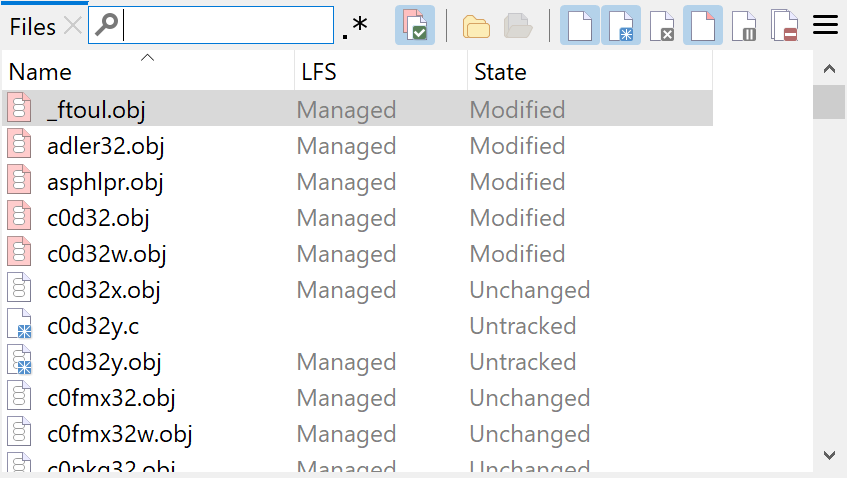
Git-LFS Improvements
A separate table column has been added to the Files views which shows the LFS state (also for untracked files that would be LFS tracked when staging). The Track, Lock and Unlock commands are now only available for those file states where they are useful.
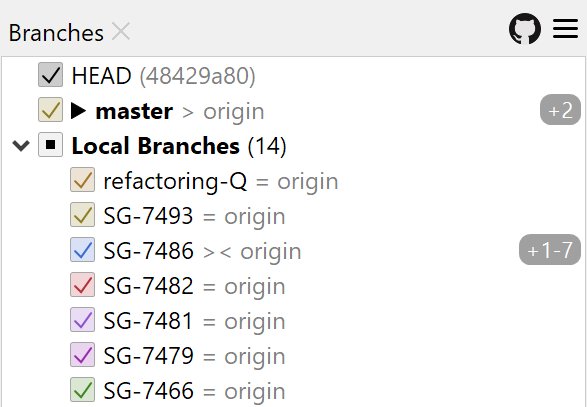
Branches: Improved Ahead/Behind Display
In the Branches view the ahead (outgoing) and behind (incoming) commit numbers are now shown at the right side, making them easier to spot.
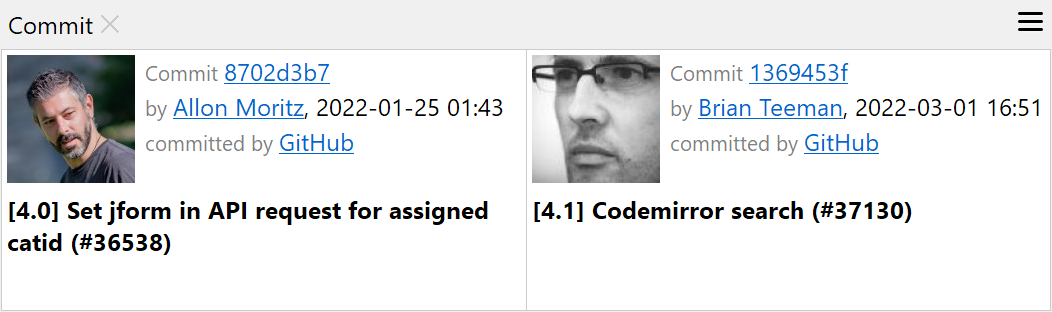
Log: Multi-Selection Details
If you compare two repository states by selecting the two commits, details for both commits are now shown in the Commit view. For more than two selected commits the selected commit count is displayed.
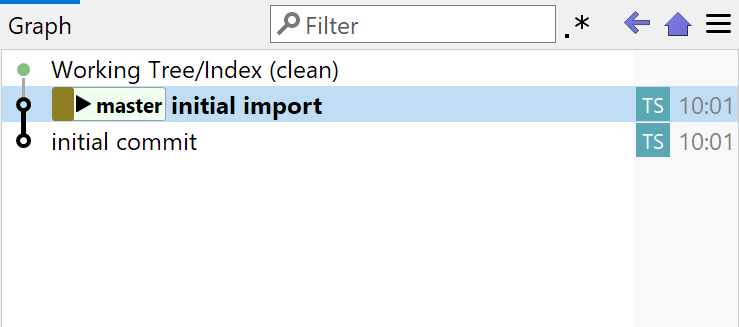
Improved First Commit
Even if you've created a new repository outside of SmartGit, committing the first time will automatically insert an initial empty commit. This will make other commands, like Rebase, applicable even to your first commit.
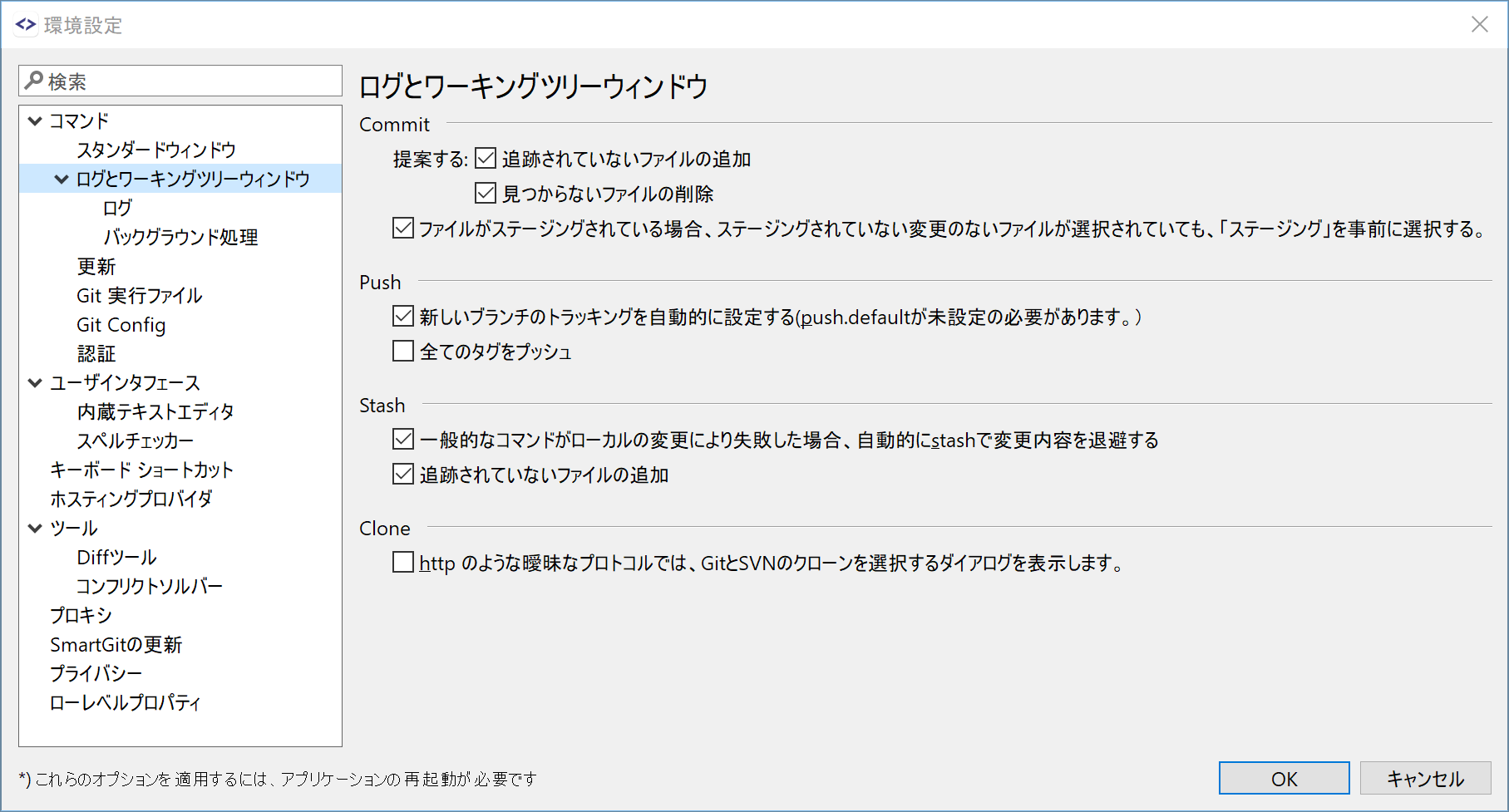
Japanese Translation
SmartGit 22.1 has been translated to the Japanese language by the SmartGit community. A big thanks to ktyubeshi!
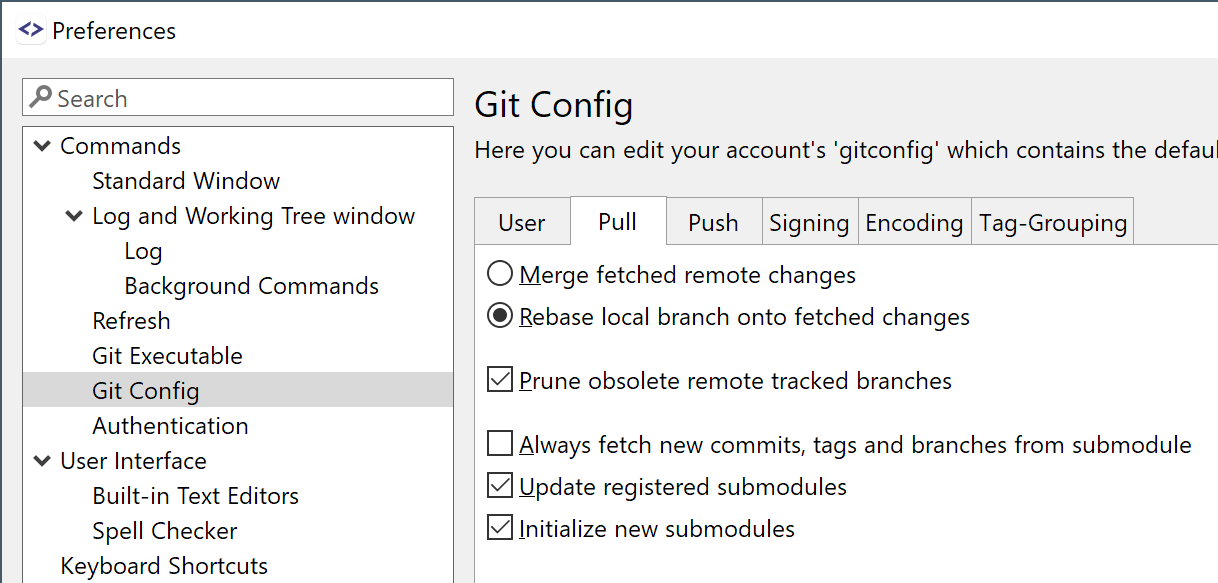
Git User Options in Preferences
The Git User Options now can be edited directly in the Preferences.
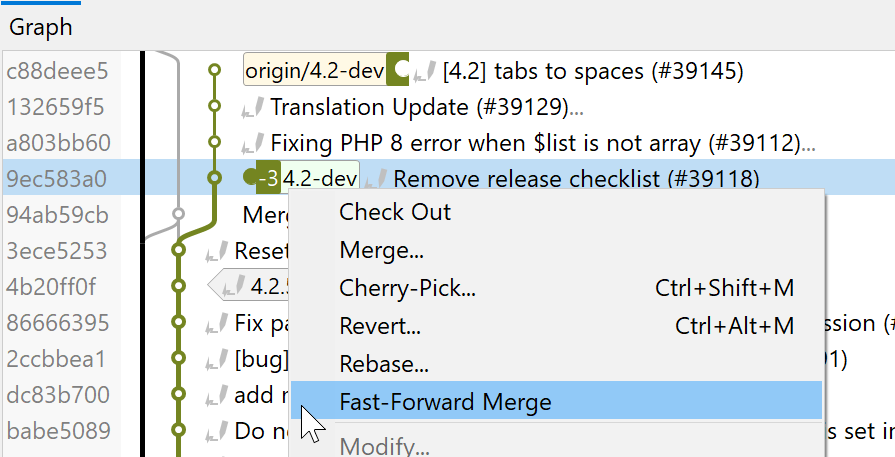
Fast-Forward Became Built-in Command
Fast-Forward Merge became built-in functionality and it is now applicable only if a fast-forward merge is actually possible.
Previously, it was only a default external tool.
What's New in SmartGit 21.2
Support for Apple Silicon (M1)
The most important new change in version 21.2 is the support for the Apple Silicon M1 processor on MacOS 11 and 12.
What's New in SmartGit 21.1
Rebuilt Changes View
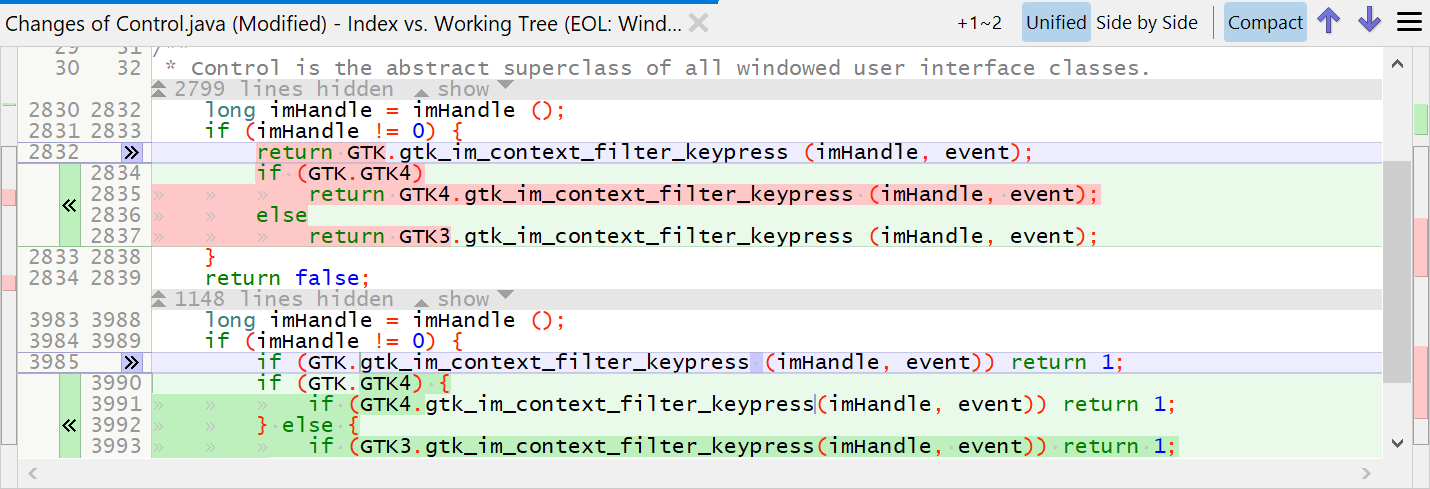
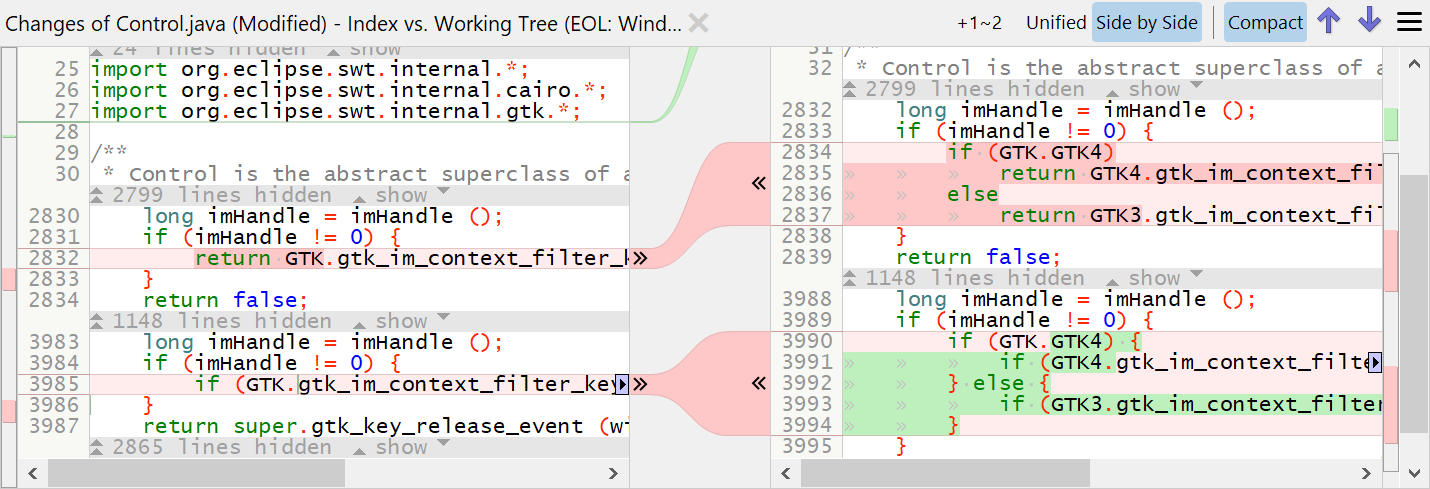
The new Changes view supports a Unified diff which can show longer lines as the side-by-side diff.
In the compact mode (where equal lines are hidden) it easily is possible to reveal equal lines selectively.
All modes support syntax coloring and staging or unstaging of changes.
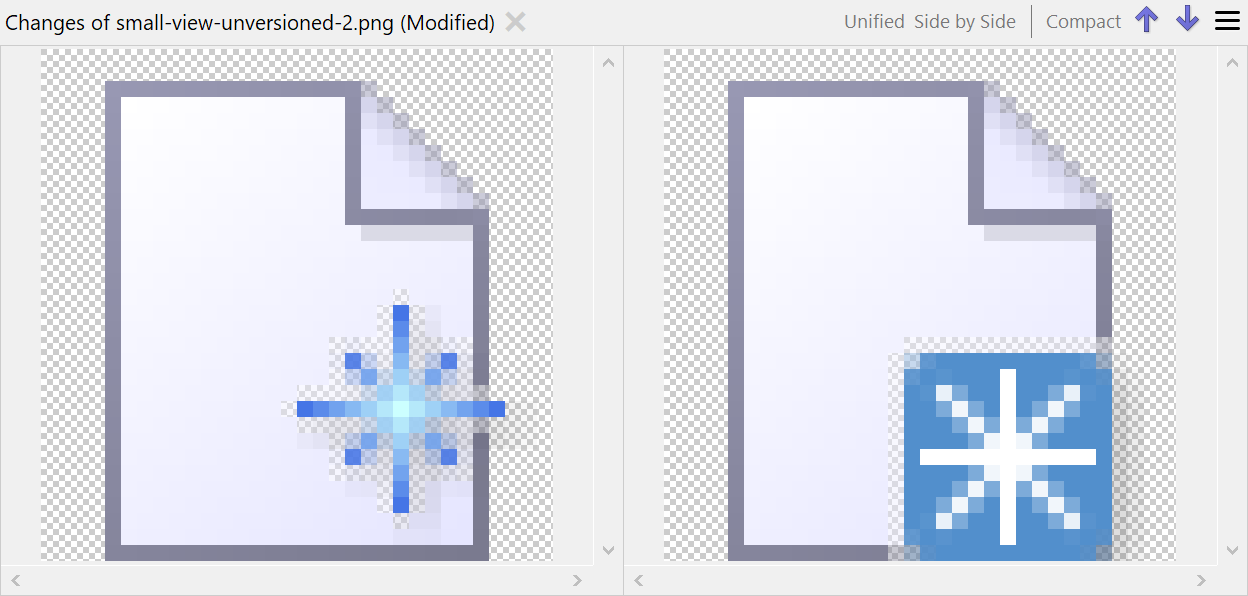
Changes View with Image compare
With the new Changes view you can compare images visually side-by-side.
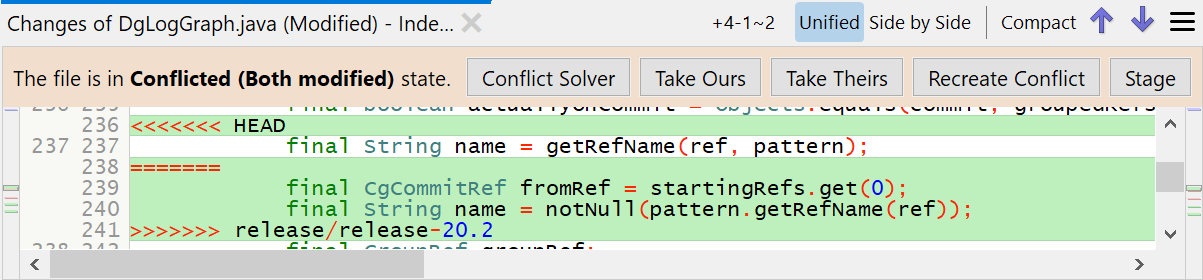
Changes View to Solve Conflicts
In case of a conflict the Changes view offers easy commands to solve the conflict. Of course, if the conflict is too complex, you still can open the Conflict Solver window.
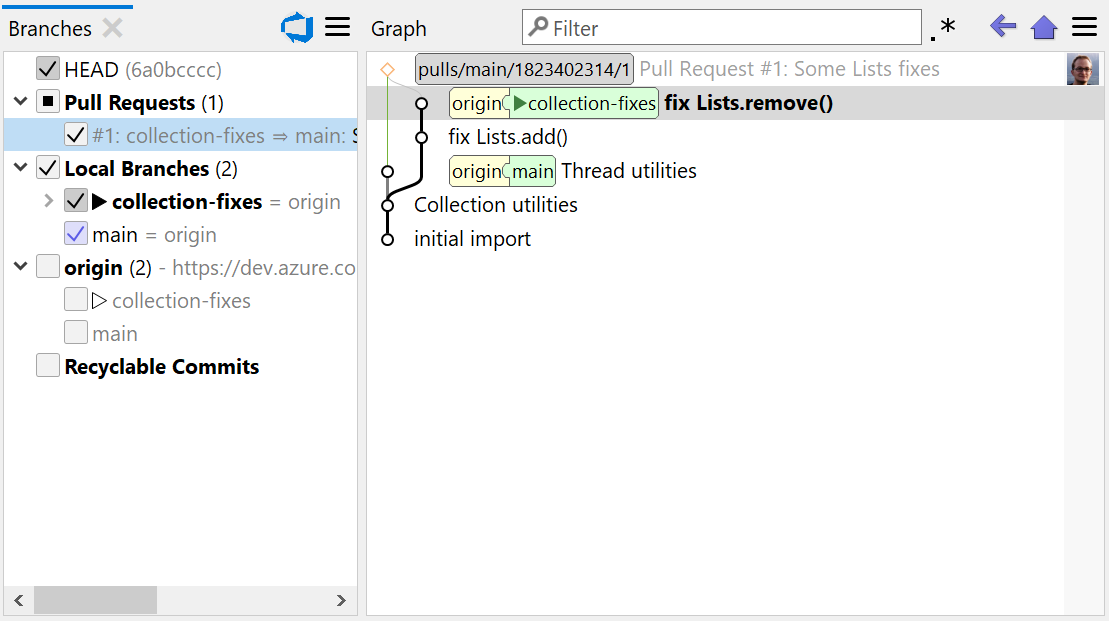
Azure DevOps integration
SmartGit streamlines the Git workflows for Azure DevOps (similar to GitHub): clone the Git repository from Azure DevOps, create pull requests, review and add comments.
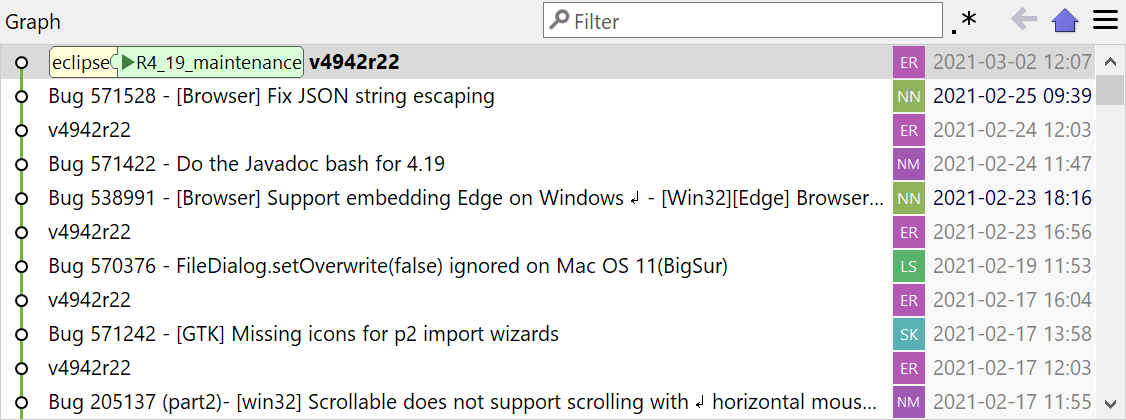
Avatars in Graph
By default the Graph shows avatars (e.g. from gravatar.com) for the author. This saves horizontal space and is easier to spot than plain text.
If the access to gravatar.com is disabled, colorful gravatars are rendered from the author's initials.
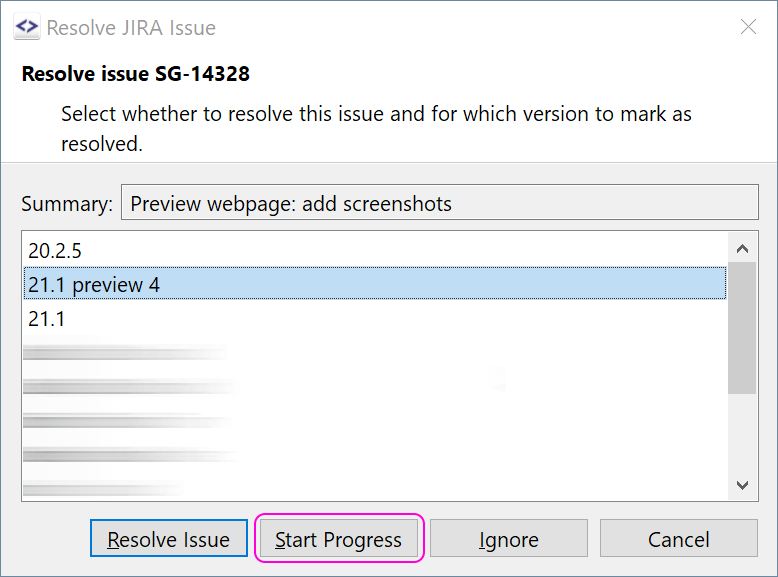
Push: Set JIRA issue in-progress
The integration for Atlassian JIRA not only allows to mark issues as resolved, but also to be in-progress.
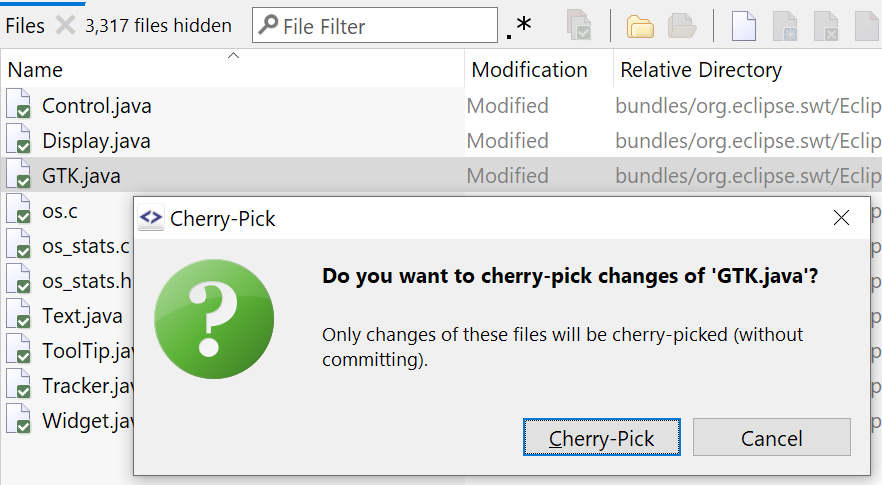
Cherry-Pick Certain Files
From the Log's Files view you can cherry-pick certain files of a commit.
This also can be used to apply only selected files of stashes.
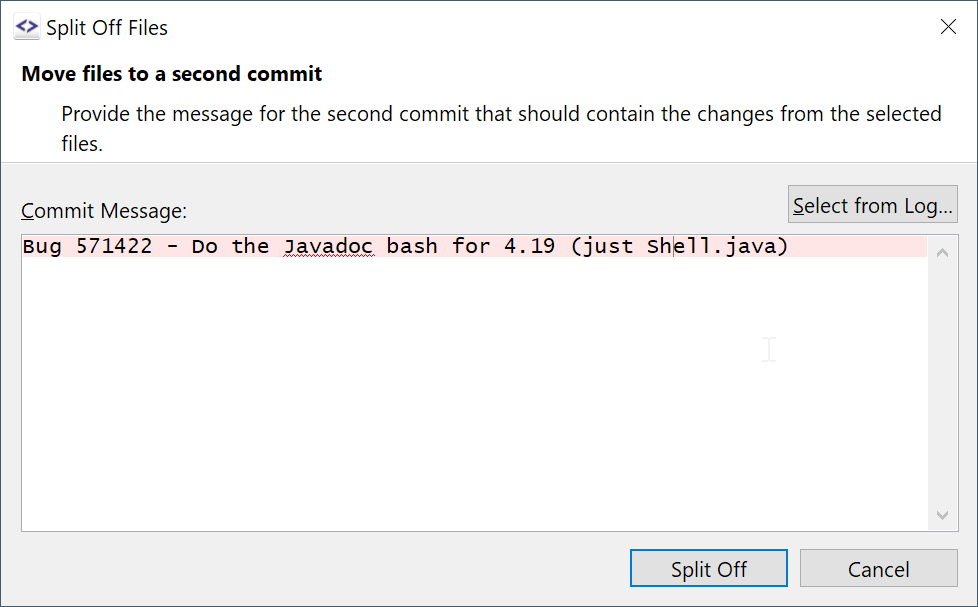
Split-Off Files
Another way of splitting commits is to select the files of a commit, use Split-Off Files and enter the commit message of the new commit.
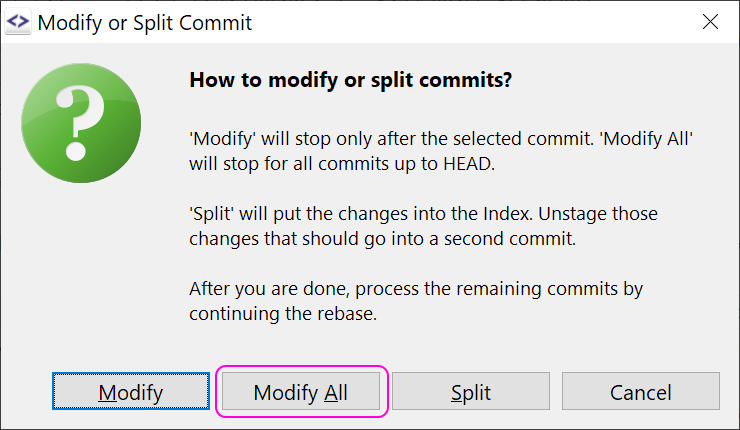
Modify-All Commits (Step/Continue)
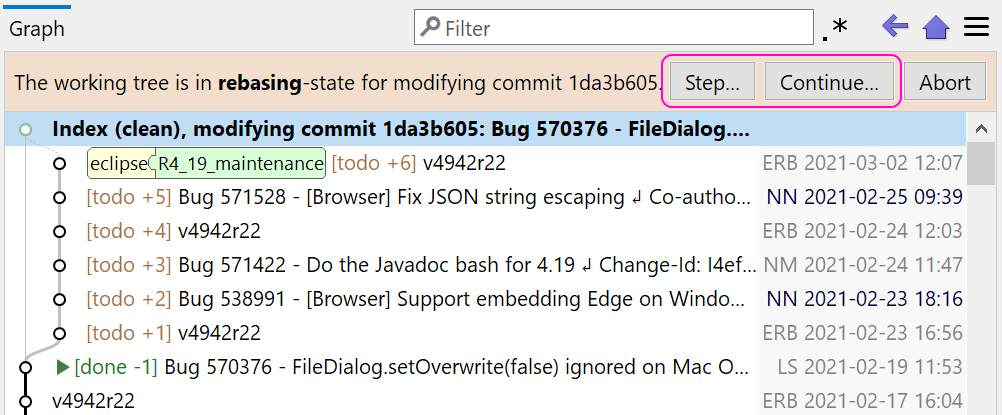
The Interactive Rebase has been enhanced in that way, that you now can stop at every commit, e.g. to verify whether it builds. You either can step each commit or continue rebasing all remaining commits - something like a Commit Debugger.
Partial Clone Support
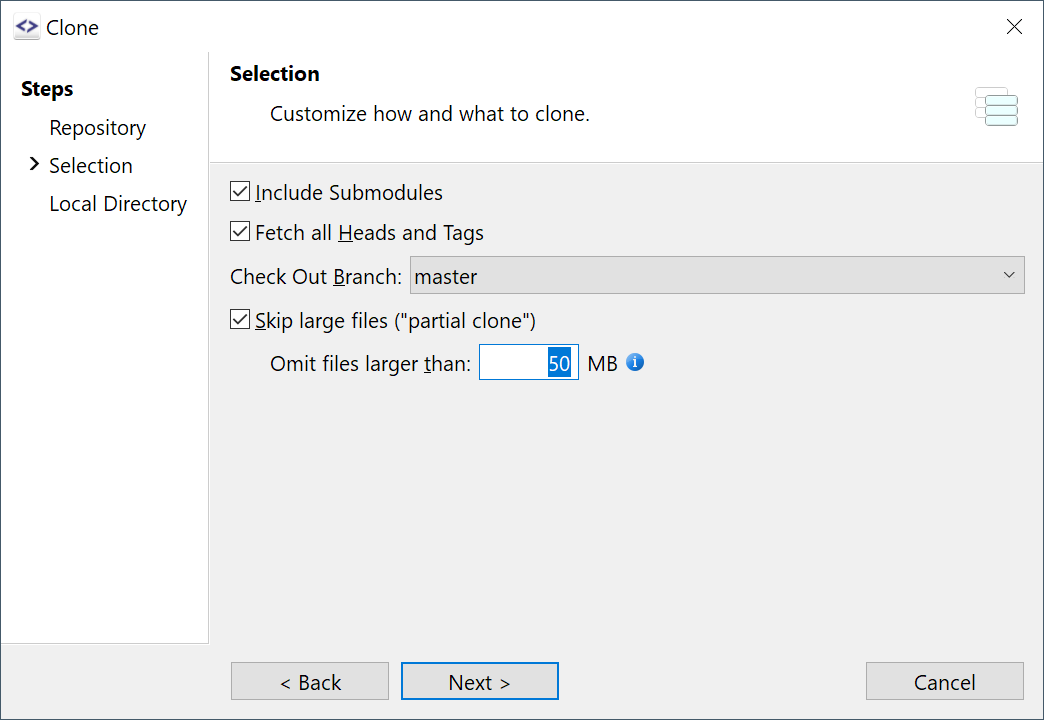
Partially cloned repositories (starting with Git 2.29) are now supported: missing objects will be fetched on demand. For the Clone, you can limit the maximum file size to fetch.
What's New in SmartGit 20.2
Support for macOS 11 Big Sur
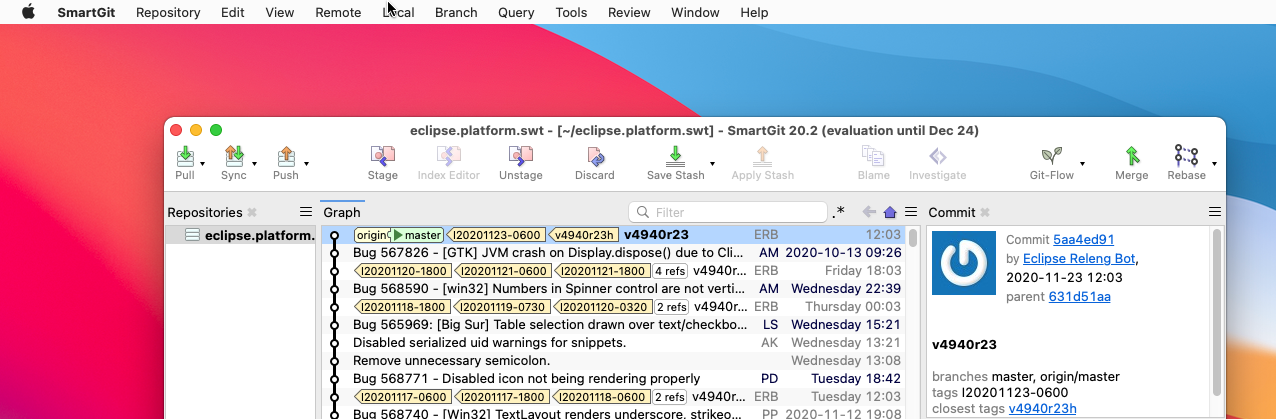
SmartGit 20.2 is the first SmartGit version that supports macOS 11 Big Sur.
Drag and Drop of Refs between Branches and Graph view
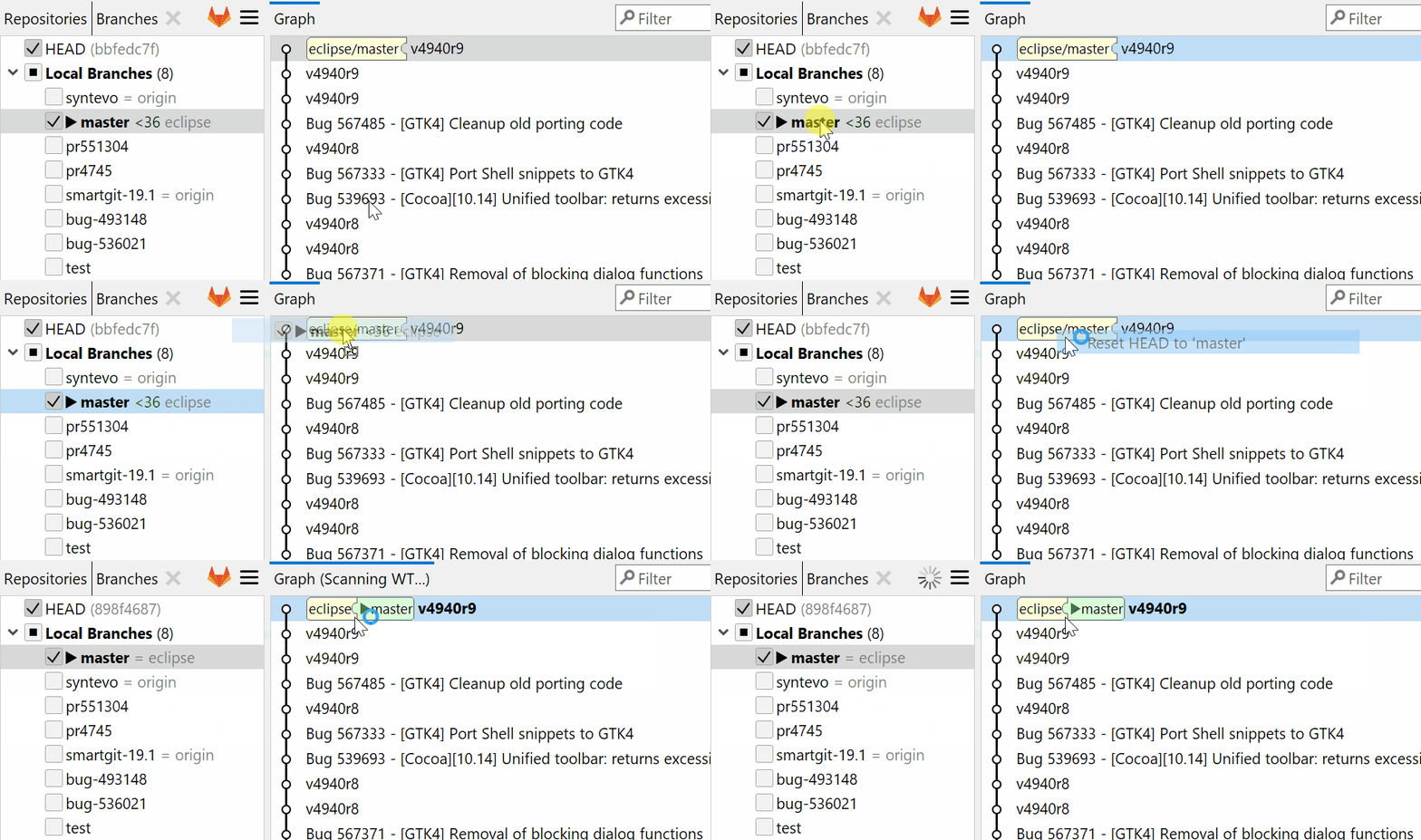
Dragging commits and refs in the Graph view works since ages. Now you also can drag commits or refs between the Branches view and Graph view for merging, rebasing or updating refs.
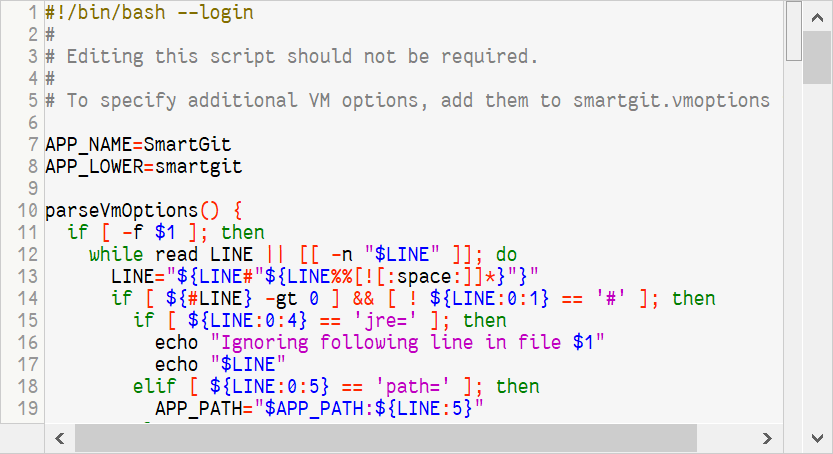
Improved Syntax Coloring
For many languages the syntax coloring in the File Compare has been improved. Syntax support for ANTLR, Dart, Innosetup scripts, Nim, Shell scripts, Swift, ... has been added.
Subtree Support
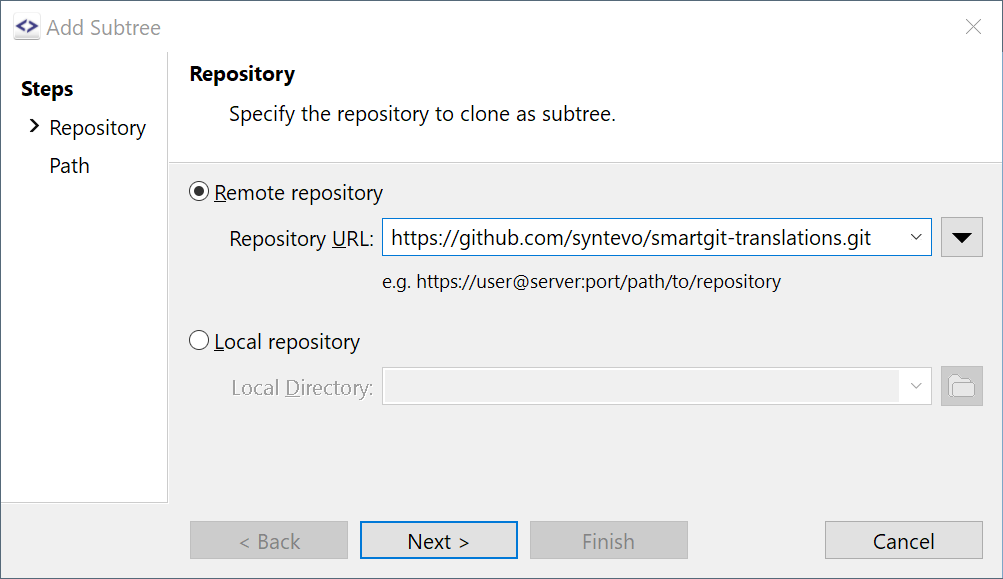
SmartGit already supported working with (existing) subtrees. Now, subtrees will be denoted in the Branches view and the Log Graph. Also, subtree operations, like Add, Merge and Split have been added.
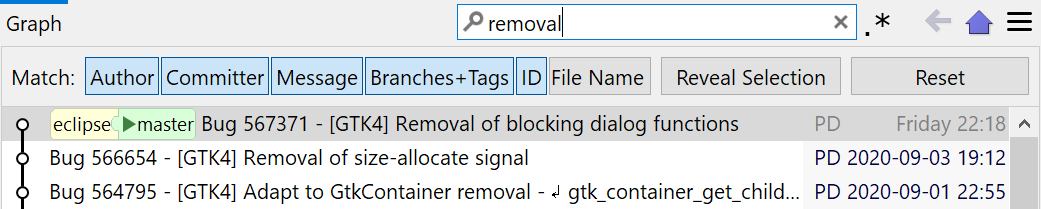
Enhanced Graph Filtering
When filtering the Graph view, the filter options and actions now are better accessible. Filtering for an SHA works instantly now.
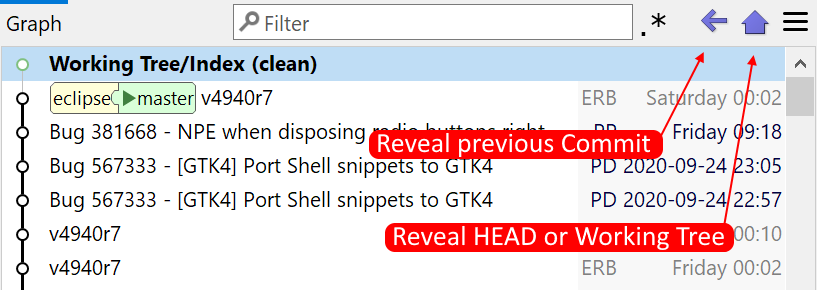
Graph: Faster Navigation
Using a single click or Alt+Home gets you to the HEAD. Another single click or Alt+Home reveals the Working Tree node. Alt+Left (similar to browsers) gets you back to the previously selected commit.
If unchanged, the Working Tree node will hide automatically if HEAD changes, e.g. after switching to another branch or committing.
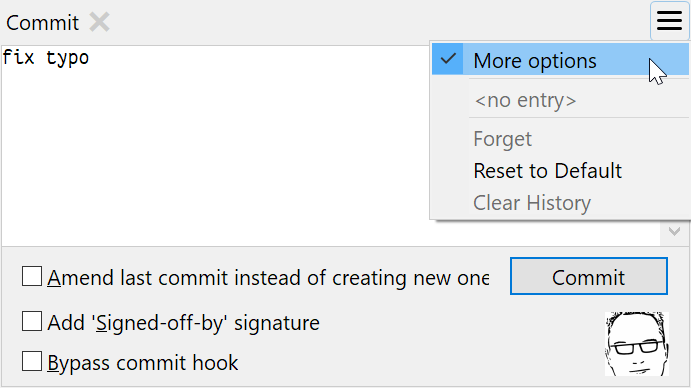
Enhanced Commit view
The Commit view now supports all options of the old Commit dialog.
It also shows the gravatar image of the committing user. A single click allows to open the Repository Settings to change it.
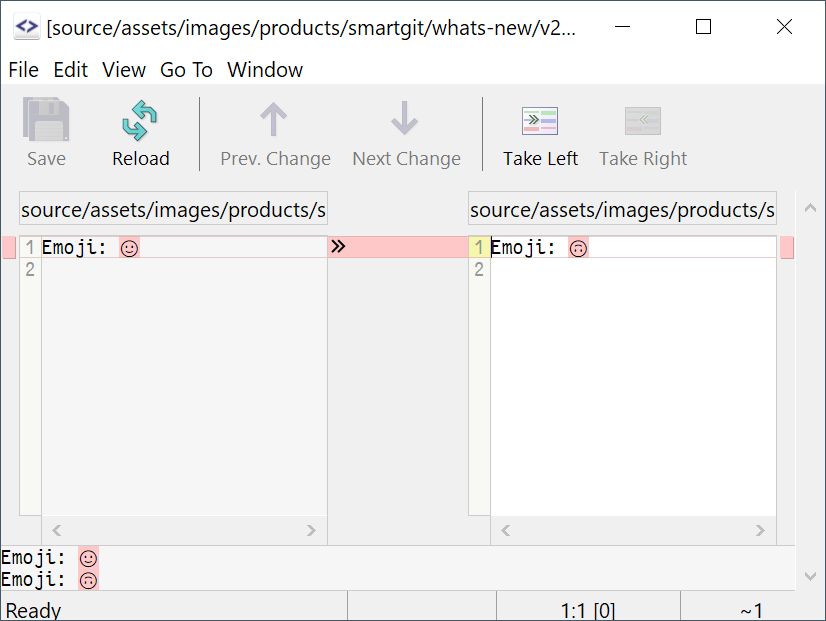
Support for UTF-32
Feel free to use emojis or other UTF-32 characters in your code.
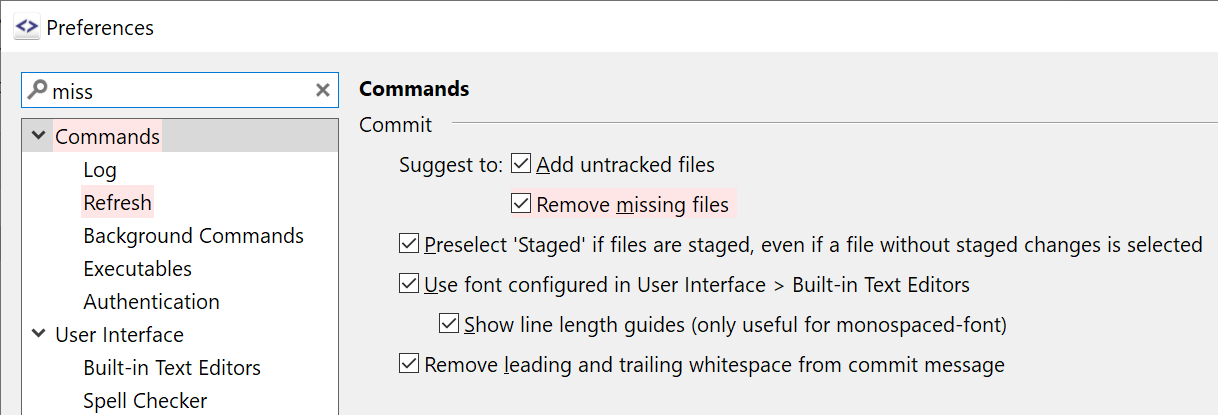
Preferences: Search
SmartGit is highly customizable and comes with a lot of preferences options.
The new search field makes it much easier to find the right one.
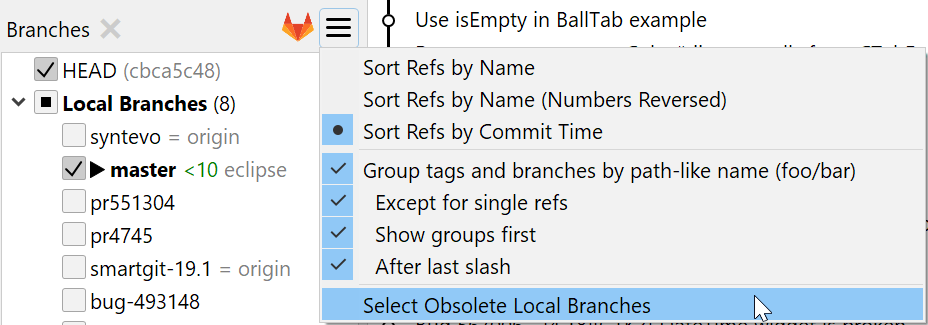
Select Obsolete Branches
Sometimes you may want to delete local branches which have been merged. You can now select local branches for which the tracked remote branch has been deleted, review and finally delete them.
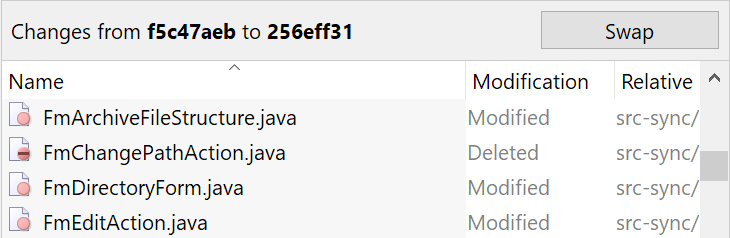
Compare Refs: Swapping
When comparing branches where neither is in the history of the other, it is not obvious which one should be shown before the other. If SmartGit's suggestion doesn't fit, you can now simply swap sides.
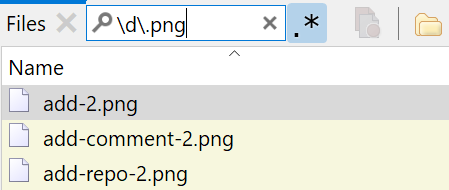
Visible RegEx Option
All filter controls support regular expressions. To make this more obvious, now each filter control has a toggle button right beside it to enable regular expressions.
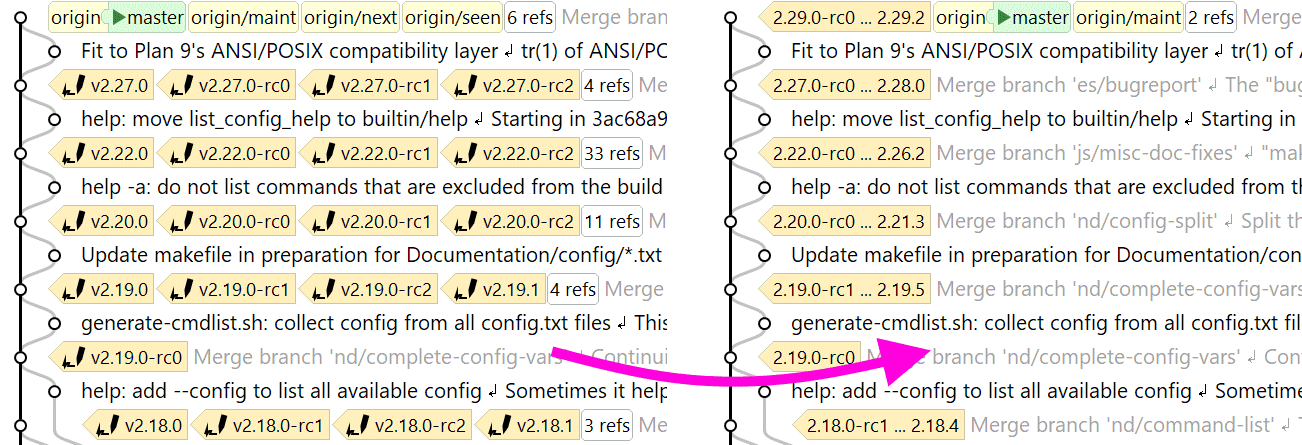
Tag Grouping
SmartGit detects large amounts of similar tags (like build- or version-tags) and groups them in the File Log.
The underlying Tag-Grouping configuration can be manually refined and is also used to display "closest tags" in the Commits view and group the Tags-category of the Branches view.
What's New in SmartGit 20.1
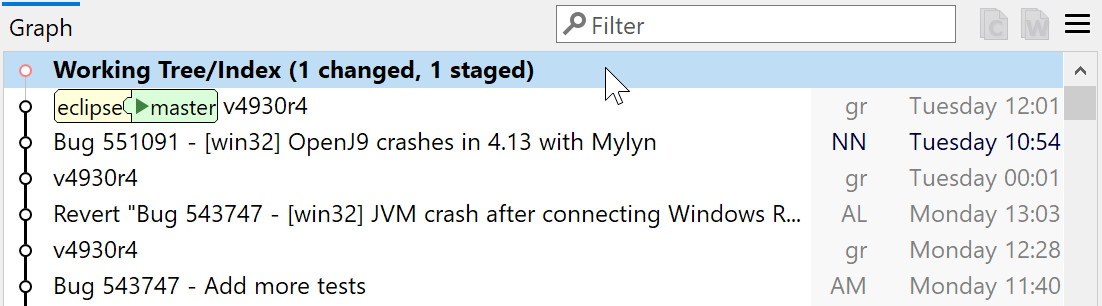
Log Graph with unified Working Tree/Index Node
In the Log Graph, Working Tree and Index nodes have been unified to one node to be more compact. The node now always sticks to HEAD which is less distracting, especially if an older commit is checked out.
Files view: separate Working Tree and Index
A lot of new users are used to having separate lists for Working Tree and Index changes. Now you have the option to see all changes in one list or have them separated into 2 lists.
If no or all files are staged, the second empty list will automatically be hidden.
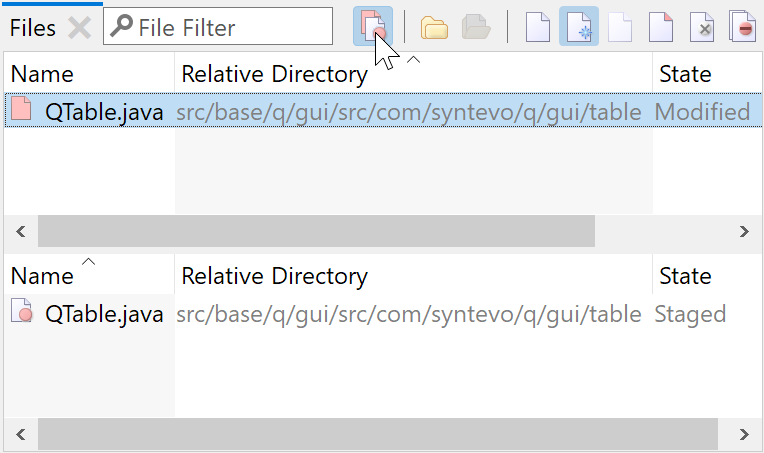
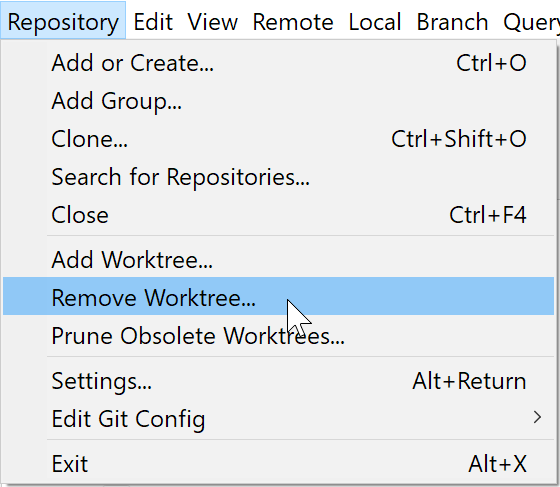
Remove Worktree
It is now possible to remove worktrees directly without workarounds.
First-Parent History Improved
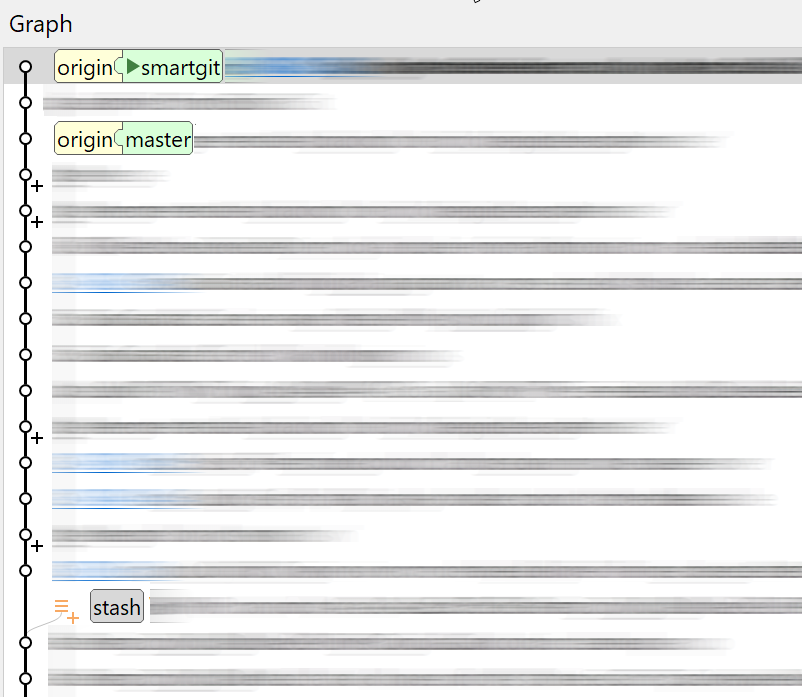
First-parent history is now built from core Git data and works well with huge repositories.
When showing only the current's branch history ('Follow Only First Parents' option is selected), stashes are now shown in compact form, too. They can be expanded by mouse-click.
Filtering Improved
Filtering now matches inside the name or path, except for regular expression filtering when ^ or $ are used.
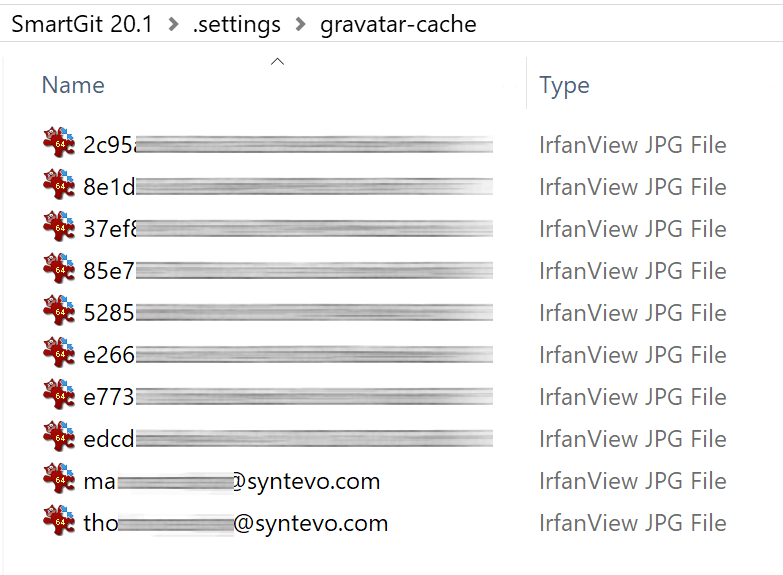
Offline Gravatar Cache
If you don't want gravatar.com being accessed, you may prepopulate the gravatar-cache directory with images in the form [email protected] or email-md5-hash.jpg to actually see the images, even if the gravatar.com access is disabled.
What's New in SmartGit 19.1
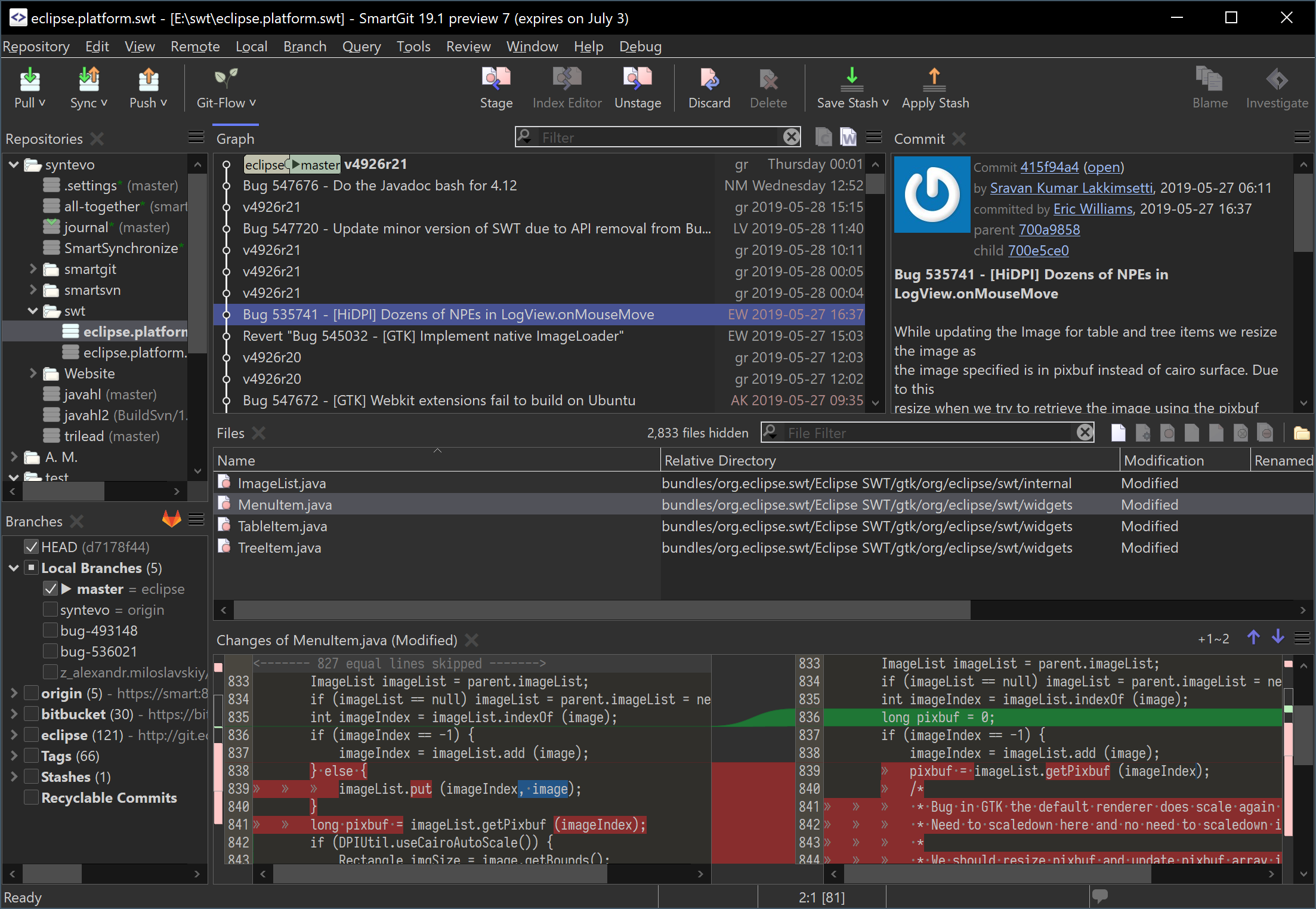
Improved dark theme
On Windows 10 the dark theme now also supports dark title bar, menu bar, scrollbars. If the Windows 10's default app mode is configured to be dark, the context menus are also dark.
On macOS 10.14 and on Linux SmartGit will also launch in light/dark theme depending on the current system theme.
Also, for Linux the dark theme has been fine-tuned (table headers, selection colors, carets).
This topic was requested at smartgit.userecho.com.
Improved Commits view
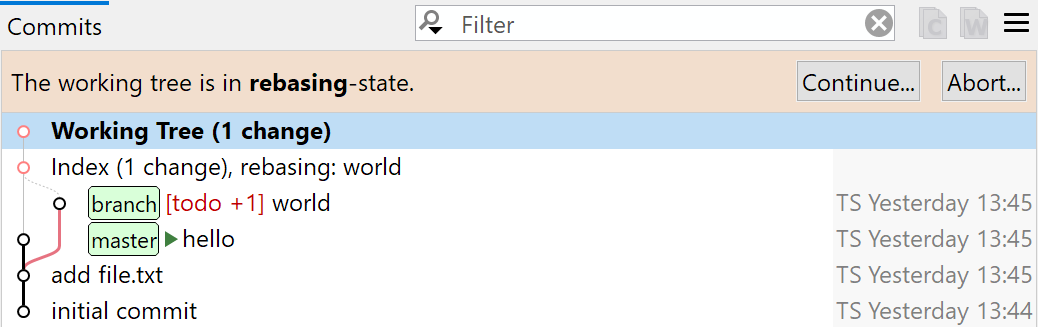
If your repository is in a special state (rebasing, merging, cherry-picking, bisecting, ...), a banner indicates it clearly and offers context-dependent commands.
For rebases you can now see the successfully processed and the yet to be processed commits at one glance.
Combined Details/Commit Message view
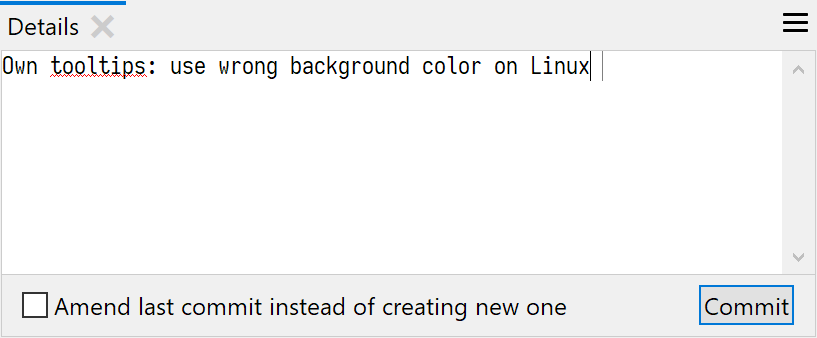
The Details and Commit Message view of the Log window have been unified now to save screen space. Simple commits can be done right from this view.
In the Commit Message view of the Working Tree window you can also commit directly now without using the (still available, more feature rich) dialog.
Directory support in the Log
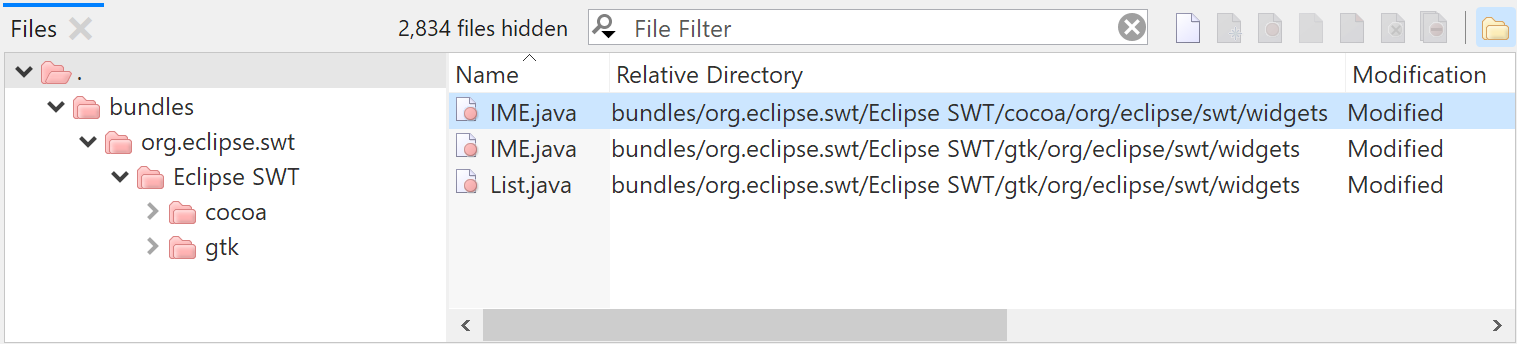
The Log's Files view now optionally shows a directory tree. This allows to invoke directory-based commands (which were just available in the Working Tree window until now).
The Log now supports basically all working tree functionality of the Working Tree window (see smartgit.userecho.com).
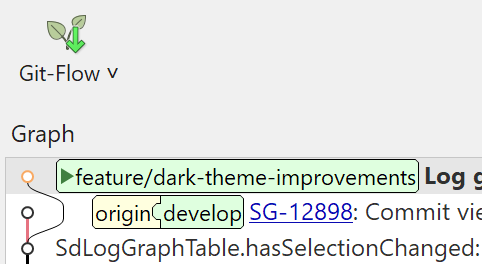
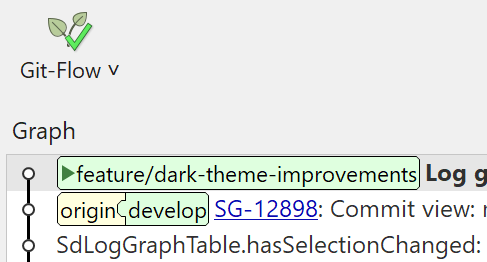
Git-Flow Improved
The Git-Flow integration now supports AVH edition 1.12.2, which e.g. allows to specify a base branch for a feature (or hotfix, ...). This gives you more flexibility in arranging your features or even work on features which are built upon other features.
For diverged Feature branches the default command now changed to Integrate Develop.
More Advanced Reset Options
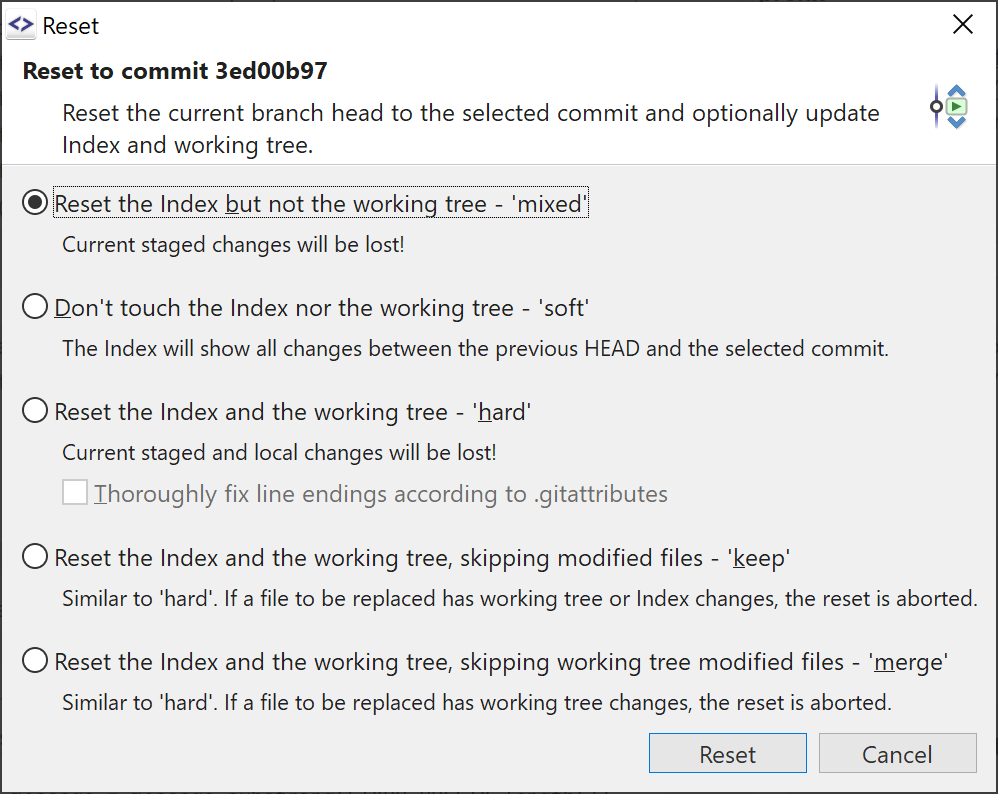
The common Reset Hard became a separate command while the new Reset Advanced command supports more options with some descriptions.
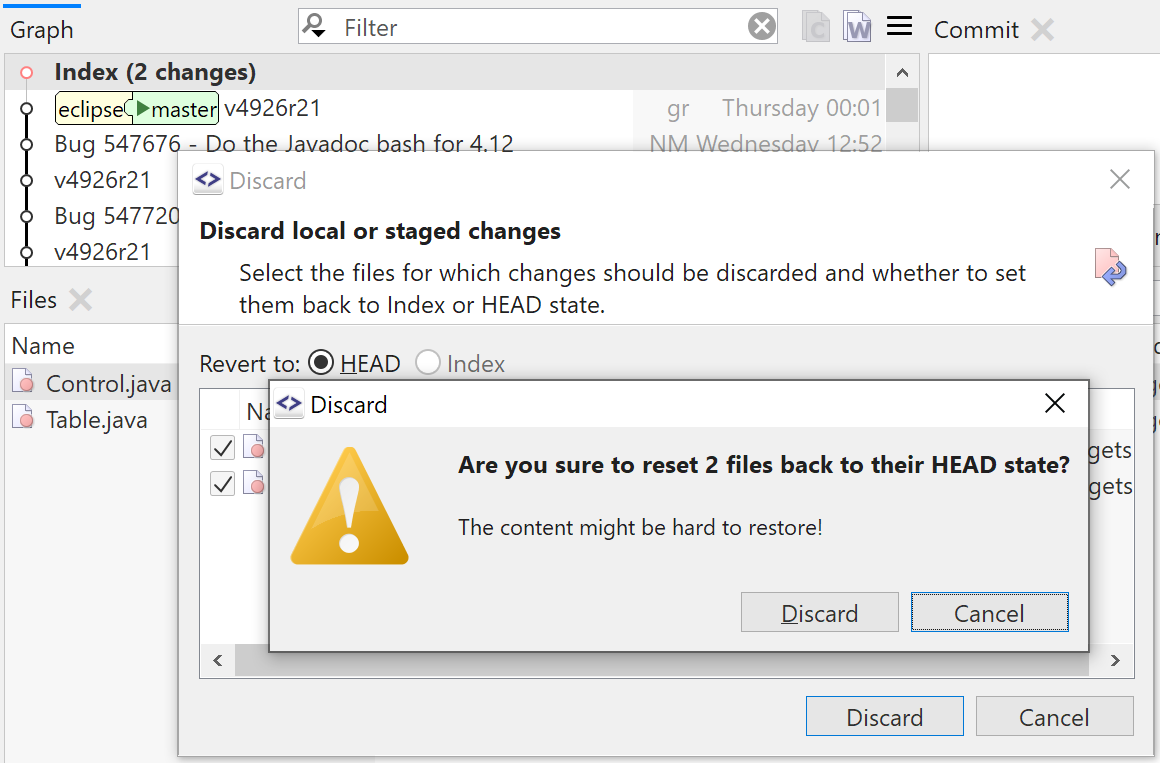
Safer Discard
The SmartGit commands are very selection-based. To not discard too many files by accident we've added an additional confirmation if just a single file is selected in the Files view, but Discard would discard multiple files because your focus is in the Graph view.
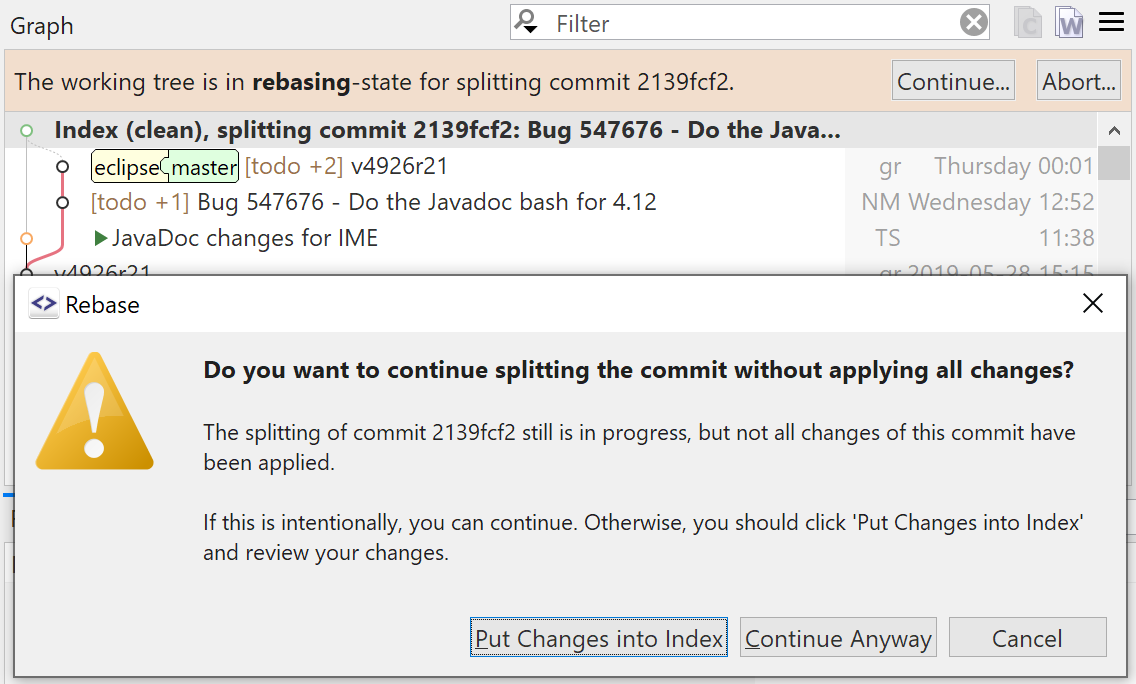
Intuitive Split Commit
For splitting a commit, we simplified the workflow: you create your new commits and when you are ready, invoke Continue.
If the new commits will differ from the old commit, you'll be warned. With a simple click SmartGit will show you the differences and you can commit possibly missing changes.
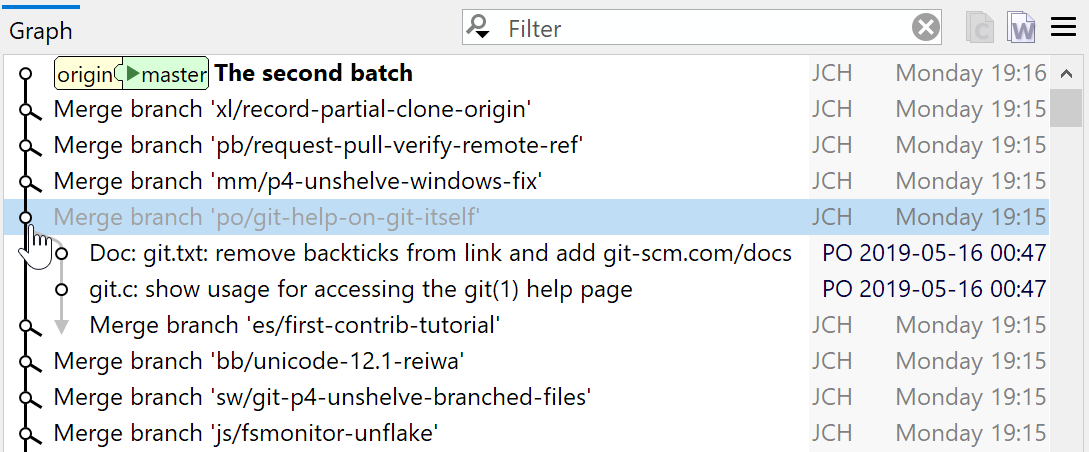
Flat Log
For complicated log graphs with multiple merges it can be helpful to just see the new first-parent history. Merge commits will just show a stub; clicking it will toggle the visibility of the merged branch.
What's New in SmartGit 18.2
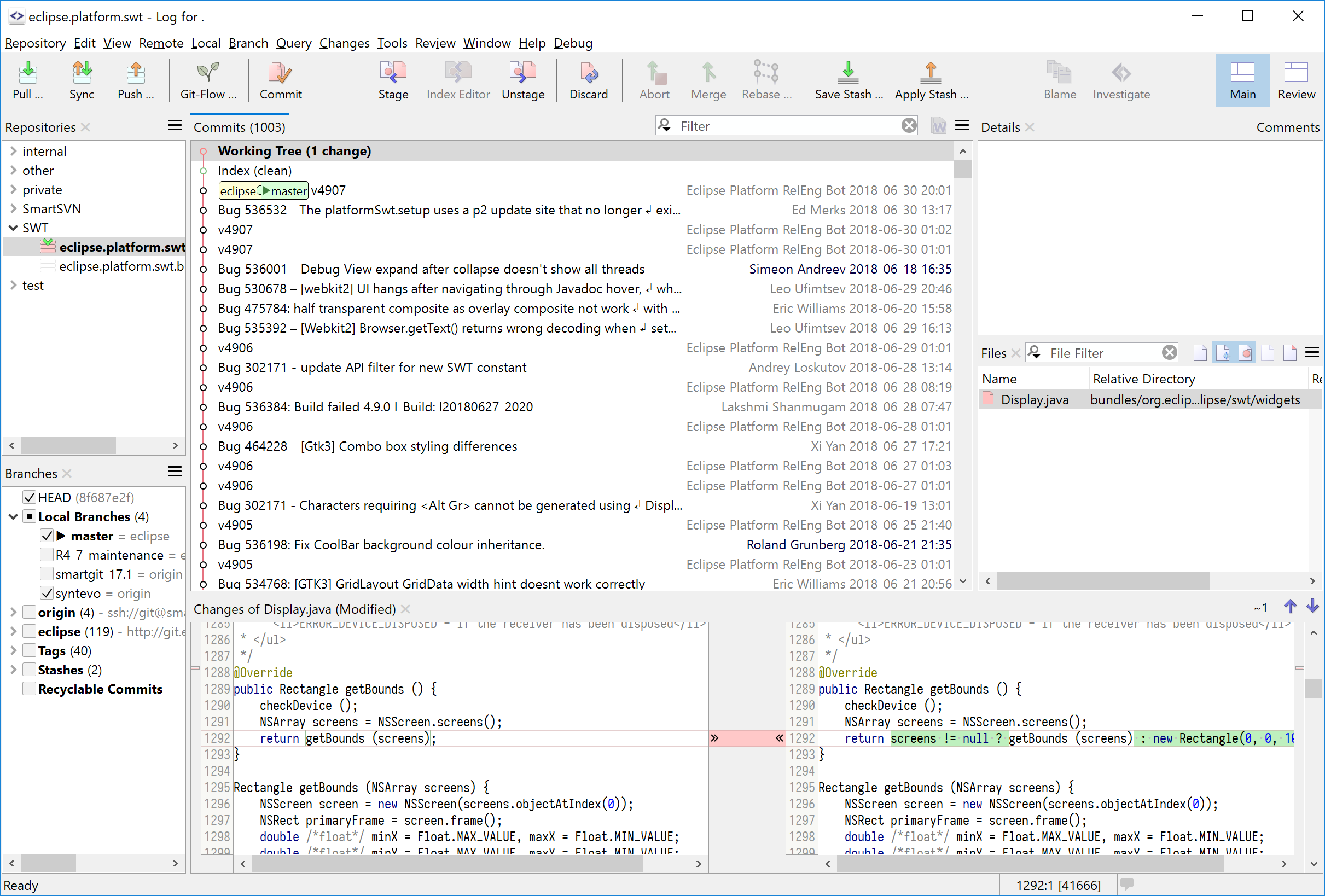
Log with Index and Working Tree
The Log window is now a first-class main window which shows working tree and index, and offers virtually all commands from the still available "working tree" window (smartgit.userecho.com). Users of other Git clients will find this single-view approach more familiar.
The working tree and index are shown on-demand or permanently as nodes attached to the HEAD commit (smartgit.userecho.com).
To make the Log better usable, we had to change the behavior of some commands. E.g., the Push command now pushes the current branch (instead of the ref at the selected commit), similar to the one of the working tree window.
In the Preferences, section User Interface, you can configure whether to use the Log window or the classic working tree window by default.
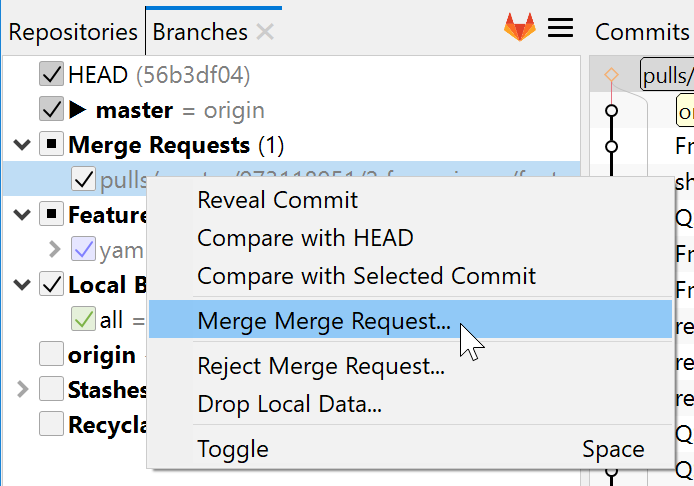
Advanced Git-Lab Integration
GitLab is becoming more popular each day, especially on the own servers. For GitLab-hosted repositories, SmartGit can be used to create, apply or reject merge-requests and add, edit or view comments (smartgit.userecho.com).
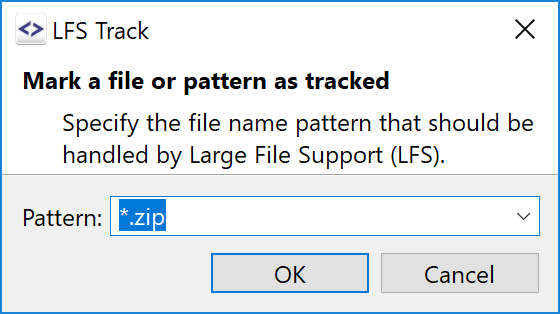
Git-LFS Commands
SmartGit already could handle Git-LFS managed repositories. Now it supports the major Git-LFS commands like installing, configuring the tracked files, locking and unlocking (smartgit.userecho.com).
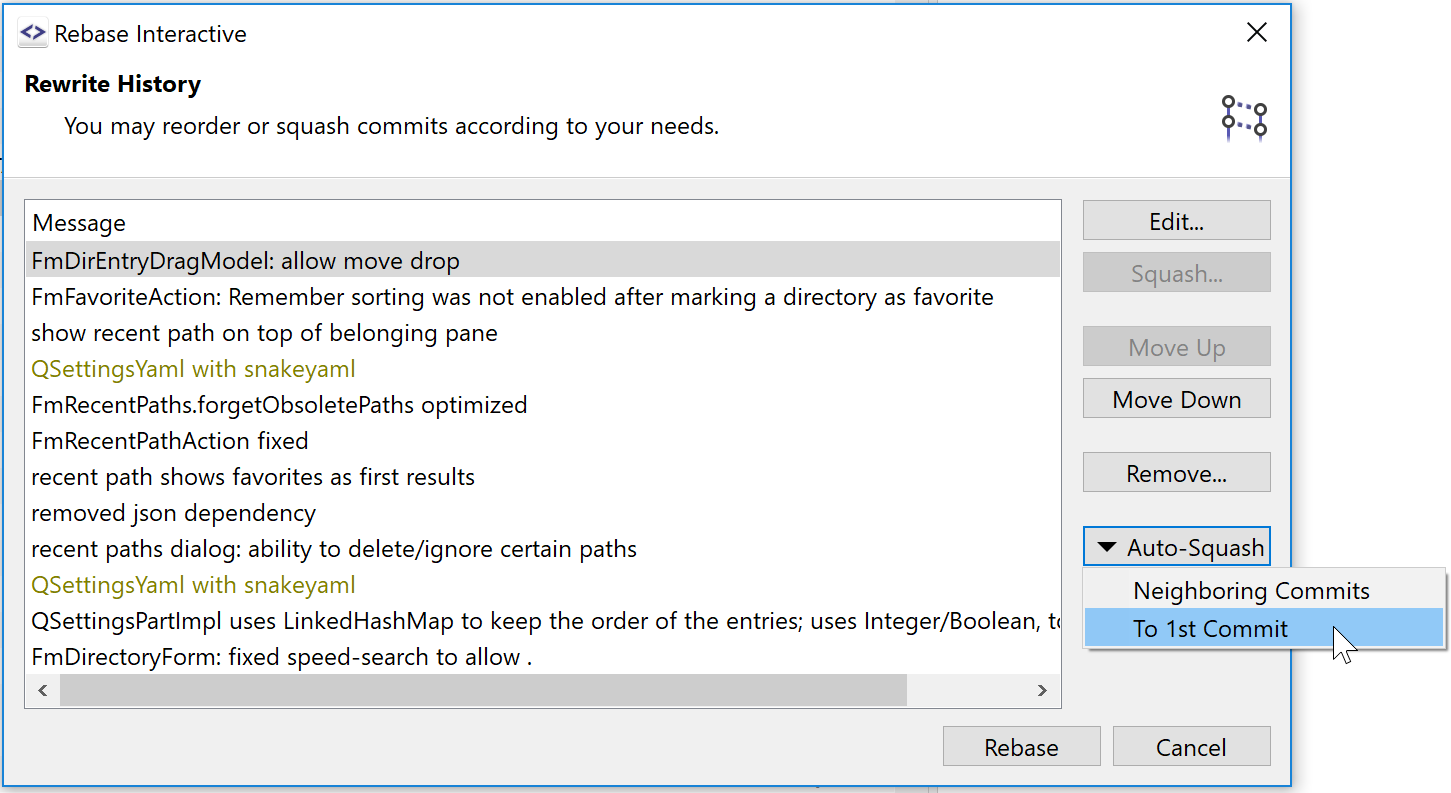
Rebase Interactive: Easier Amending
The interactive rebase makes amending previous commits easier by
- highlighting commits with equal commit messages, and
- offers commands to automatically squash those commits.
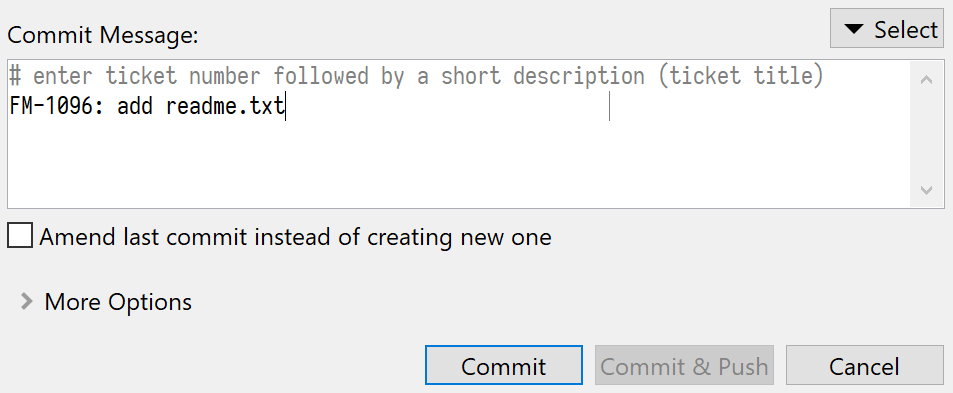
Commit Message Templates
For commit message templates (commit.template is configured), SmartGit shows the comment lines (starting with commit.commentChar) differently, so it becomes obvious which lines will become part of the final commit message and which ones will be ignored.
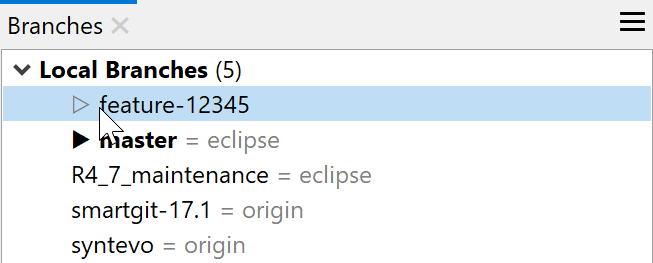
Branches view: Indicate HEAD refs
In the Branches view, refs which are also pointing to the HEAD commit are marked with a light triangle.
What's New in SmartGit 18.1
Reworked Log and Journal
The Log and Journal have been rewritten to improve the performance, especially for large logs.
The default log coloring now uses a dedicated color for each selected refs (unless there are too much). This was one of the high-priority topics from smartgit.userecho.com.
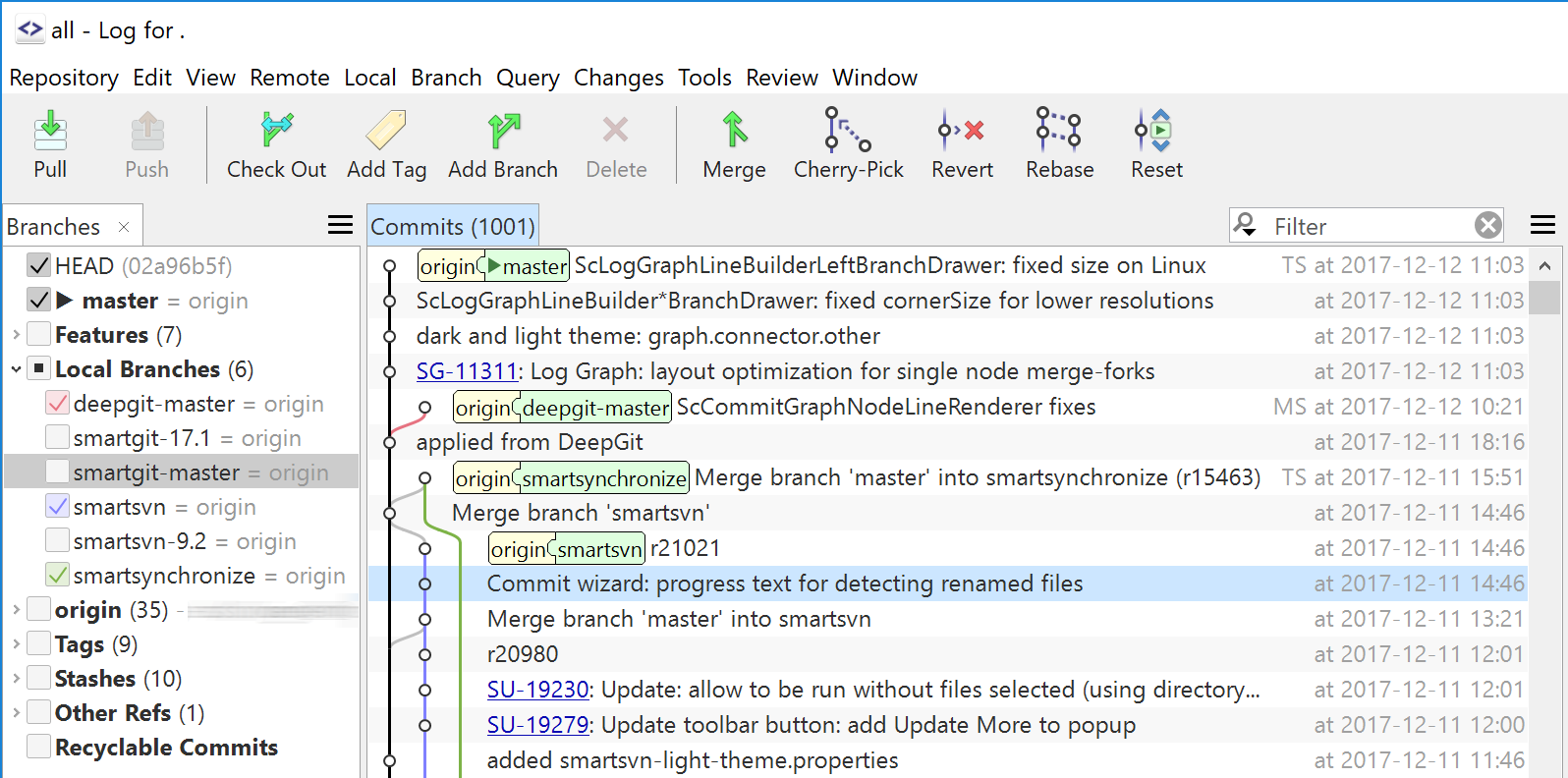
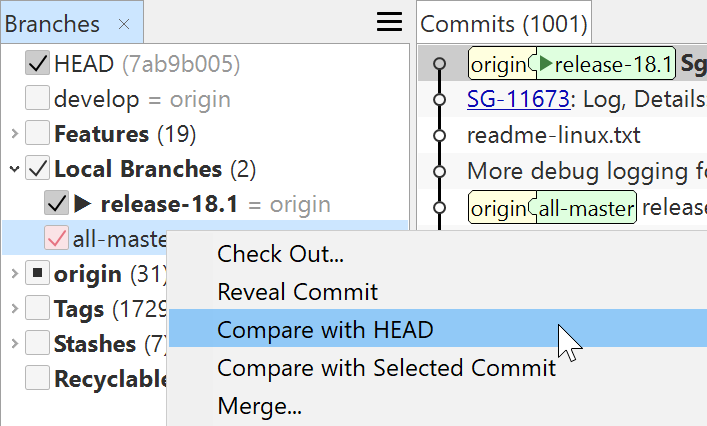
Log: Easier to Find Compare
We made the Compare between a branch and HEAD easier to find for new users now.
Reworked Compare
The compare algorithm has been improved to detect in-line changes over the entire block (not just line-wise as in earlier versions). This works faster and gives better results, e.g., for reformatted code blocks.

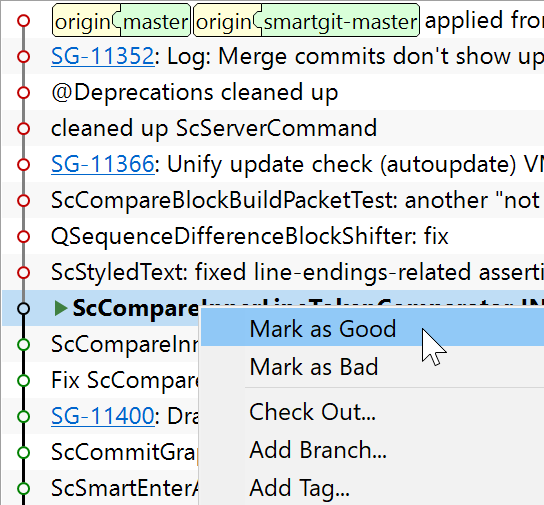
Bisect
SmartGit now makes searching a commit that introduced a bug more easier by supporting the bisect command. This also is a often requested feature at smartgit.userecho.com.
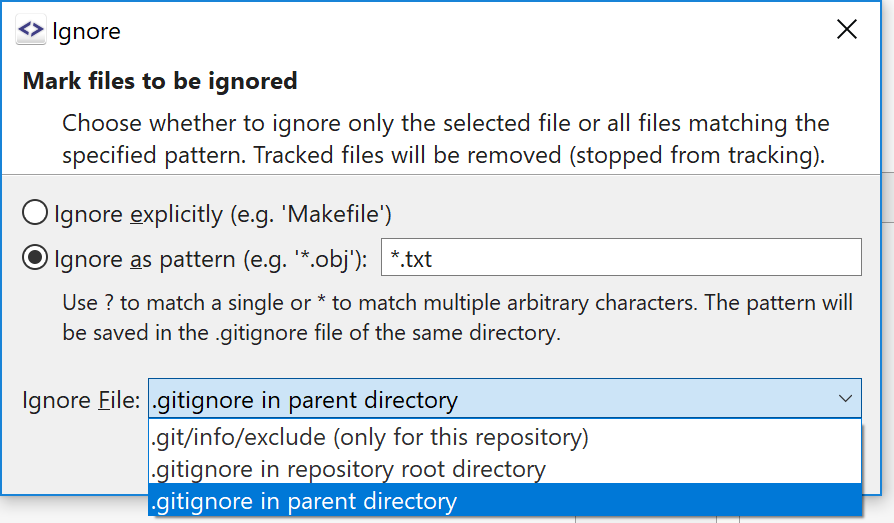
Selectable Ignore File
For the Ignore command you now can choose where to add the ignore pattern. This was often requested at smartgit.userecho.com.
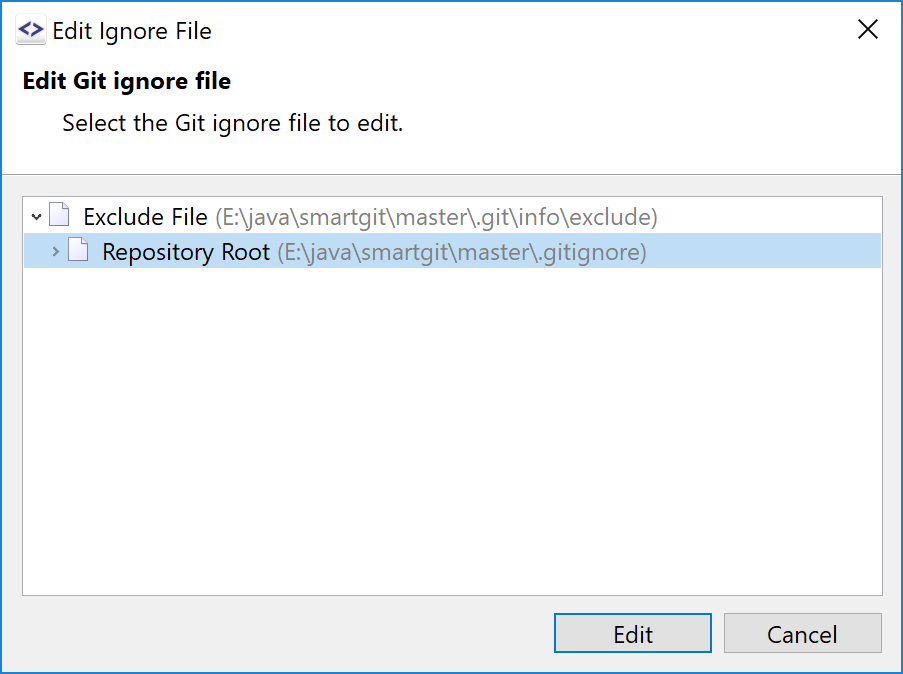
Edit Ignore
For ignored files it is easy to find out which ignore file contains a matching pattern. Now you can edit the ignore files directly in SmartGit.
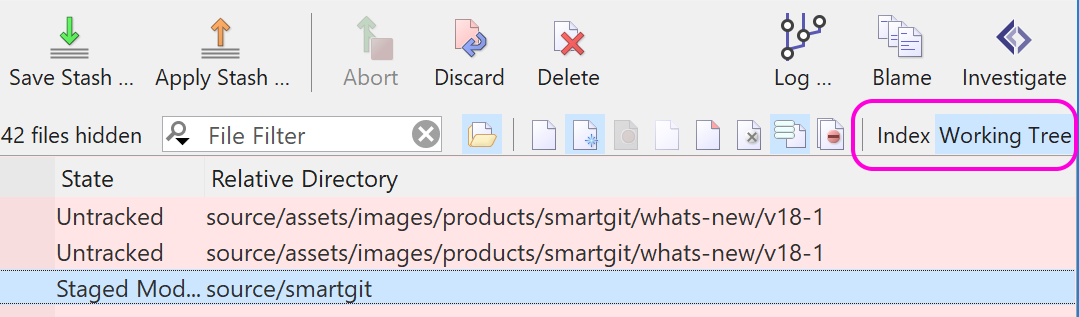
Index and Working Tree Files
Those who missed a dedicated list for Index and Working Tree files now quickly can switch between both using View | Only Index and View | Only Working Tree. This was requested at smartgit.userecho.com.
Use View | Mixed to switch back to the default display showing all files.
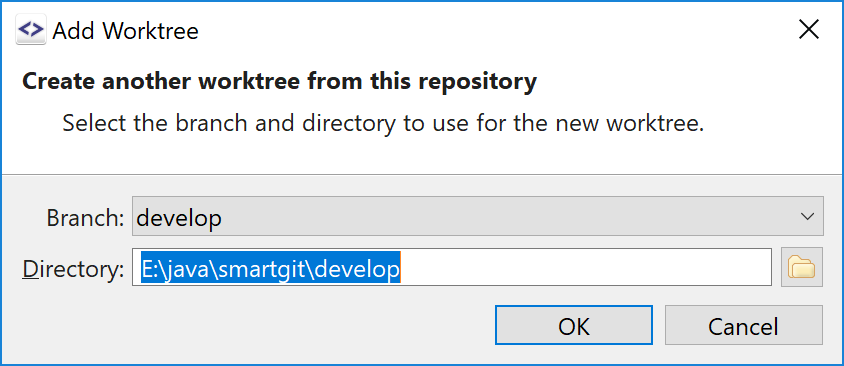
Worktree Commands
SmartGit can now create worktrees for existing local branches and prune obsolete worktrees.
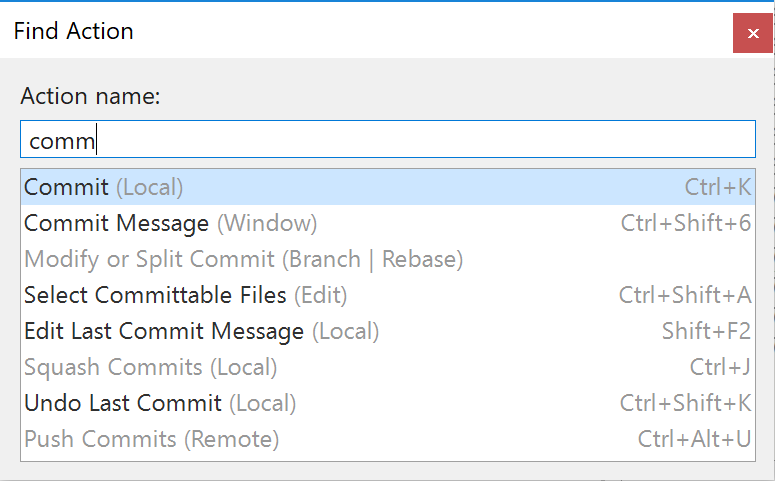
Find Action, Find Object
These commands are perfect for keyboard-savvy users to quickly find menu items or learn its shortcuts, open repositories, switch branches or show the log for commits.
This was requested at smartgit.userecho.com.
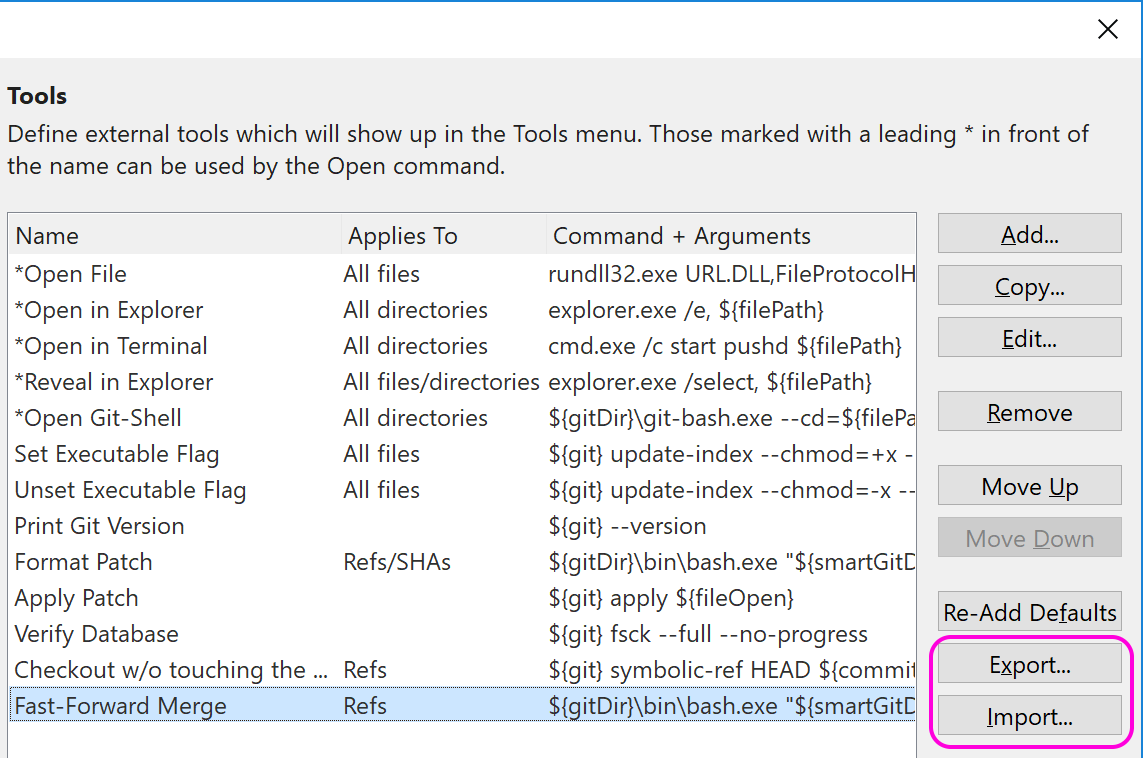
Tools Export and Import
SmartGit supports external tools. They can be exported and imported easily now, e.g. to quickly share in your team.
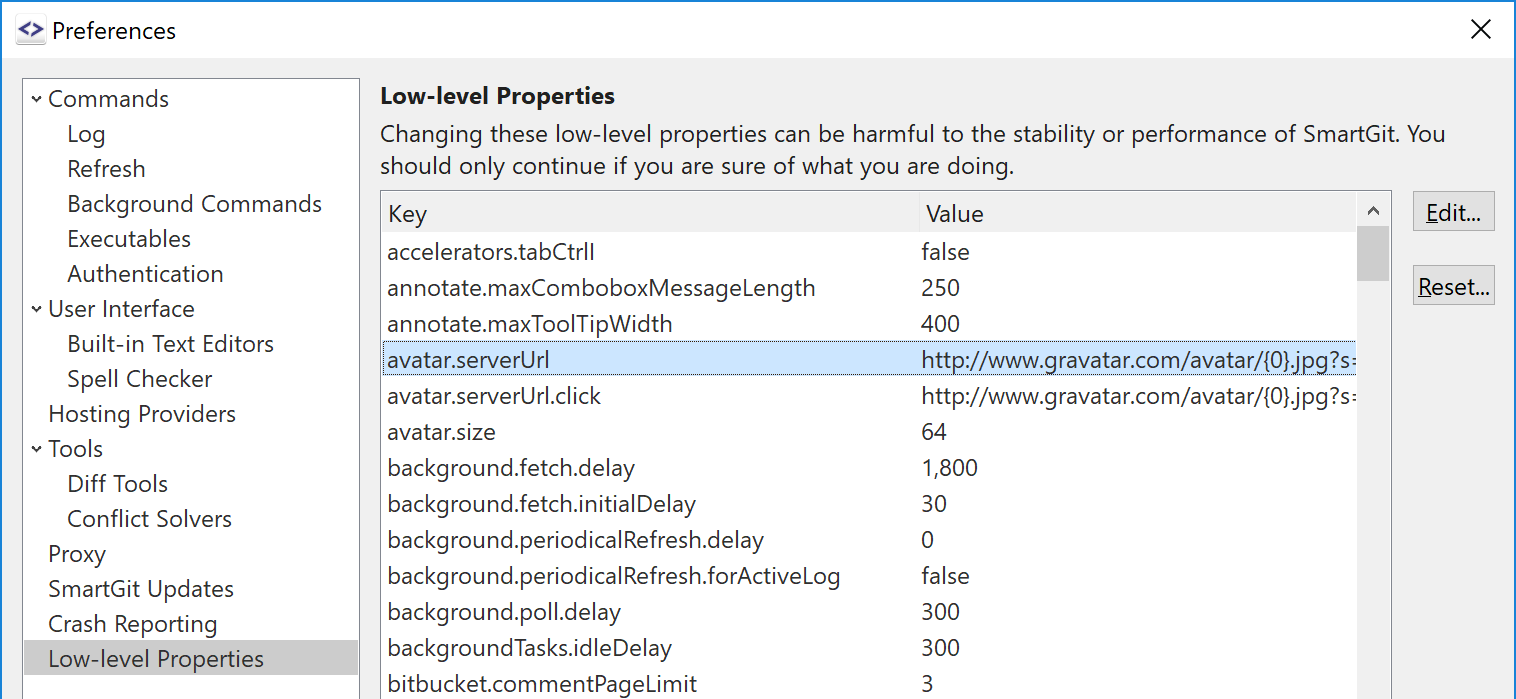
Low-level Customization
SmartGit always was always very good customizable using low-level properties. Now it's possible to edit most of them in the preferences.
This was one of the high-priority topics from smartgit.userecho.com.
What's New in SmartGit 17.1
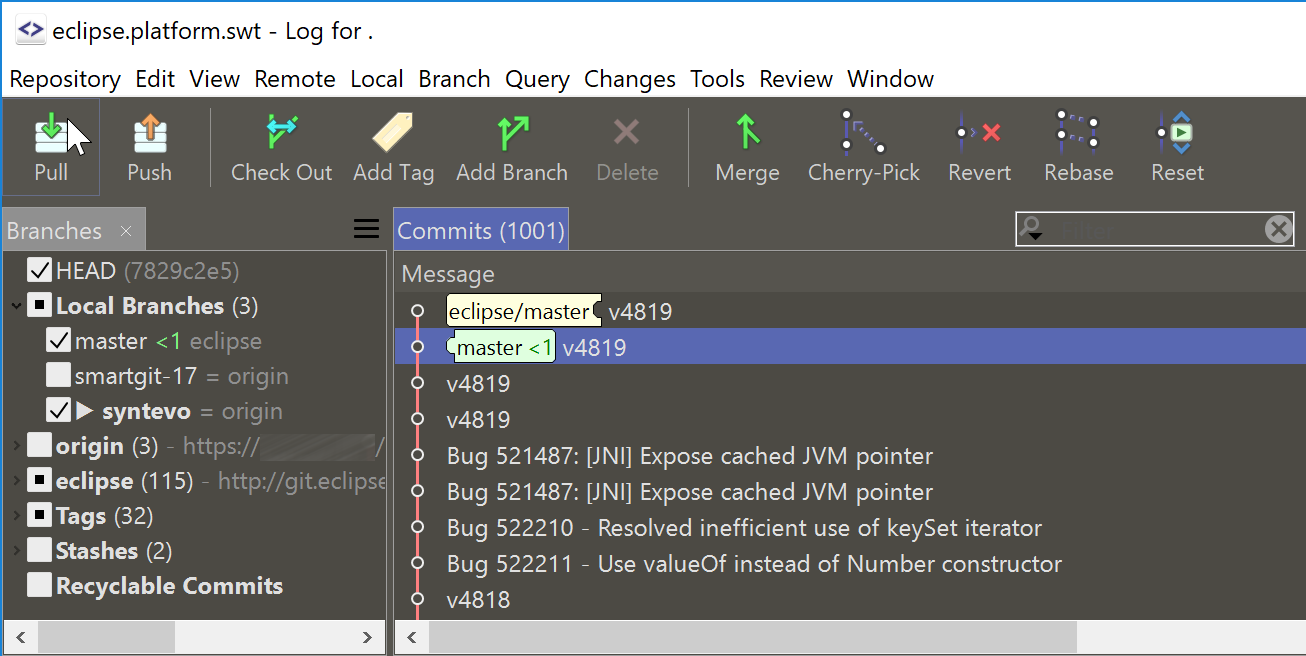
Dark Theme
SmartGit supports a dark theme with operating system independent colors, which was our #1 requested feature on smartgit.userecho.com.
Changes view: Optional Compact Display
For the Changes views an option allows to hide unchanged lines, which was requested on smartgit.userecho.com. Currently, this mode causes that no syntax coloring nor editing is possible.
Improved Line-Endings Support
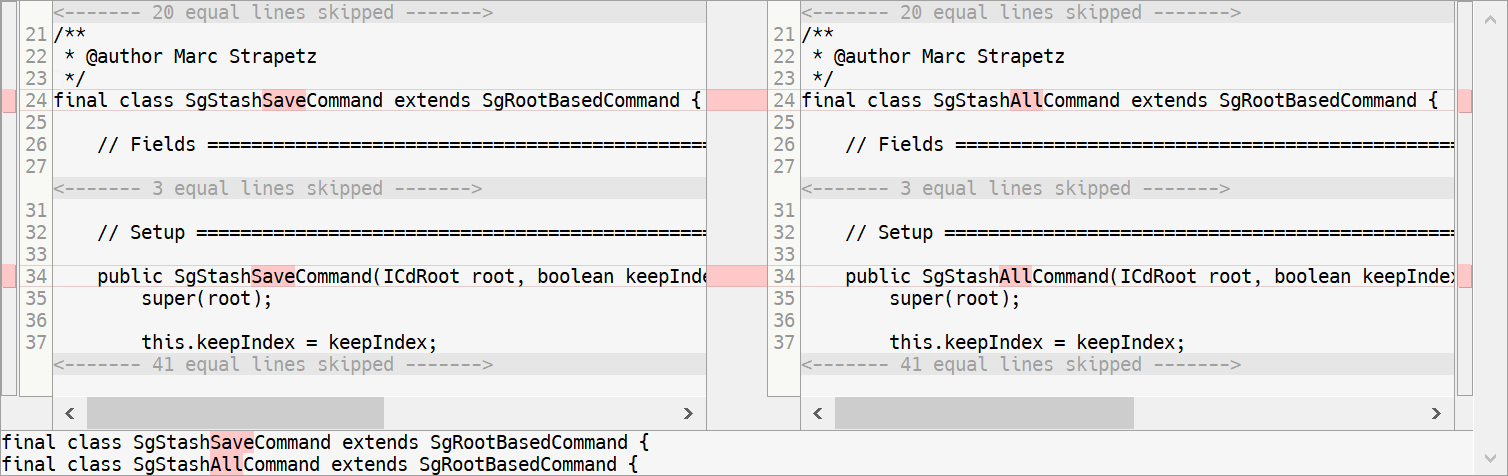
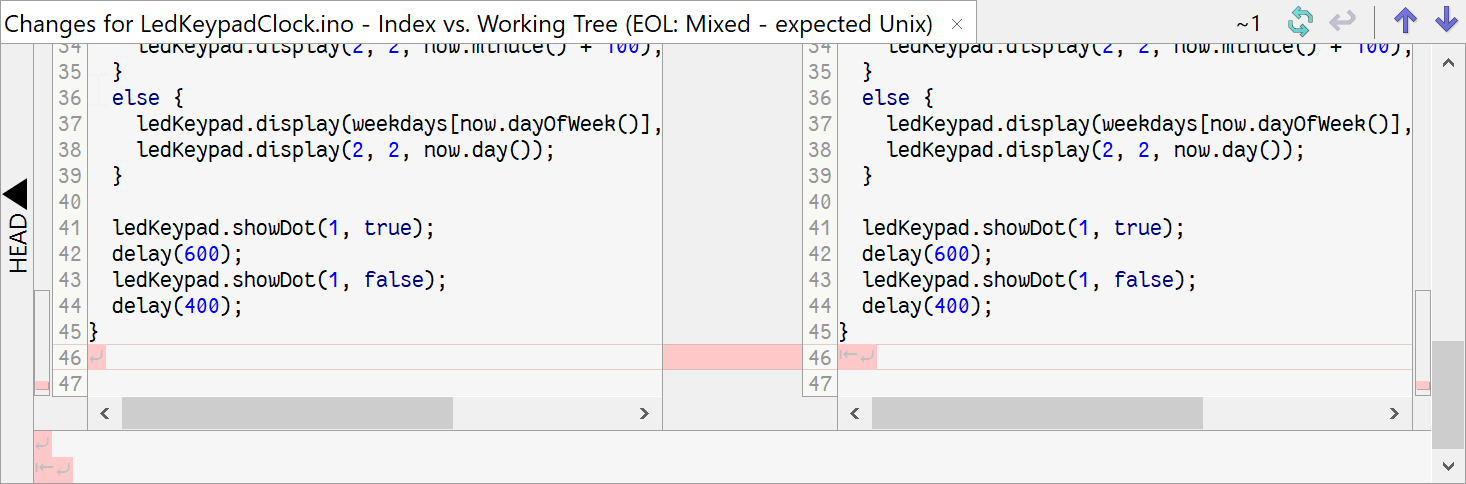
The Changes view can optionally show line-ending changes (requested at smartgit.userecho.com).
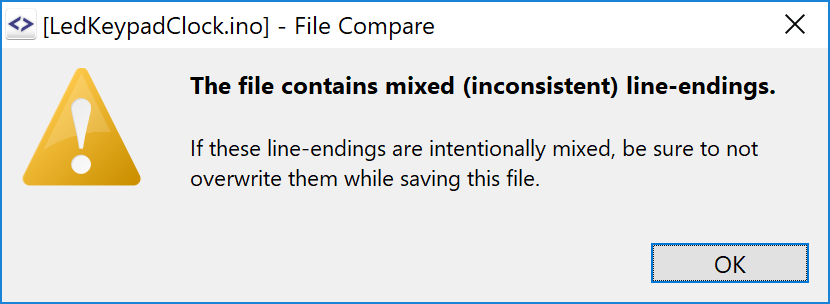
SmartGit makes accidentally overwriting text files with mixed (inconsistent) line-endings harder by showing a warning dialog for the built-in File Compare, Index Editor and Conflict Solver (which only show the file content without line-endings).
Interactive Rebase
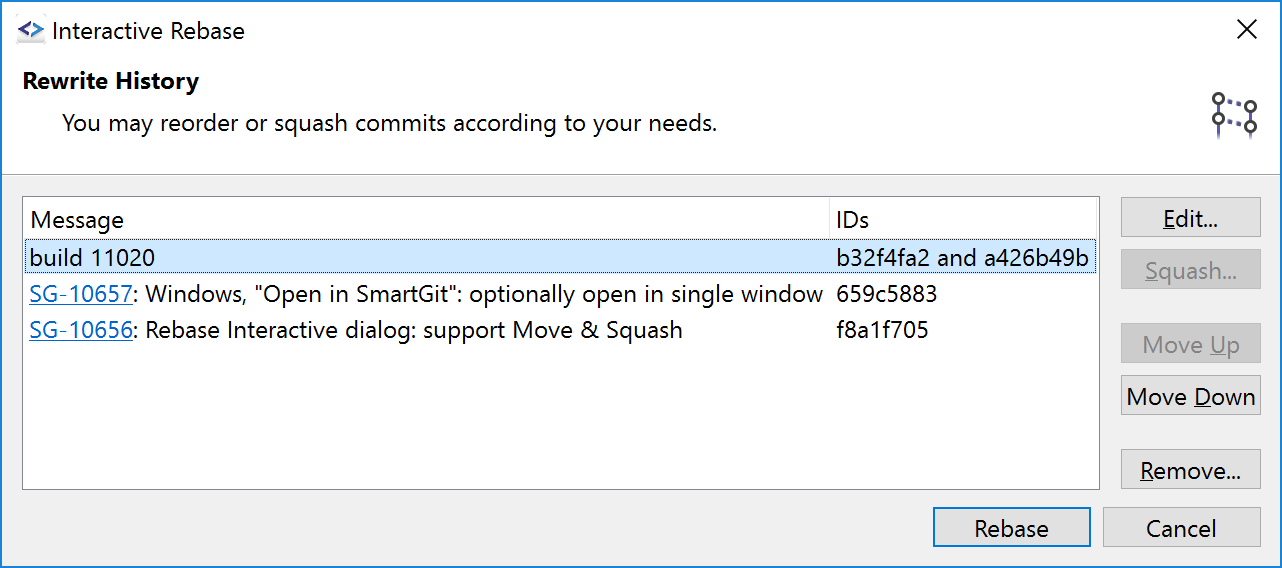
Former SmartGit versions already allowed to reorder or squash commits in the Journal view immediately. But if you had to do multiple changes at once, this was not perfectly handy.
Now SmartGit allows to batch process such interactive rebase operations which also has the advantage of being able to resolve conflicts (requested at smartgit.userecho.com).
The interactive rebase option to edit a commit has been made available as a dedicated Modify or Split Commit command.
Stash Improvements
The stash command has been improved:
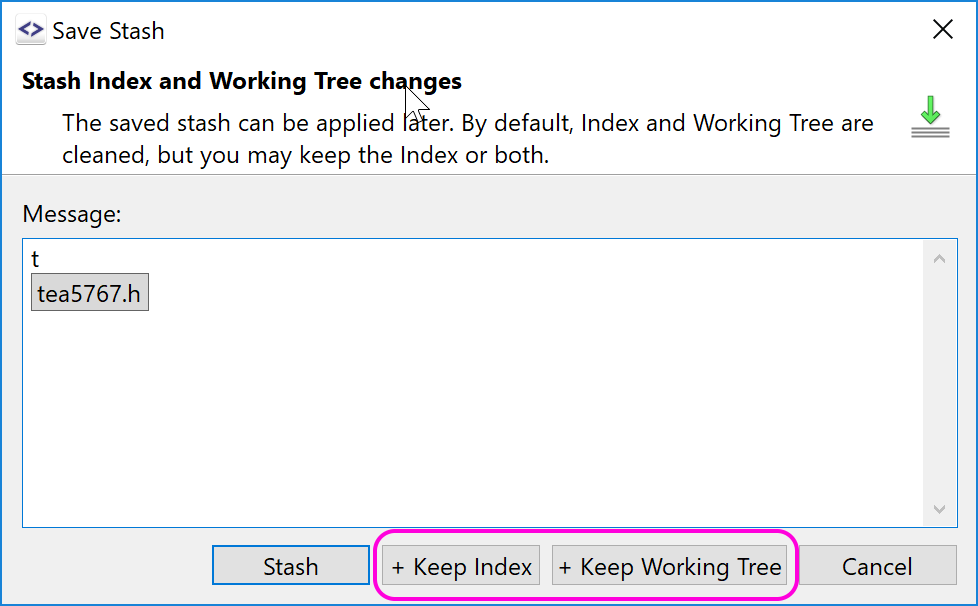
- support for stashing just the selected files (requested at smartgit.userecho.com),
- optionally keep the index or the whole working copy (making the stash just a backup of the modified files),
- the toolbar buttons has popup options for supporting a quick stash without dialog,
- stashes can be renamed.
The option to include untracked files has been moved to the preferences.
Conflict Solver: Take Both
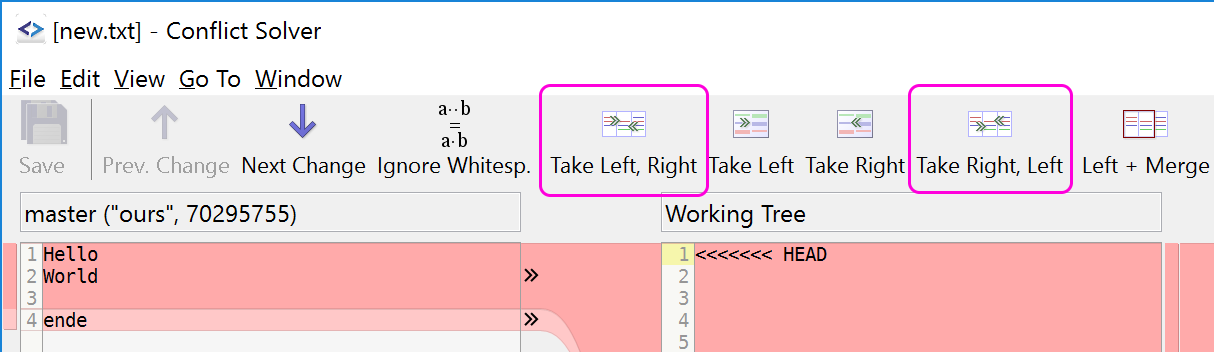
The Conflict Solver now offers commands to take changes from both sides (requested at smartgit.userecho.com).
Refresh performance improvements
The refresh performance (especially for large repositories) has been improved by roughly 50%, making SmartGit more responsive when initially scanning a repository and when invoking fast Git operations, like Stage (requested at smartgit.userecho.com).
DeepGit Integration
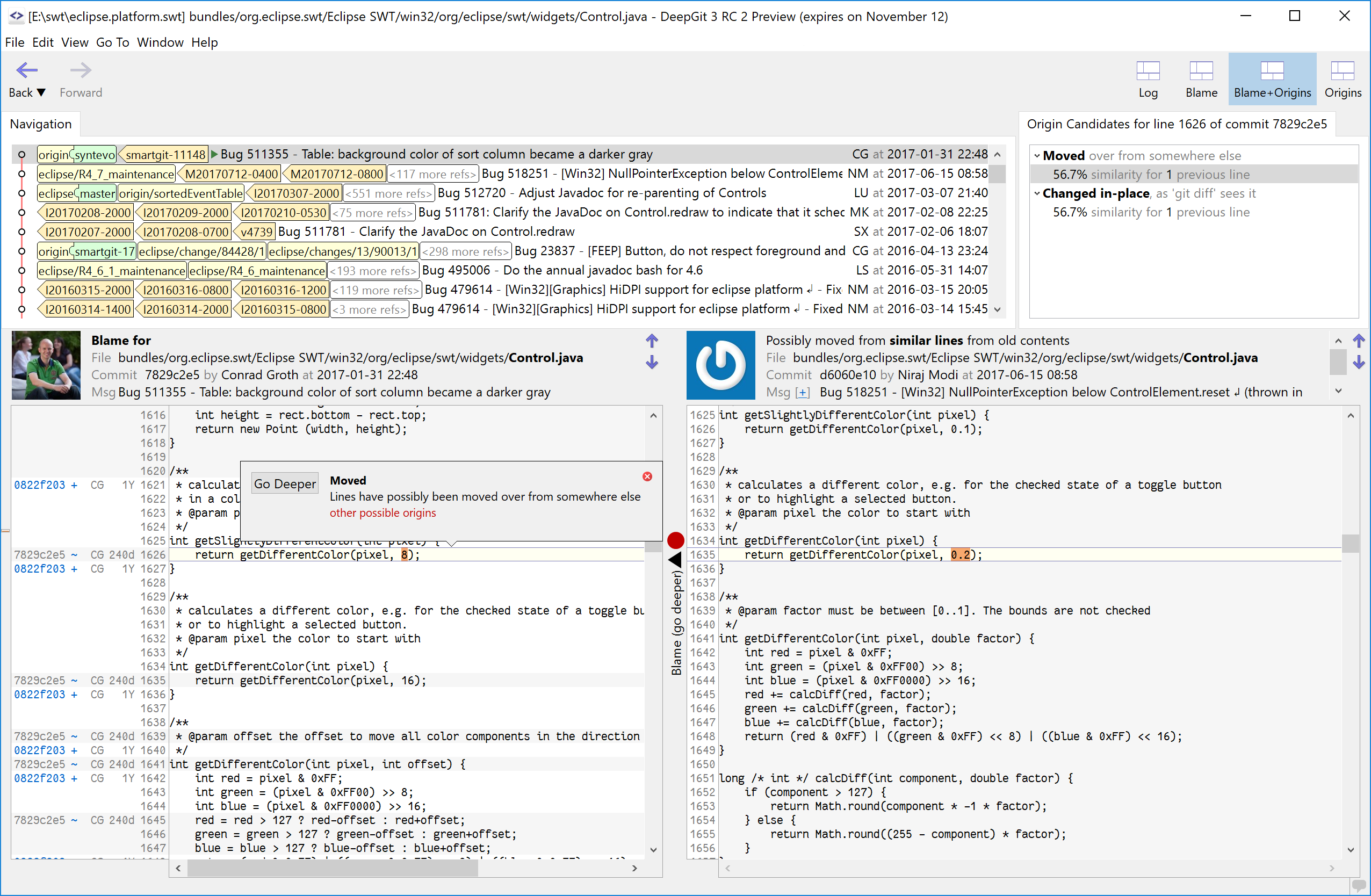
DeepGit is a combined Blame/Log tool which helps to investigate the history of source code. It's now bundled with SmartGit and can be invoked using Query|Investigate.
Locate Gitignore Files
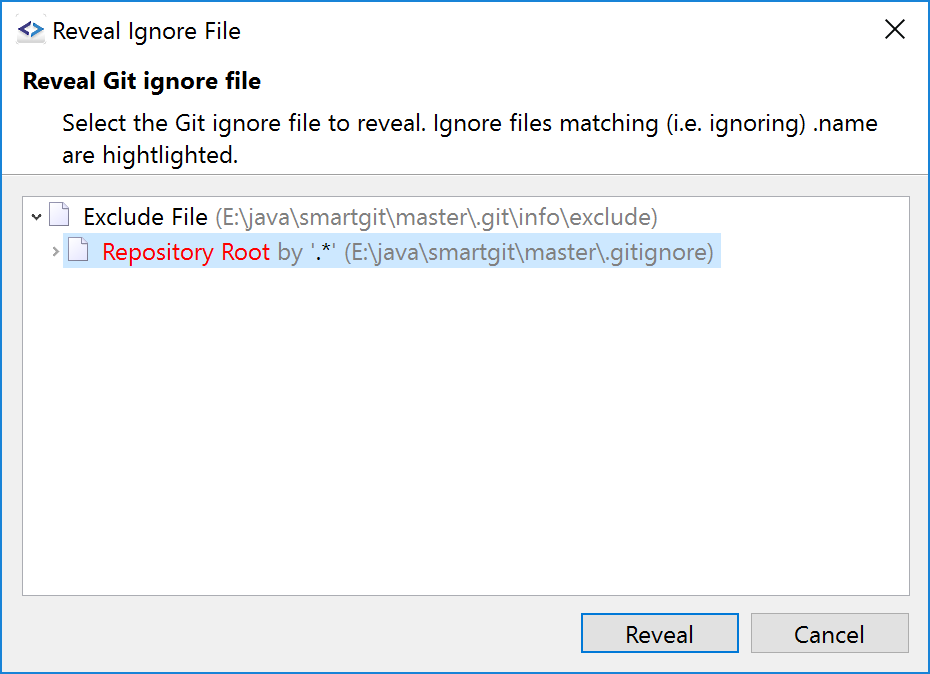
If you want to know why a certain ignored file is ignored or what gitignore files have influence to the selected file or repository, you now can reveal the corresponding gitignore files easily.
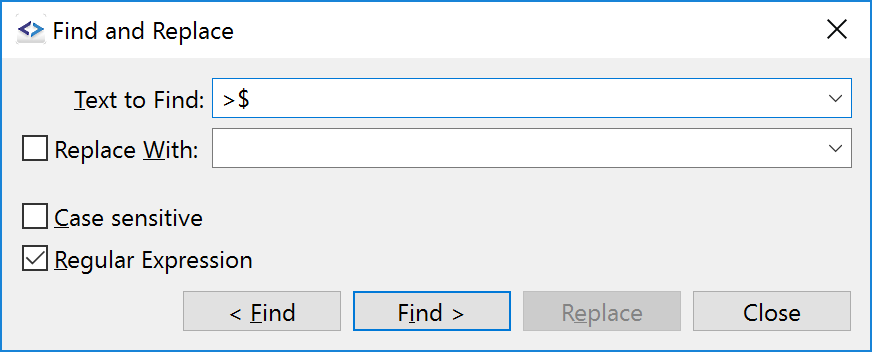
Improved Find, Find & Replace
The Find and Find & Replace dialogs have been unified being the Find dialog a part of the Find & Replace dialog. The Find feature part now allows to use regular expression and the Find Previous and Find Next operations have been made more intuitive to use.
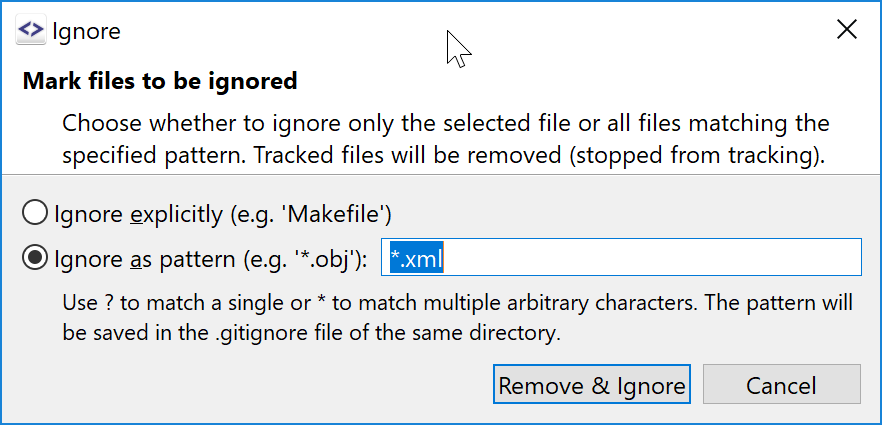
Ignore Tracked Files
The Ignore command has been extended to also support tracked files by first removing and then ignoring them.
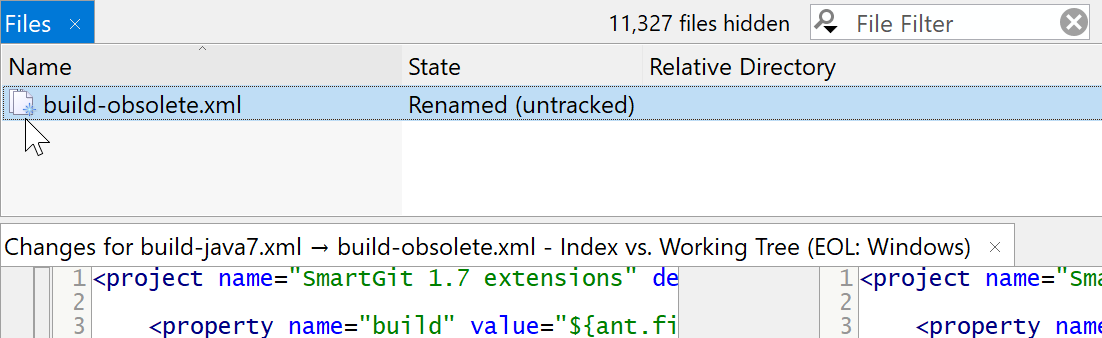
Rename Detection
Files renamed in the working tree (either missing and untracked, or removed and added) can be detected. The Changes view shows the file names and the file content from the correct file (Index and HEAD).
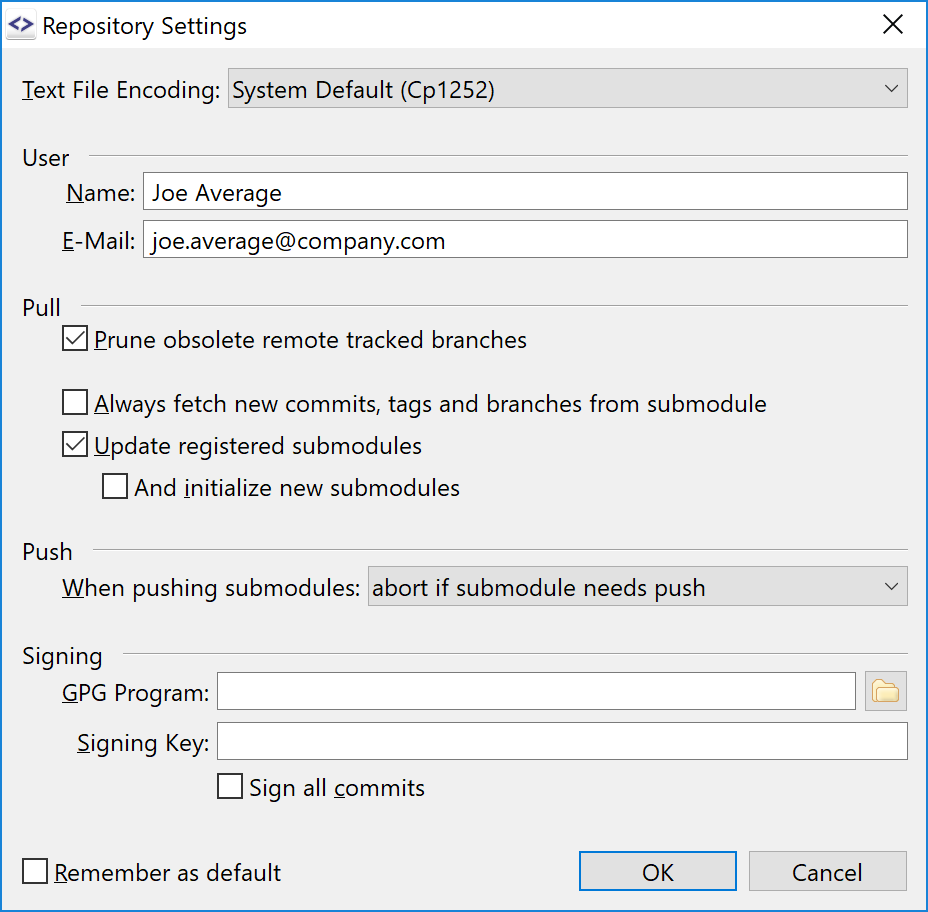
Repository Settings
The dialog has been reworked for easier display and editing of the effective Git config values. A new option for what to do when pushing submodules has been added.
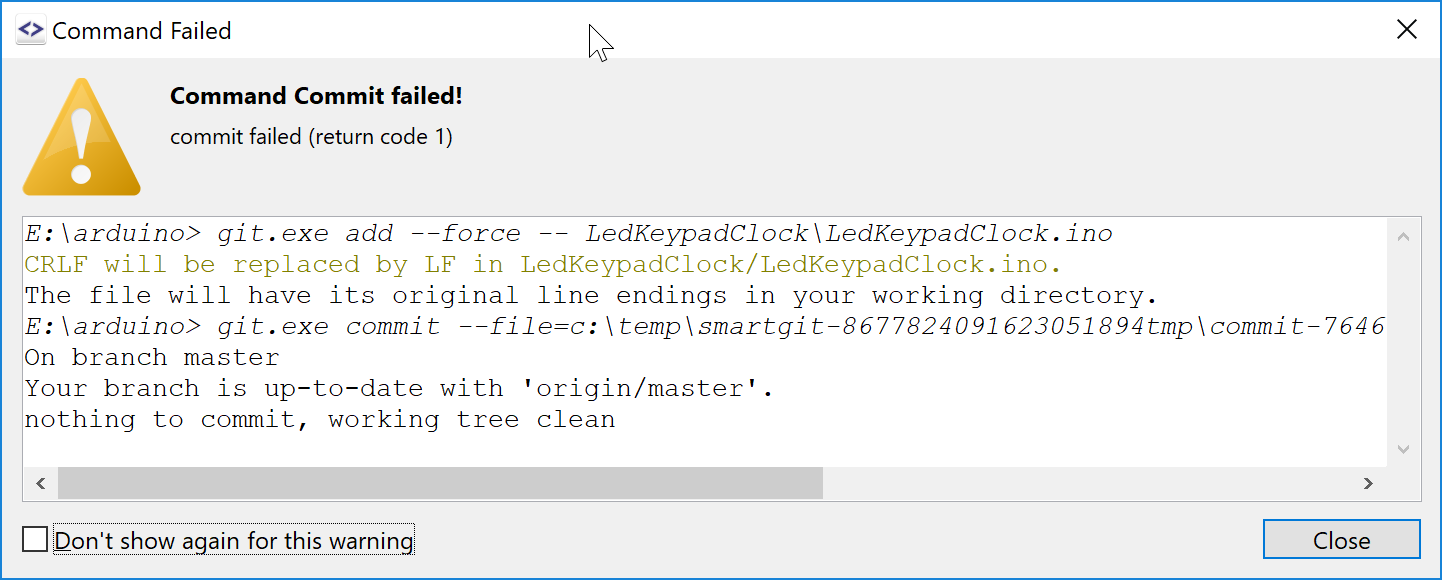

Output Popup
To not waste more screen space than necessary, you now have the option of hiding the Output view and still being notified about the command success or failure.
If a command fails or produces some warning messages, you will see the exact invoked commands and their output in a dialog, easily disposable with ESC.
In case the command succeeded or you have opted for not seeing certain warning messages you may see instead an automatically-hiding notification. Certain commands, e.g. Stage, will not show any dialog at all. To see the full output again, use Window | Output.
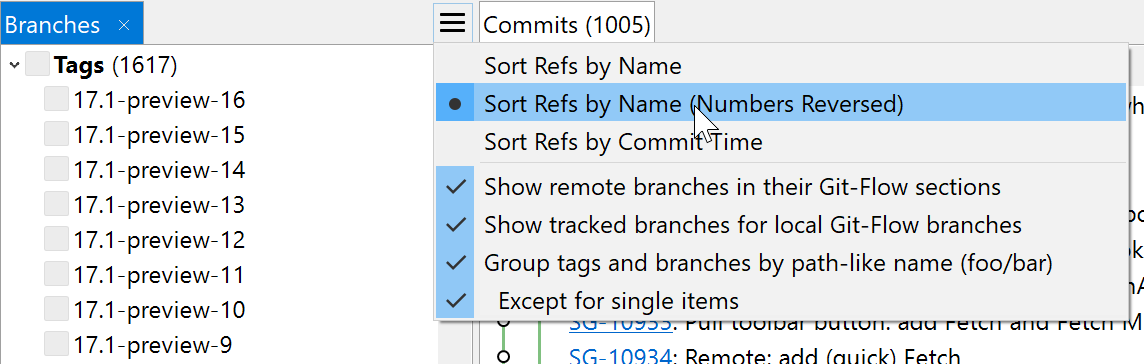
More Ref-Sorting Options
Usually, tags or branch names with a higher number are more important than those with a lower number. Hence, a new sorting mode has been added to take account of that.
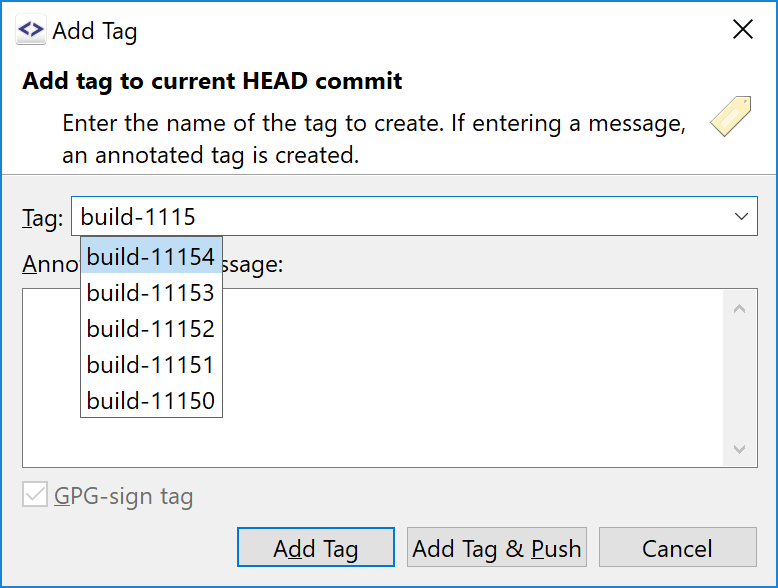
Easier Tagging
Creating a tag is easier by taking the name of an existing tag and changing it slightly, but searching in long tag lists is not necessary and more because of the Ctrl+Space completion popup.
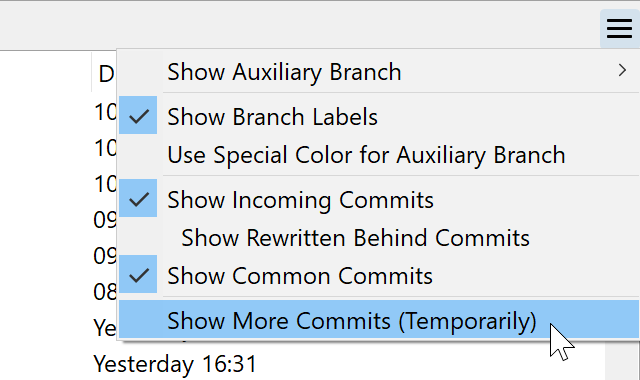
Journal: Show More Commits
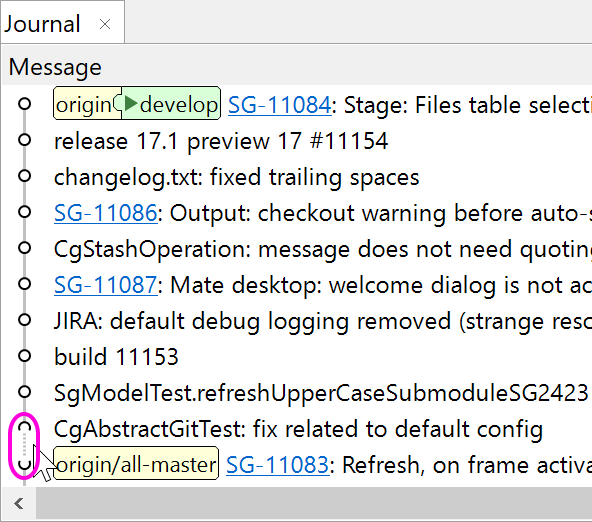
There are now 2 ways to show more commits.
Quicker Access to Commands
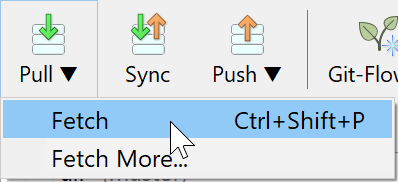
A few toolbar buttons got (click and hold) popup menus for quicker access to certain commands, e.g. a quick way to fetch commits without a confirmation dialog.
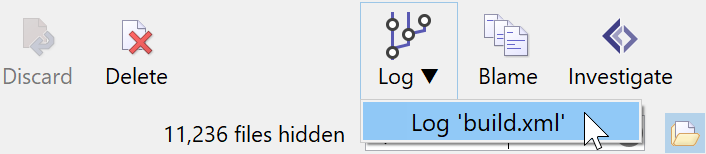
The new combined Log toolbar button opens the repository log, and has a popup to show the log for the selected item. The old Log (Selection) toolbar button always working on the selection also is still available.
Log: File Tools
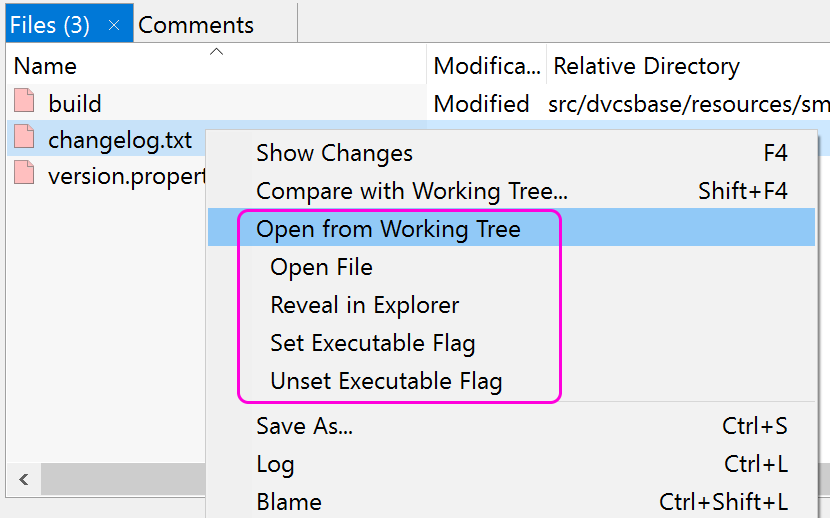
In the Log you now can start external tools that operate on the working tree files.
Log: Improved Drag and Drop
When dragging commits or refs in the log window, the occurring dialog has been replaced by a popup menu so you have quicker access to the options.

Other Features
Conflict Solver
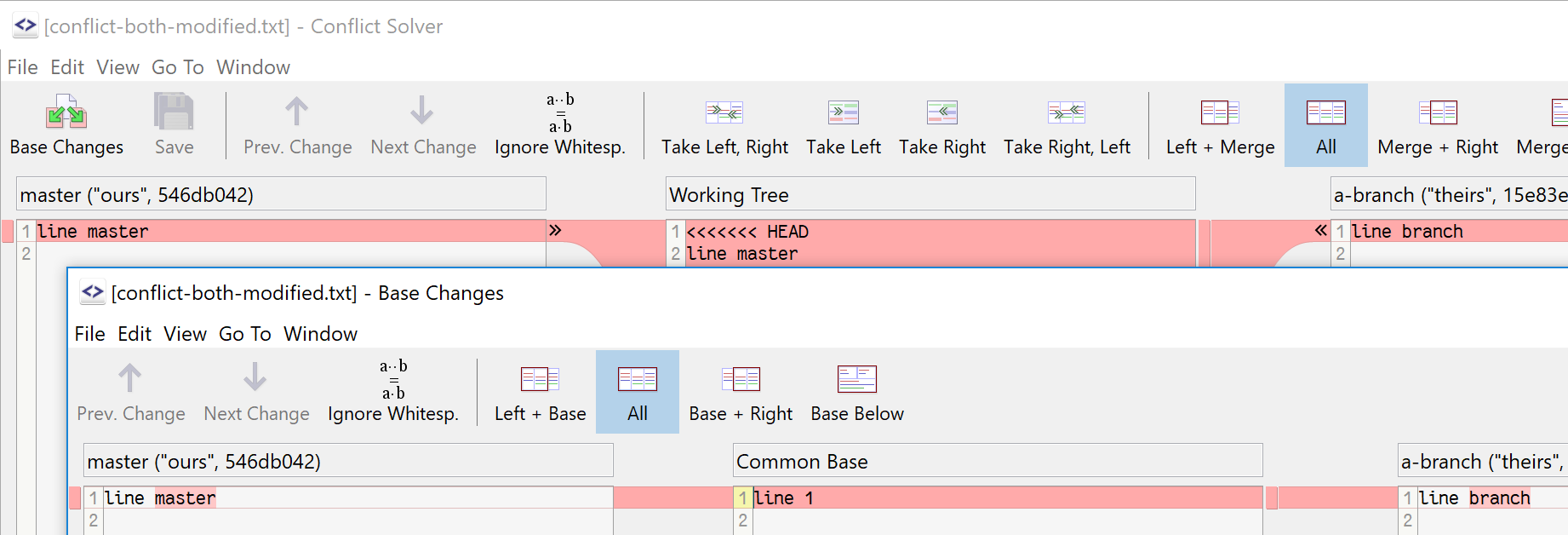
The Conflict Solver is a built-in 3-way-merge tool that helps you to resolve conflicts.
For better understanding the independent changes in complex conflicts you can show the base-file-changes, too.
Journal - Distraction-free Log
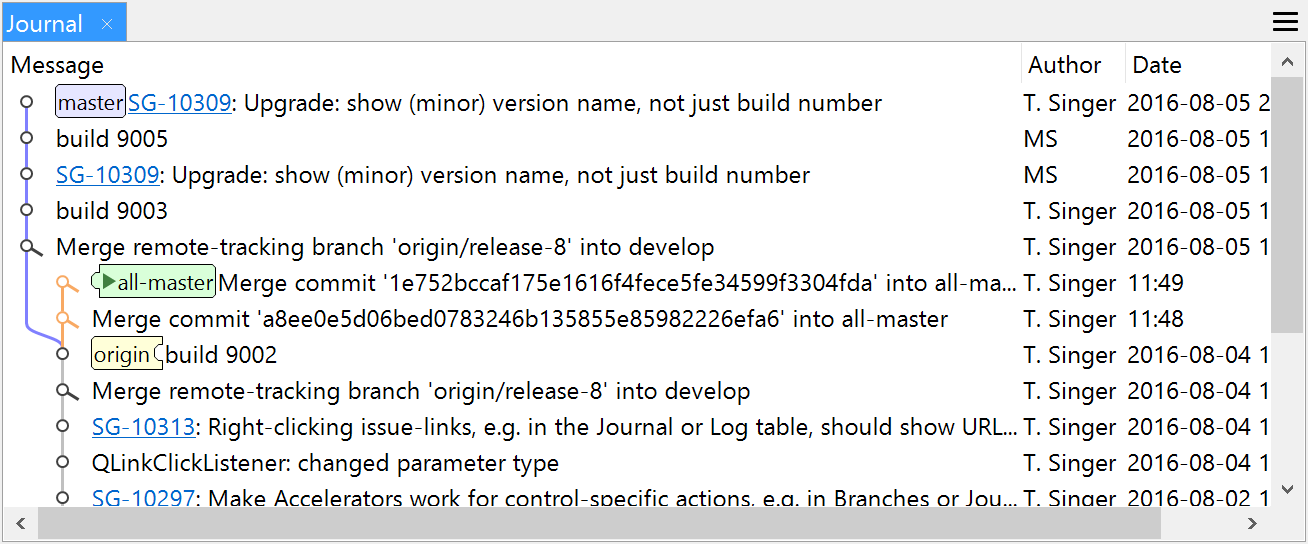
The "Journal" view shows the commits of the current branch, its tracked branch and one optional auxiliary branch.
It helps focussing on the work with the current branch without being distracted by unrelated commits or less important commit connections. Most branch-related commands, like Merge, Cherry-Pick and Reset, work for the Journal.
For a broader view of the repository's history, the full-featured Log still is available.
Issue-Linking
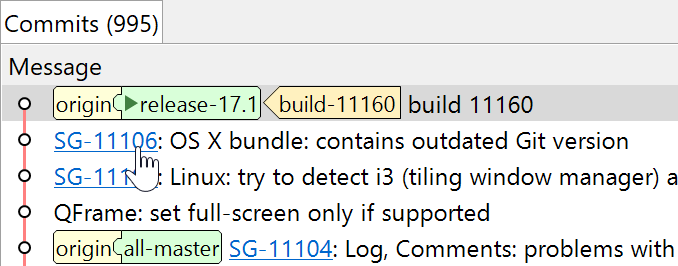
SmartGit supports an issue tracker ID to URL conversion configurable similar to SVN's bugtraq:* properties. More information you can find at github.com/mstrap/bugtraq.
JIRA Integration
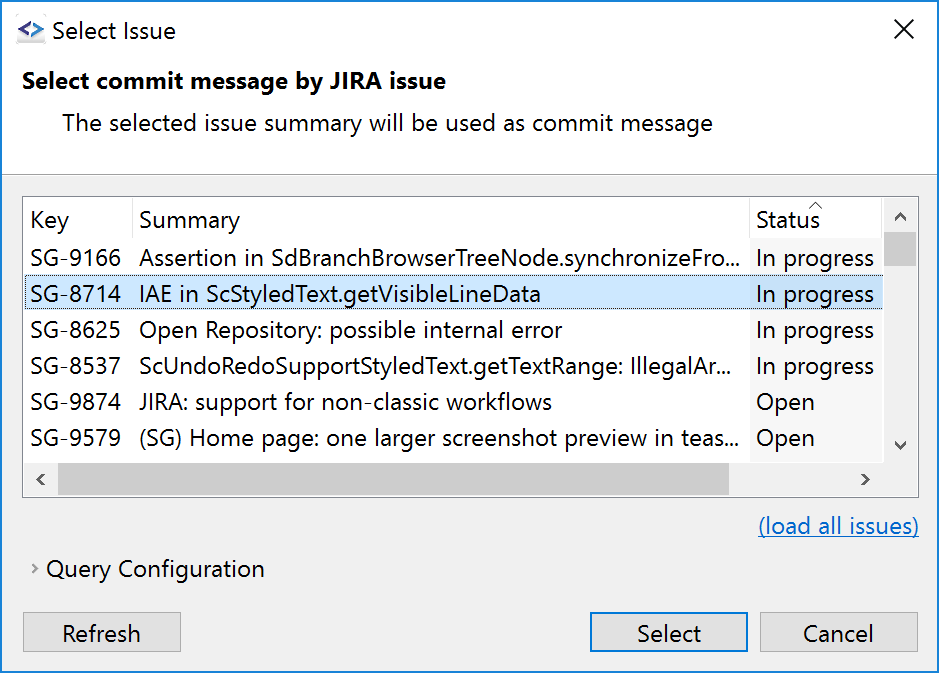
When committing files, you may select open issues from Atlassian's JIRA and use it as commit message.
When pushing commits, SmartGit will determine affected commits and offer to resolve them for a certain version in JIRA.
Spell Checker for Commit Messages
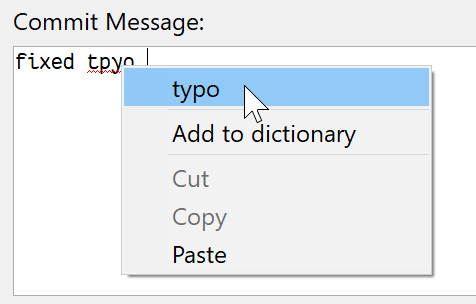
SmartGit ships with an US-English dictionary, but you can configure different dictionaries to be used. SmartGit supports the same dictionary file format as OpenOffice or LibreOffice. If multiple dictionaries are configured, the best matching one will be used automatically.
Push to Gerrit
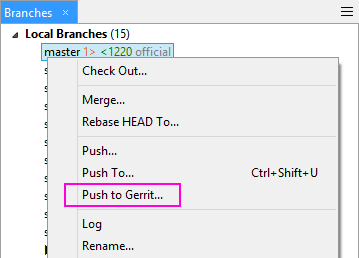
Push To Gerrit provides a quick way to push your current branch <branch> to refs/for/<branch> on your Gerrit server. This operation will only be available if SmartGit has detected that one of your remotes is actually connected to Gerrit.
BitBucket and Atlassian Stash
BitBucket and Atlassian Stash are now supported with pull requests and comments, similar to GitHub.

GitLab Hosting Provider
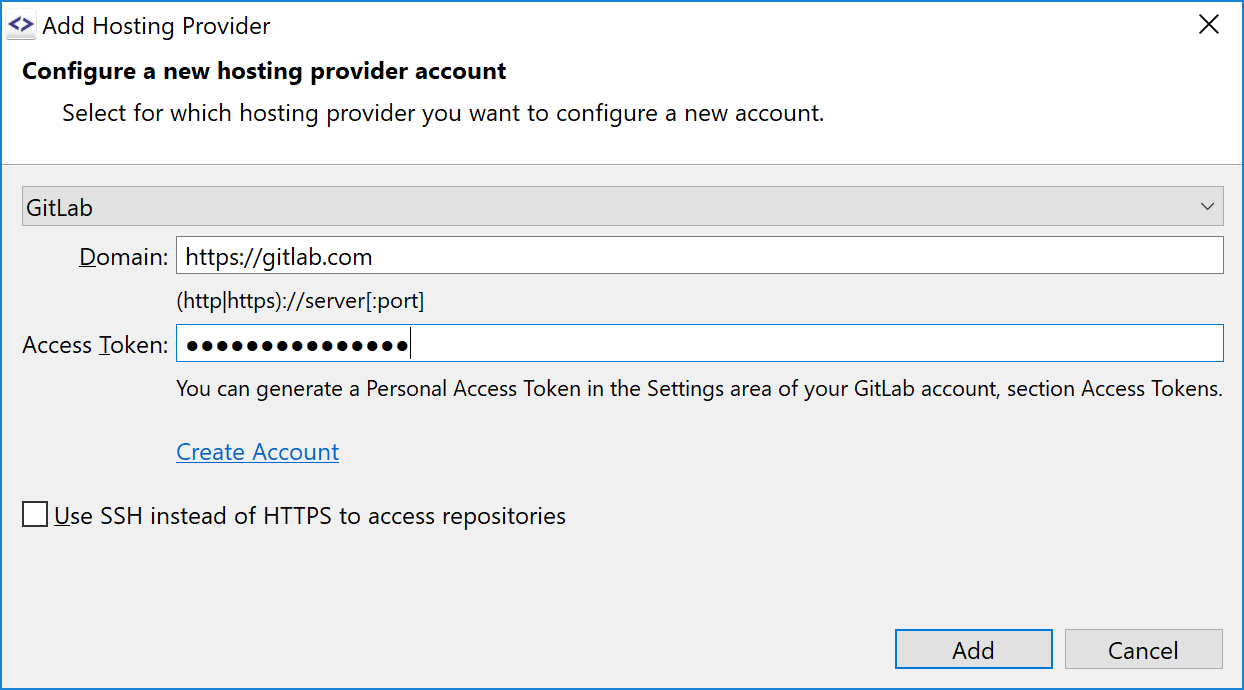
Easily clone your GitLab repositories. You may use your gitlab.com account or your private GitLab installation.
Support for Git-LFS
The status of GIT-LFS-managed files is showing up.
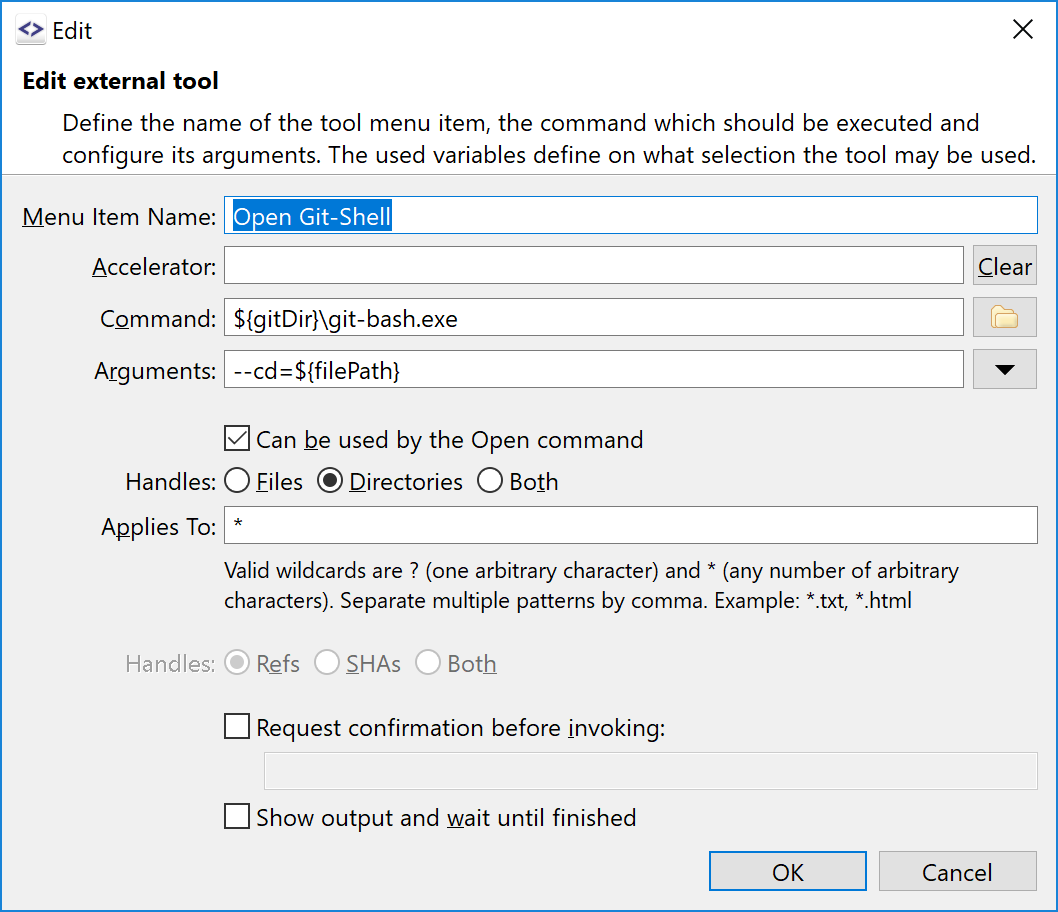
External Tools
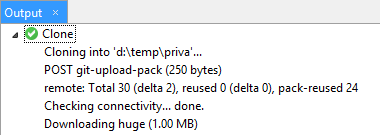
External Tools can be configured to work on commits. Such tools will be available, both in the Branches view and in the Log Graph. There are new variables available to ask for a file or directory name and a customizable confirmation dialog can be optionally displayed before invoking a tool.
Stash on Demand
If pulling or checking out a branch fails because of local modifications, the changes can be stashed away easily and applied again after the successful command execution.